Background removal
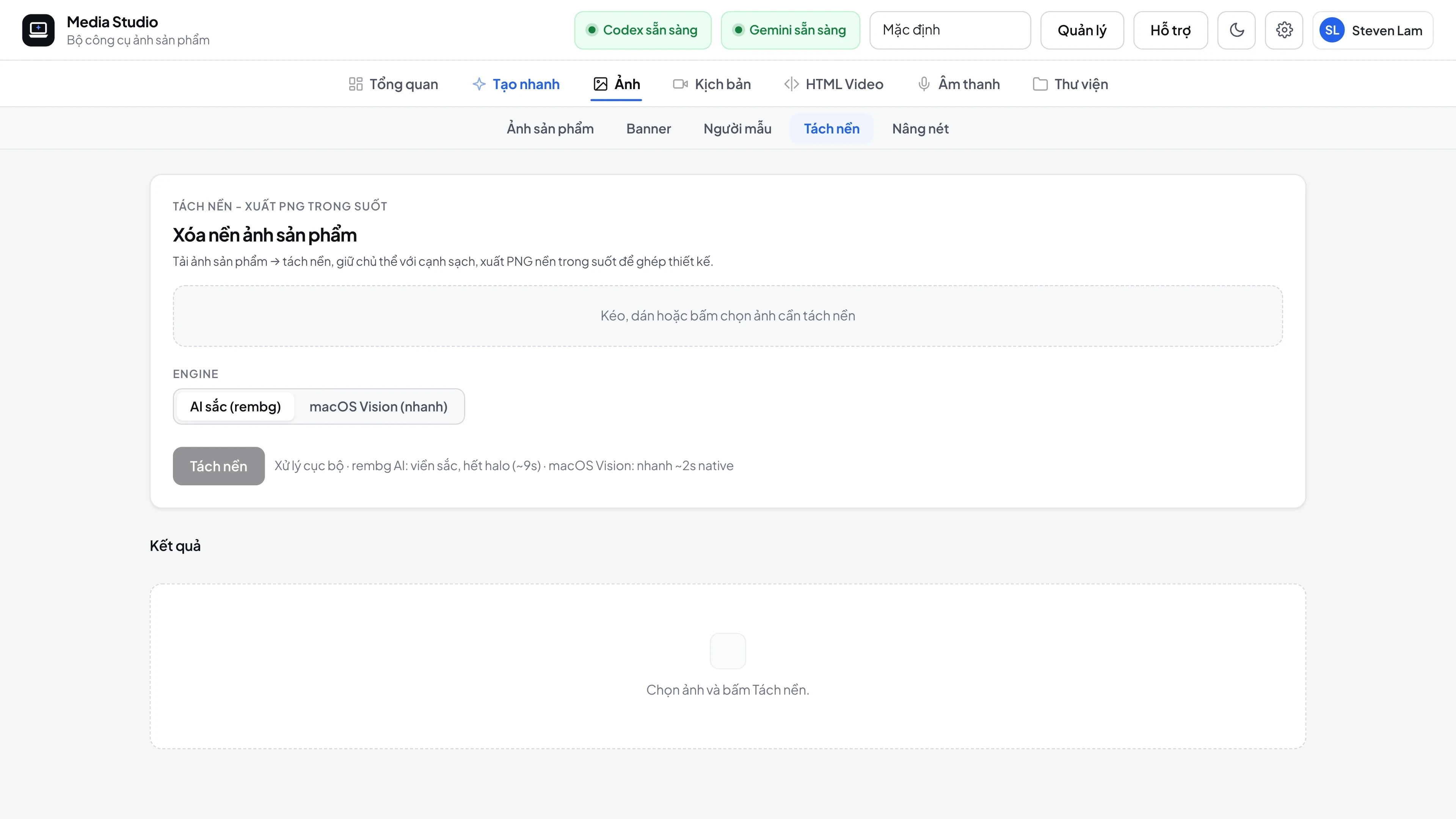
Creates a transparent PNG from a product photo. Engines are tried in order, and a poor result automatically falls through to the next engine:
- rembg (isnet) - fast and clean on most manufacturer photos.
- macOS Vision - native, with crisp edges.
- Background-color cut - keeps everything inside the laptop's outline, so a white screen or a bright logo is never punched out.
- Photoshop Select Subject (for banners) - runs in the background and closes Photoshop by itself after 30s.
Quality check (since v1.13.2)
A cut-out is treated as failed when it loses more than 6% of the laptop body, has an enclosed hole inside the body, breaks into several pieces, or is almost empty or completely filled. If every engine fails, the video scene switches to a different image. In a test of 23 images, all 5 images where rembg punched holes were replaced with a clean version.
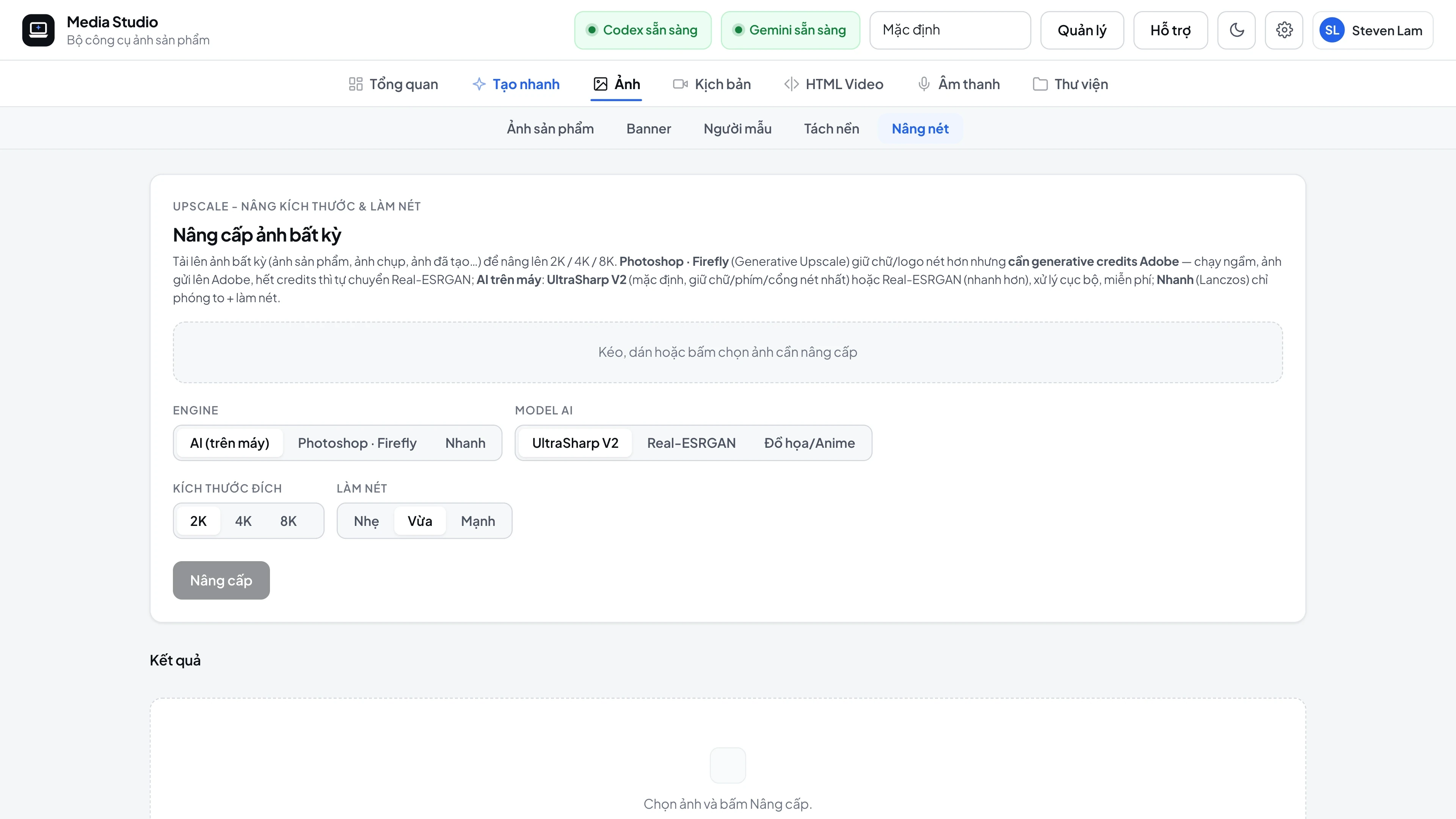
Upscaling
| Engine | Use when |
|---|---|
| UltraSharpV2 (default) | Any image: Upscale tab, 2K/4K/8K export, automatic 2× upscale after generation. Beat Real-ESRGAN on 10 of 10 test images (PSNR +2.7 to +4.9 dB) and preserves keycap and chart text correctly |
| Real-ESRGAN | Automatic fallback when UltraSharpV2 fails |
| Lanczos | Quick resize without AI (engine: "lanczos") |
| Photoshop Firefly | Optional - costs Adobe credits, and falls back to Real-ESRGAN on error |
Target sizes: 1080, 2048, 2k, 4k, 8k or any custom pixel value.
Image compression
Every export button includes TinyPNG compression; the app rotates between several keys, counts usage per month and balances the load.
Screenshots