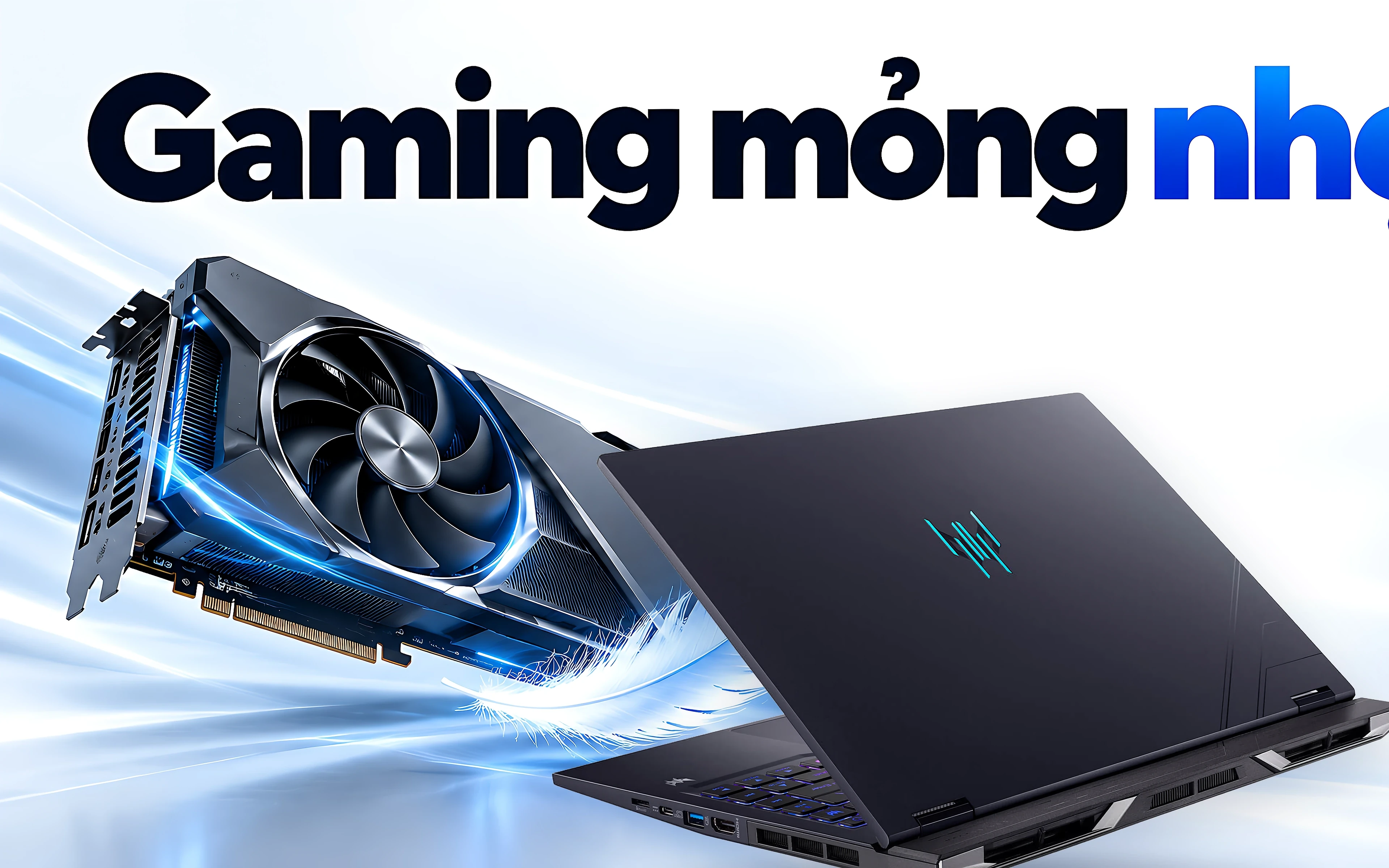
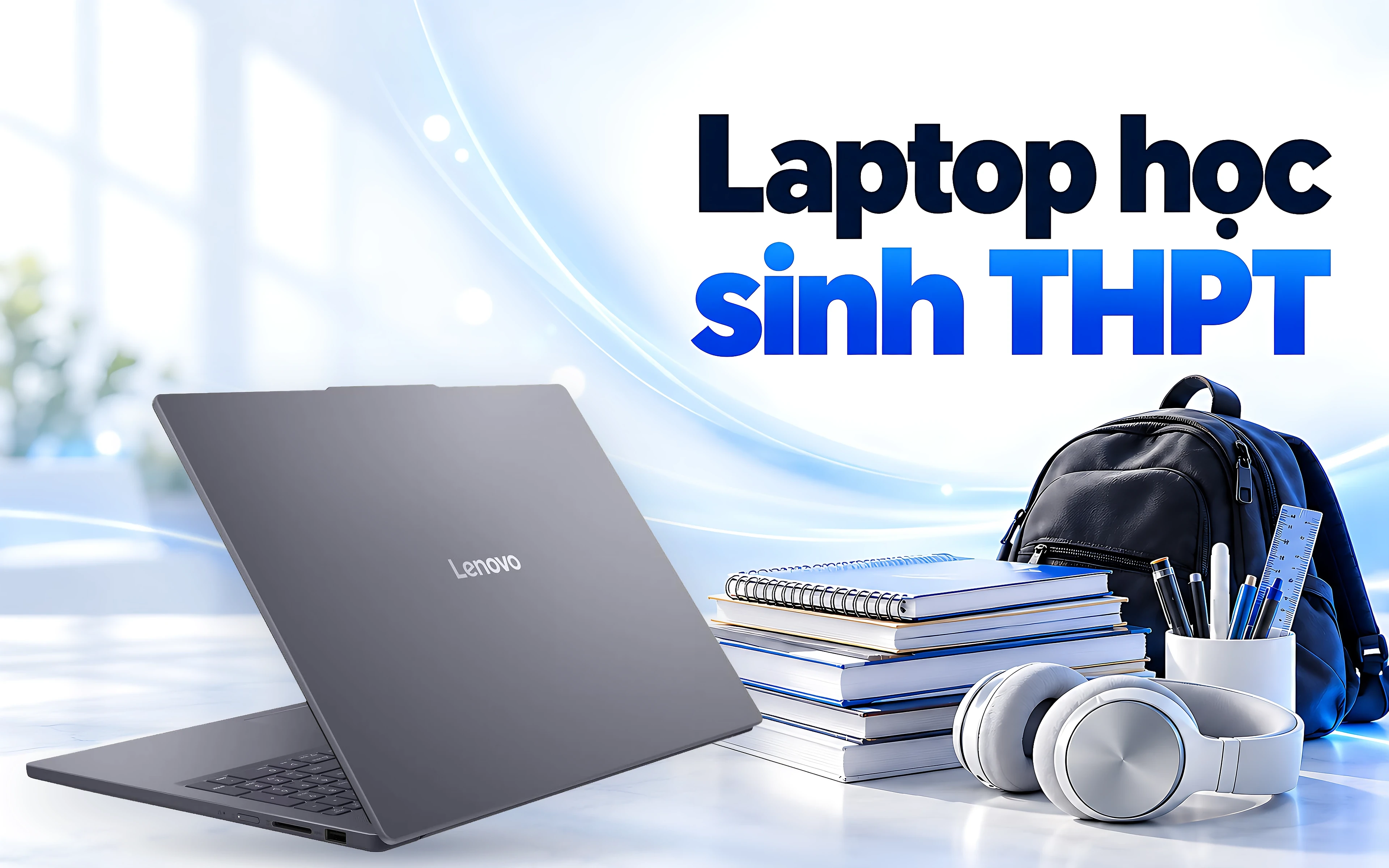
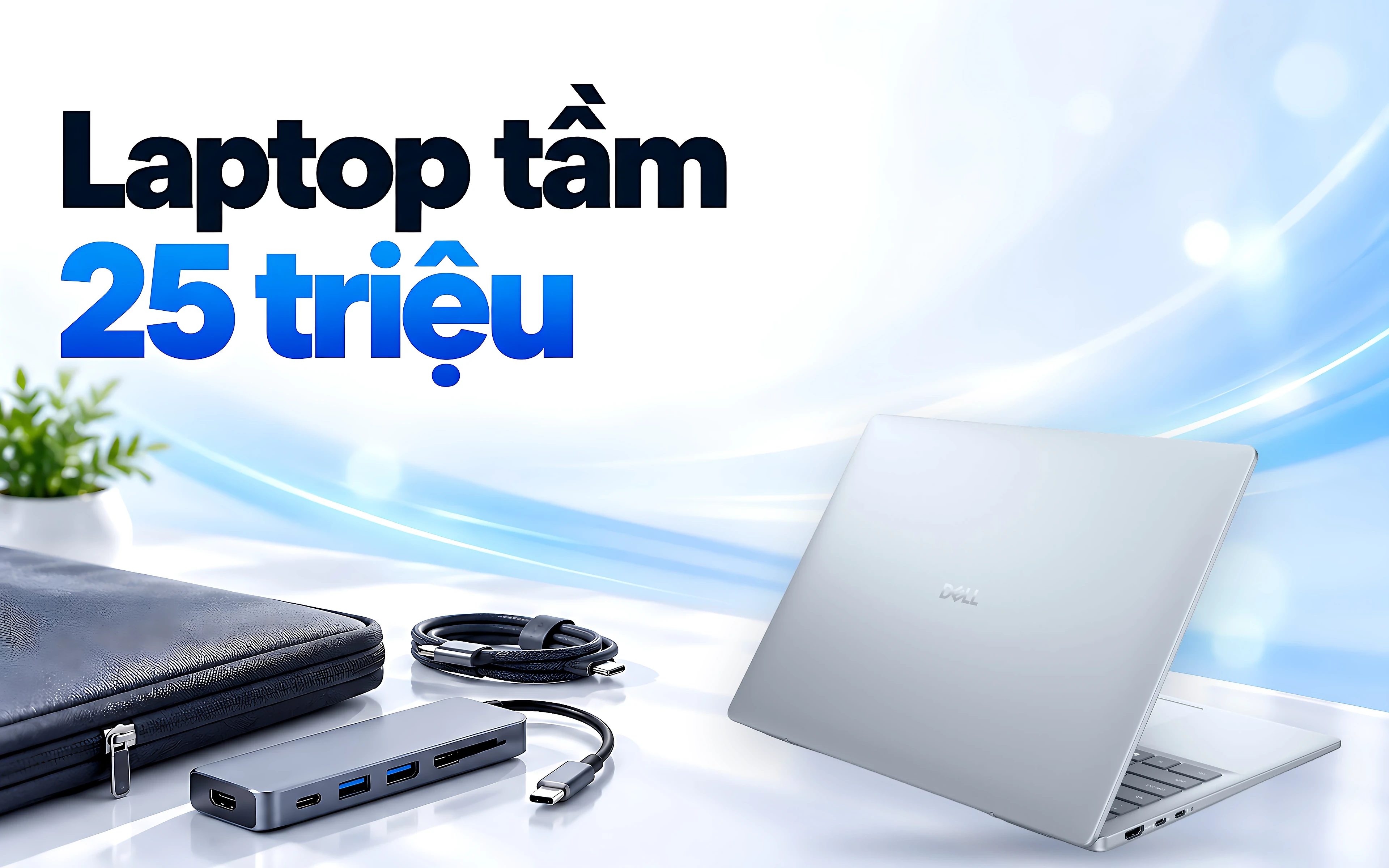
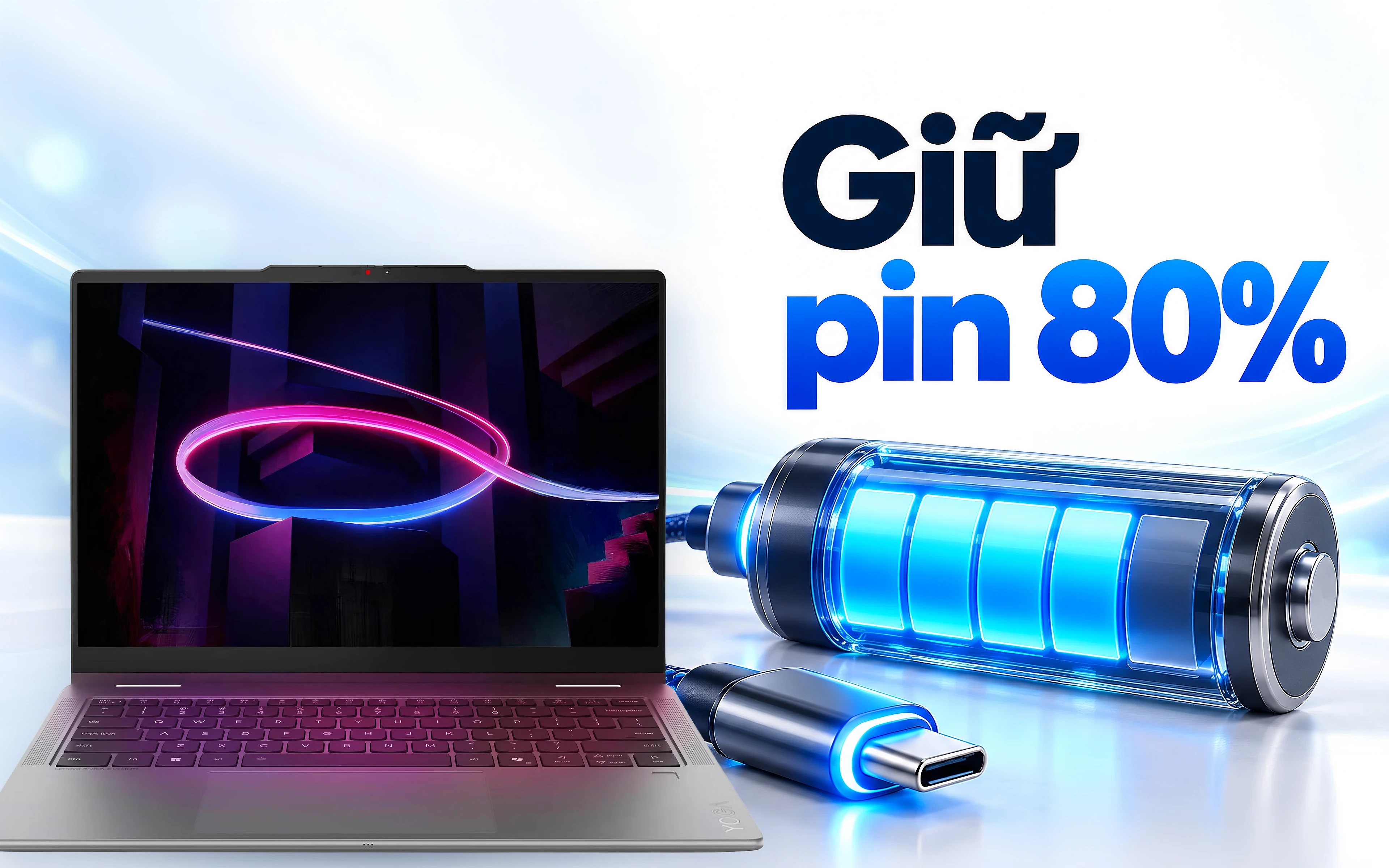
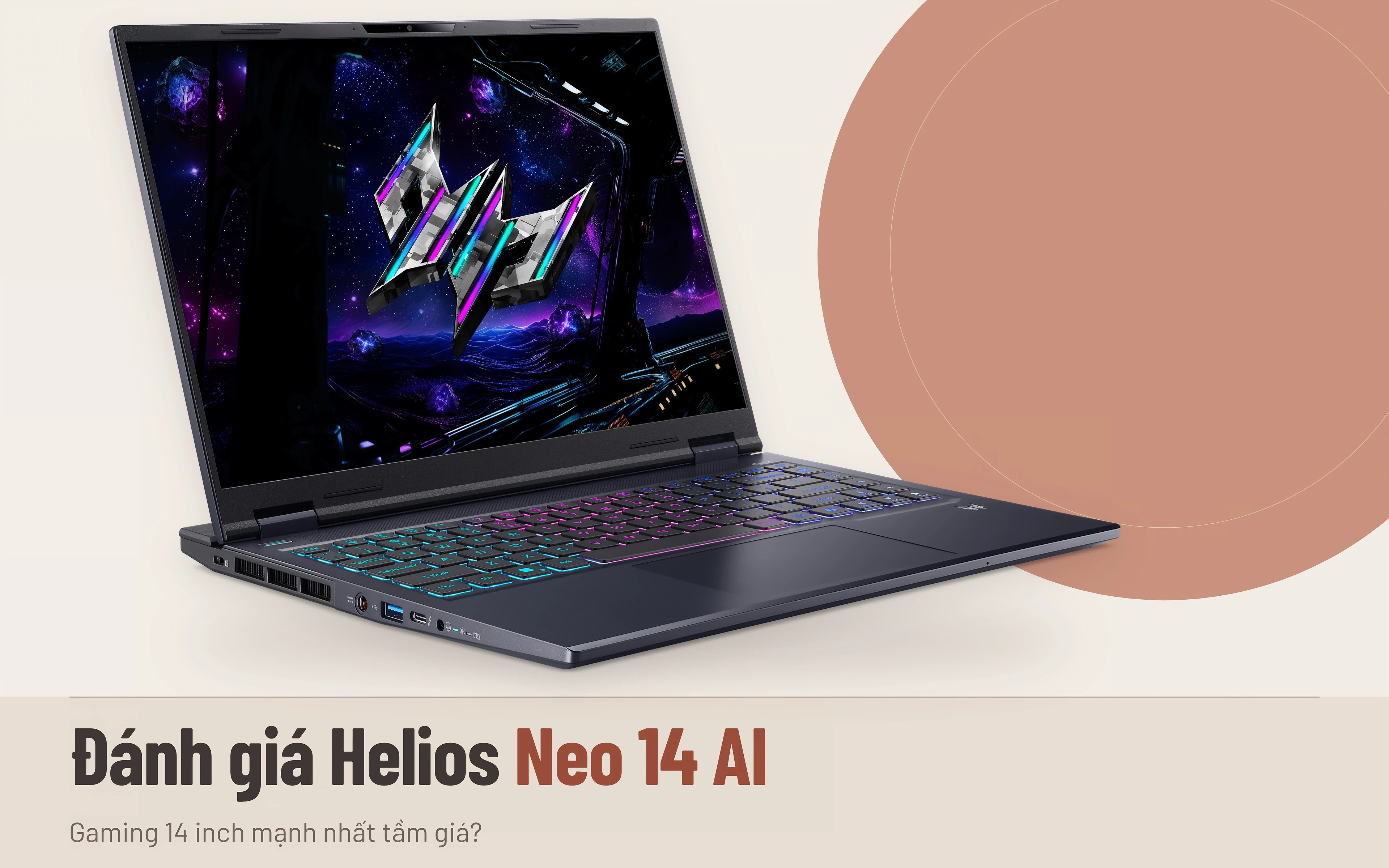
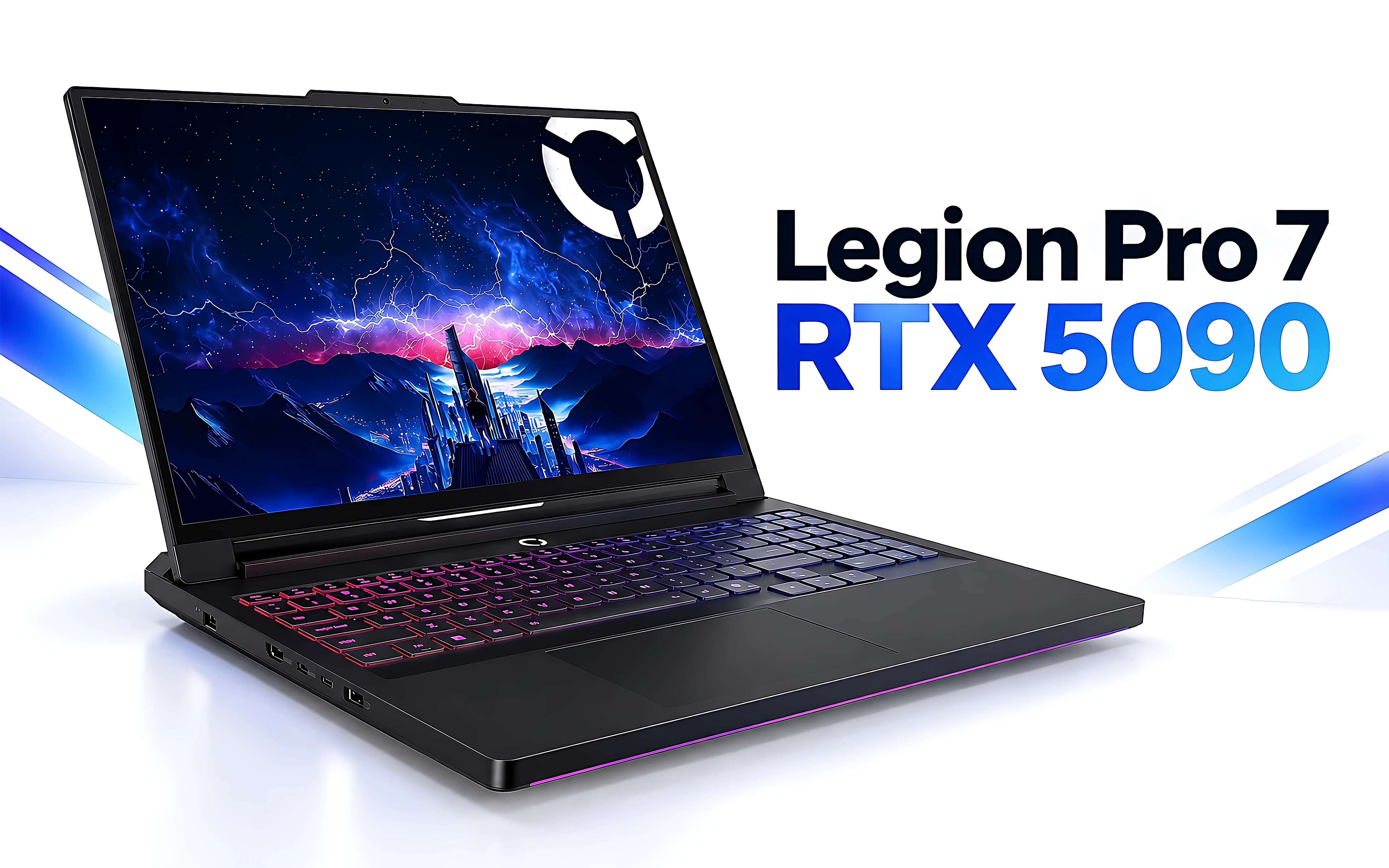
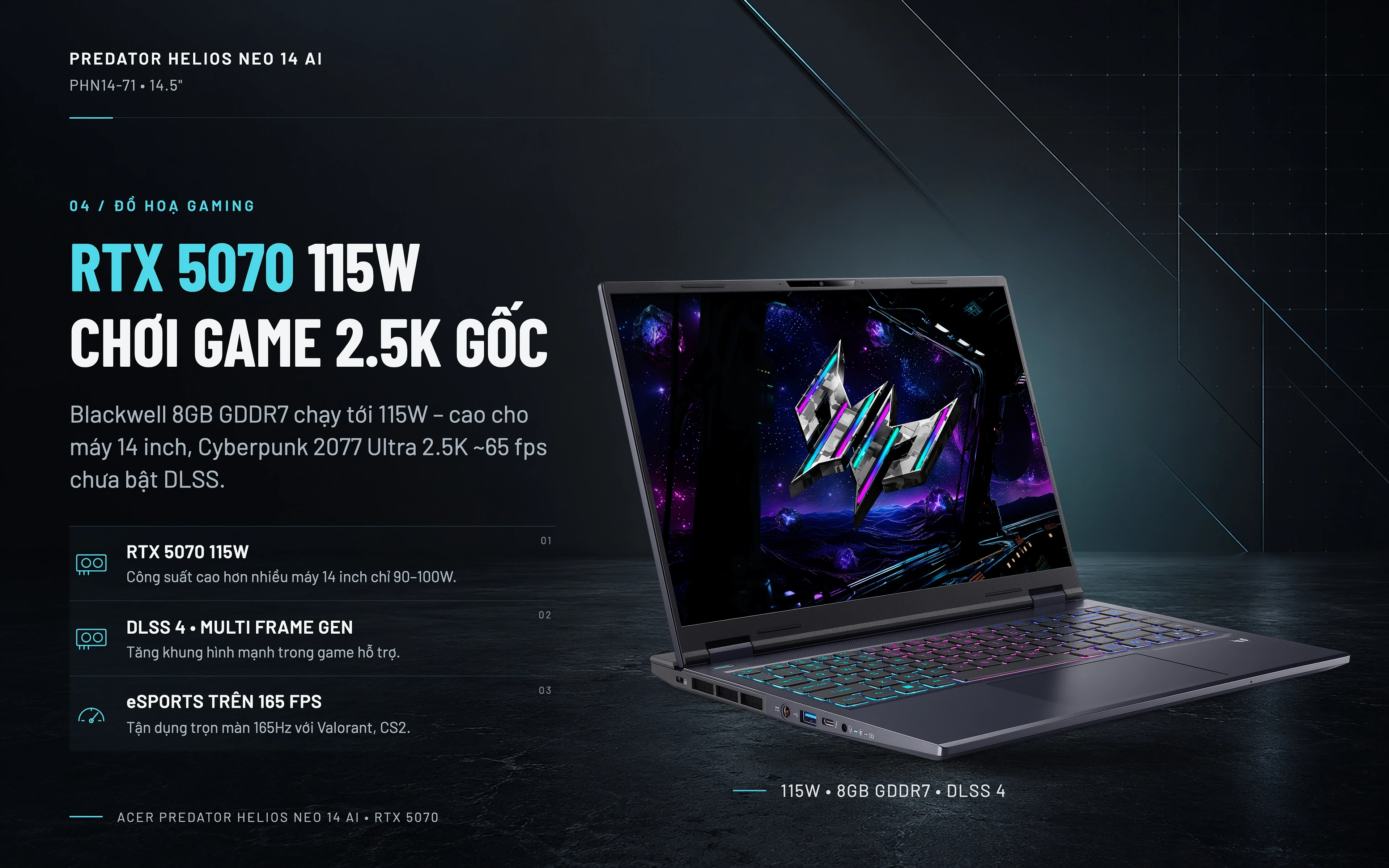
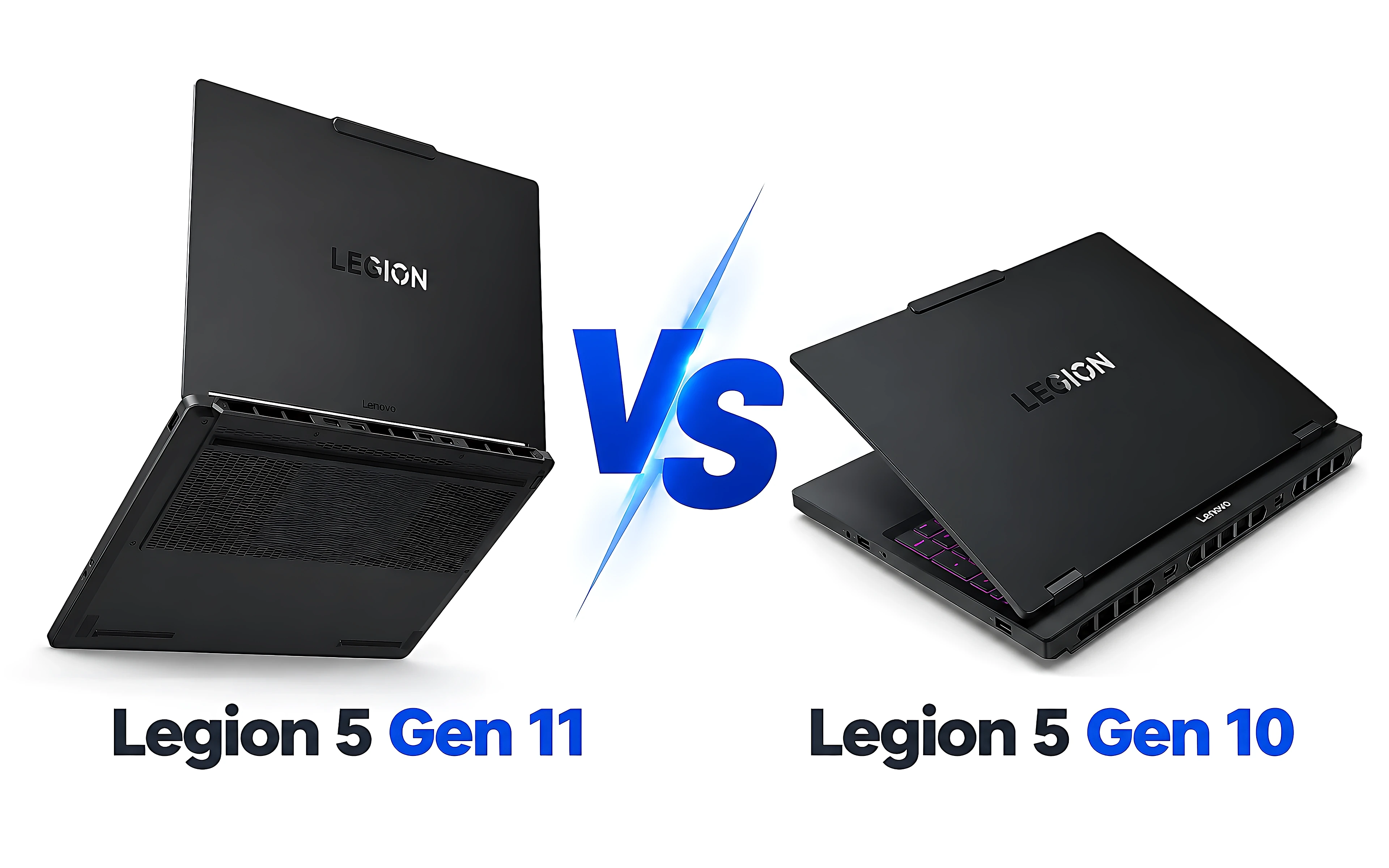
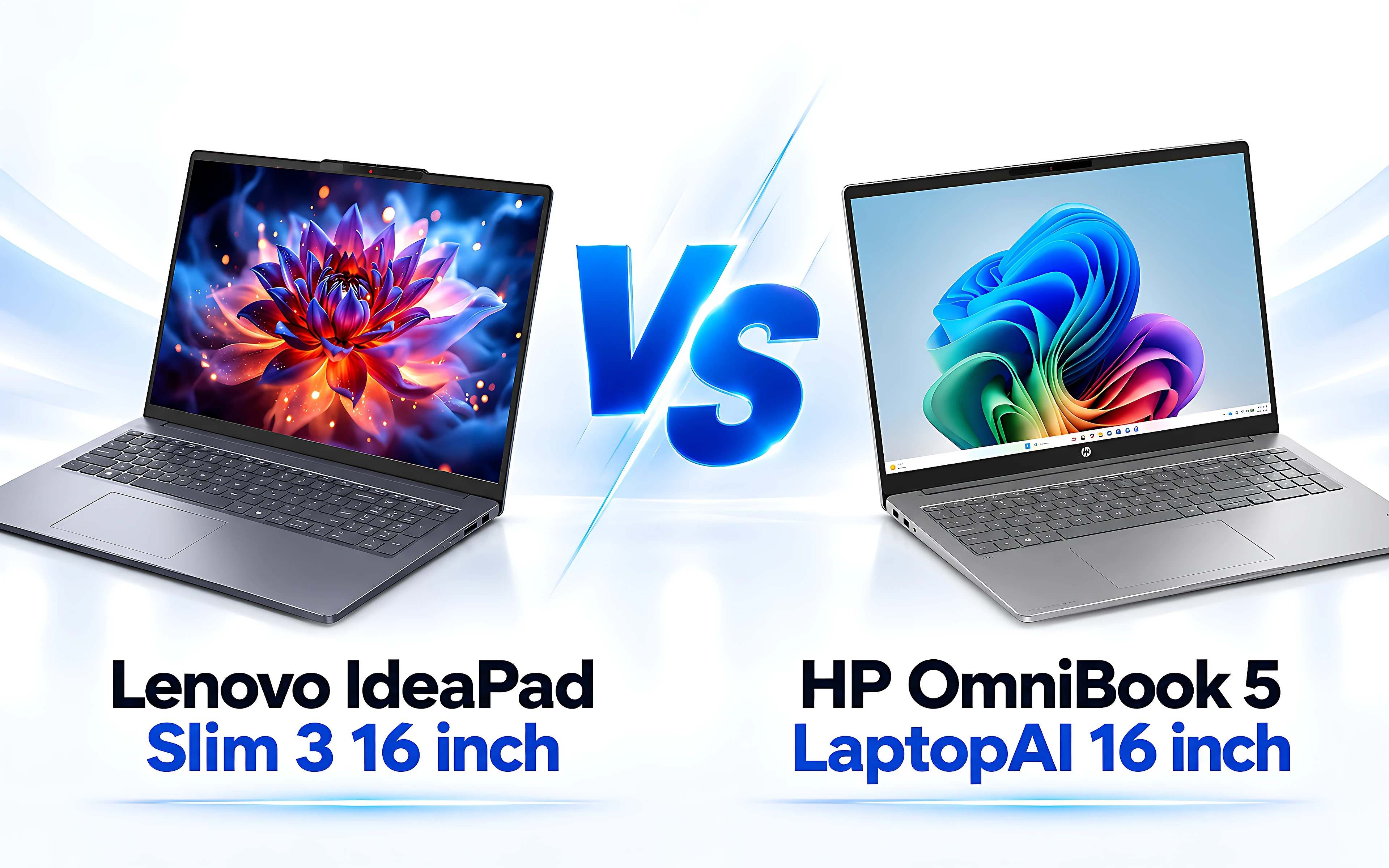
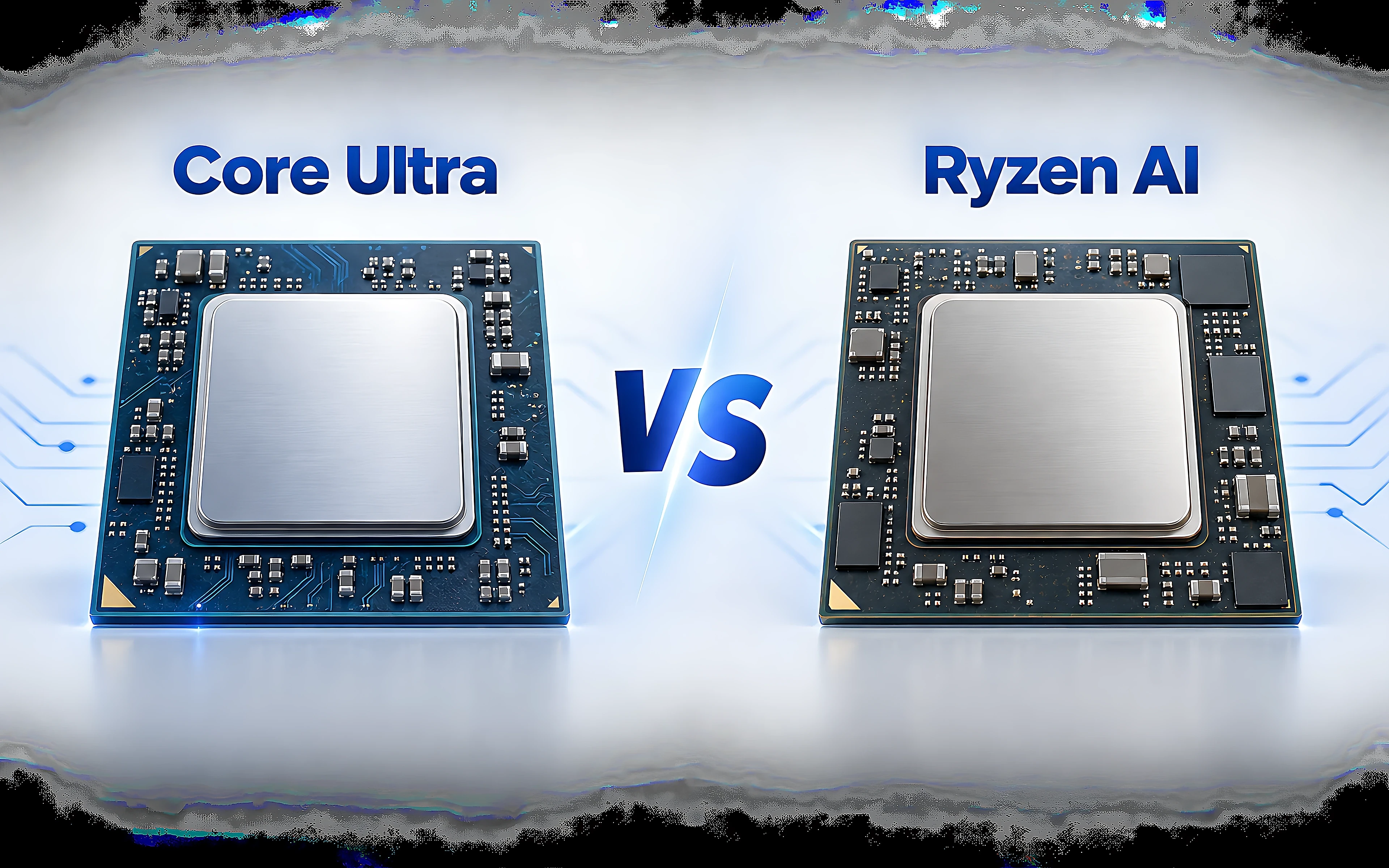
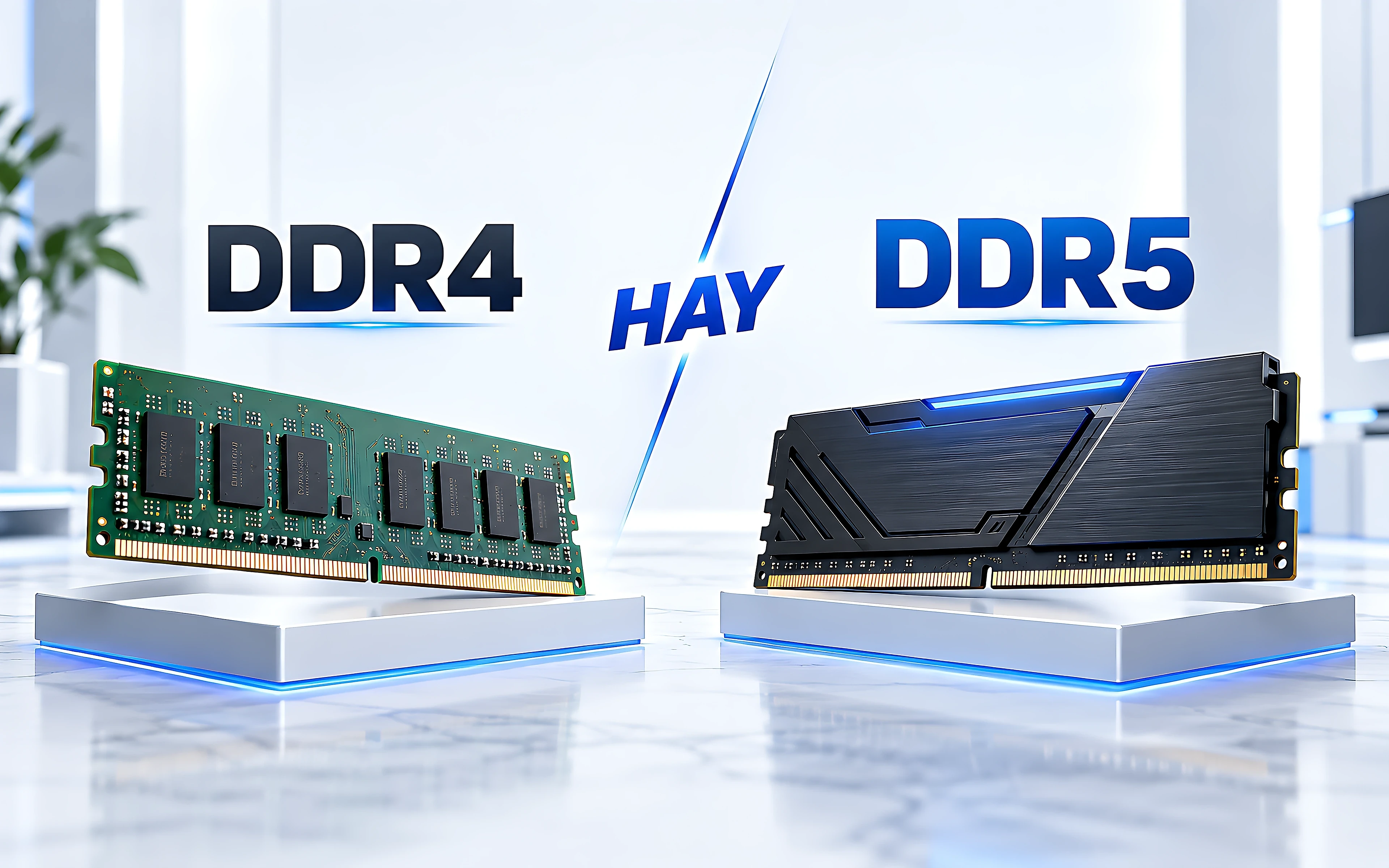
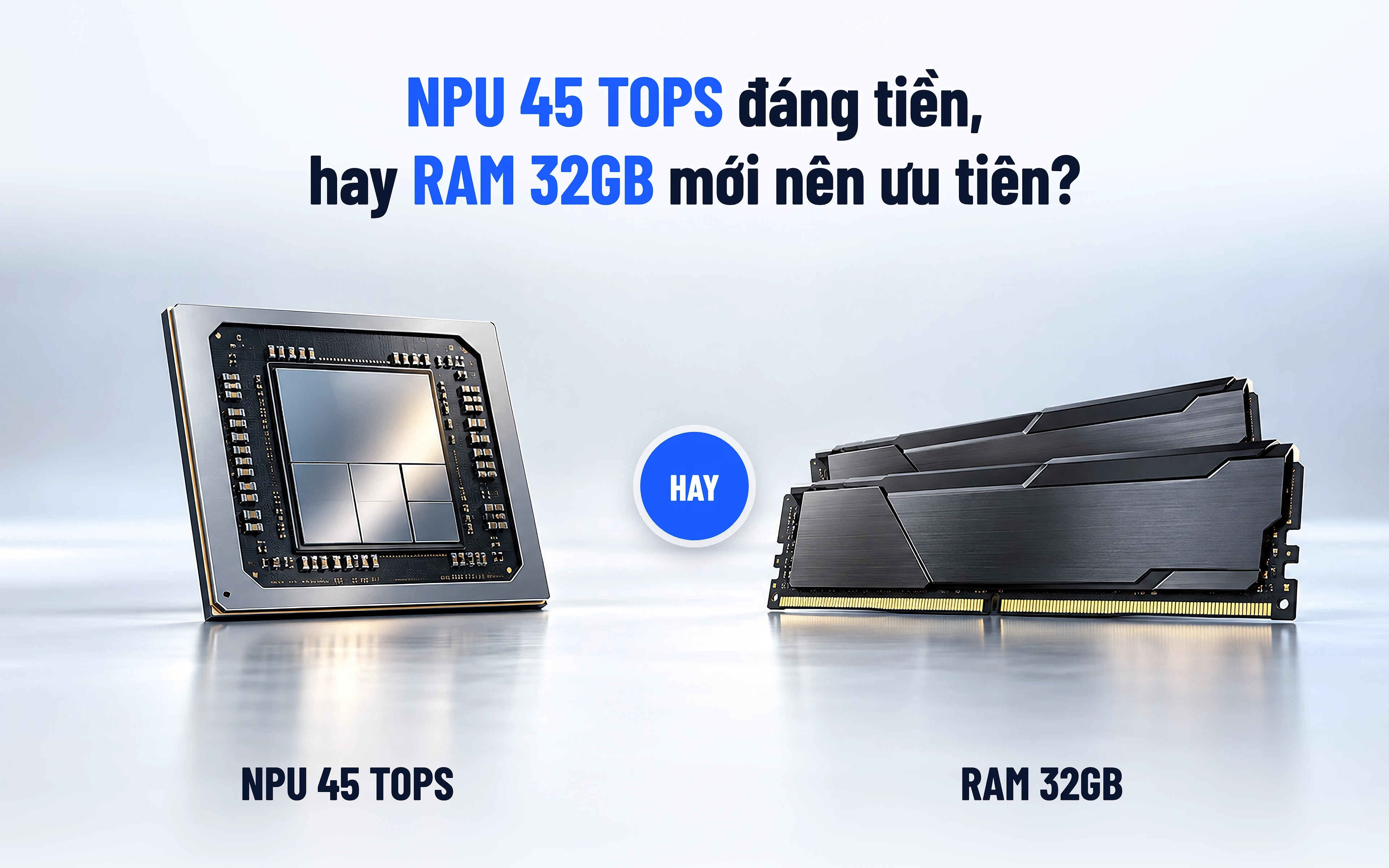
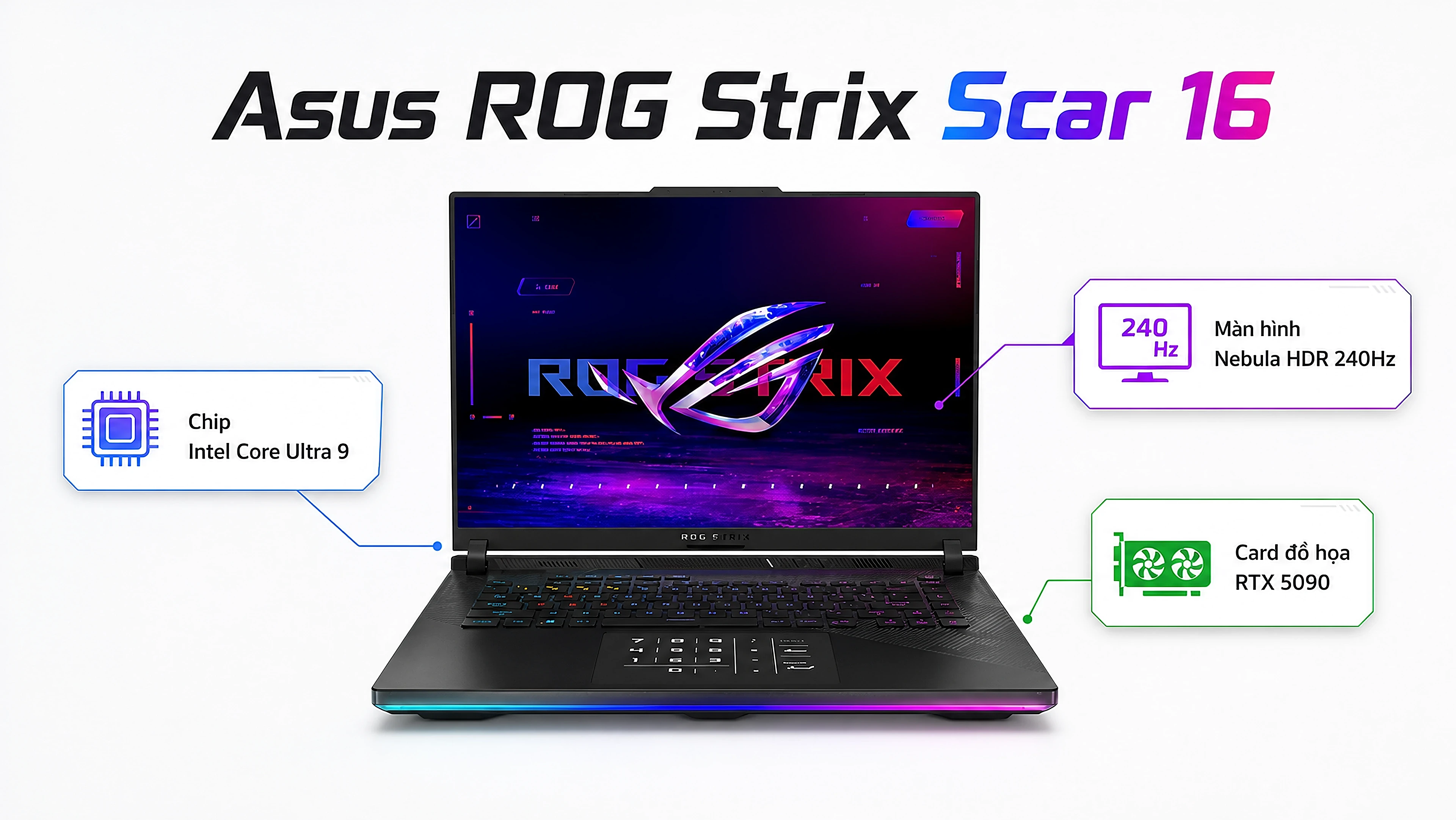
Since v1.11.0 every banner is built in separate layers instead of letting the AI draw the whole image. The result: the laptop is always the real machine, Vietnamese text never loses its diacritics, and images are sharp at 2560px.
Layered rendering
| Layer | Source | Notes |
|---|---|---|
| 1. Background | AI paints the background / illustrative objects, no text, no laptop | Backgrounds are cached per style, so a series stays consistent and the next run uses 0 quota |
| 2. Laptop | The manufacturer's original photo, background removed | Cached per image; automatically avoids the text area and picks a direction for the largest laptop |
| 3. Text and modules | HTML with embedded fonts, captured by Chrome | Text auto-scales to fit the frame, with color emphasis from *word* or highlight |
Featured images (article covers)
- The AI draws the full background, the title text and topic-appropriate objects (SSD, charger, RJ45 plug and so on); only the original laptop is composited afterwards, so the text blends into the image.
- Standard style: a light white-blue background with extra-bold two-color text (black/navy plus a blue gradient), matching the Hưng Phát web covers. Three layouts:
topline,left2,right2. - OCR text check: the text the AI drew is read back; numbers and model names (
45W,RJ45) must match exactly, and a wrong diacritic means rejection. On failure it regenerates up to 2 times, and if it is still wrong it falls back to HTML text. SendtextBy: "html"to force HTML text. - The 8 CSS templates (Atelier, Photon, Premiere, Boost...) are still available with
design: "<name>"- no quota cost, about 2 seconds per banner.
Banner types
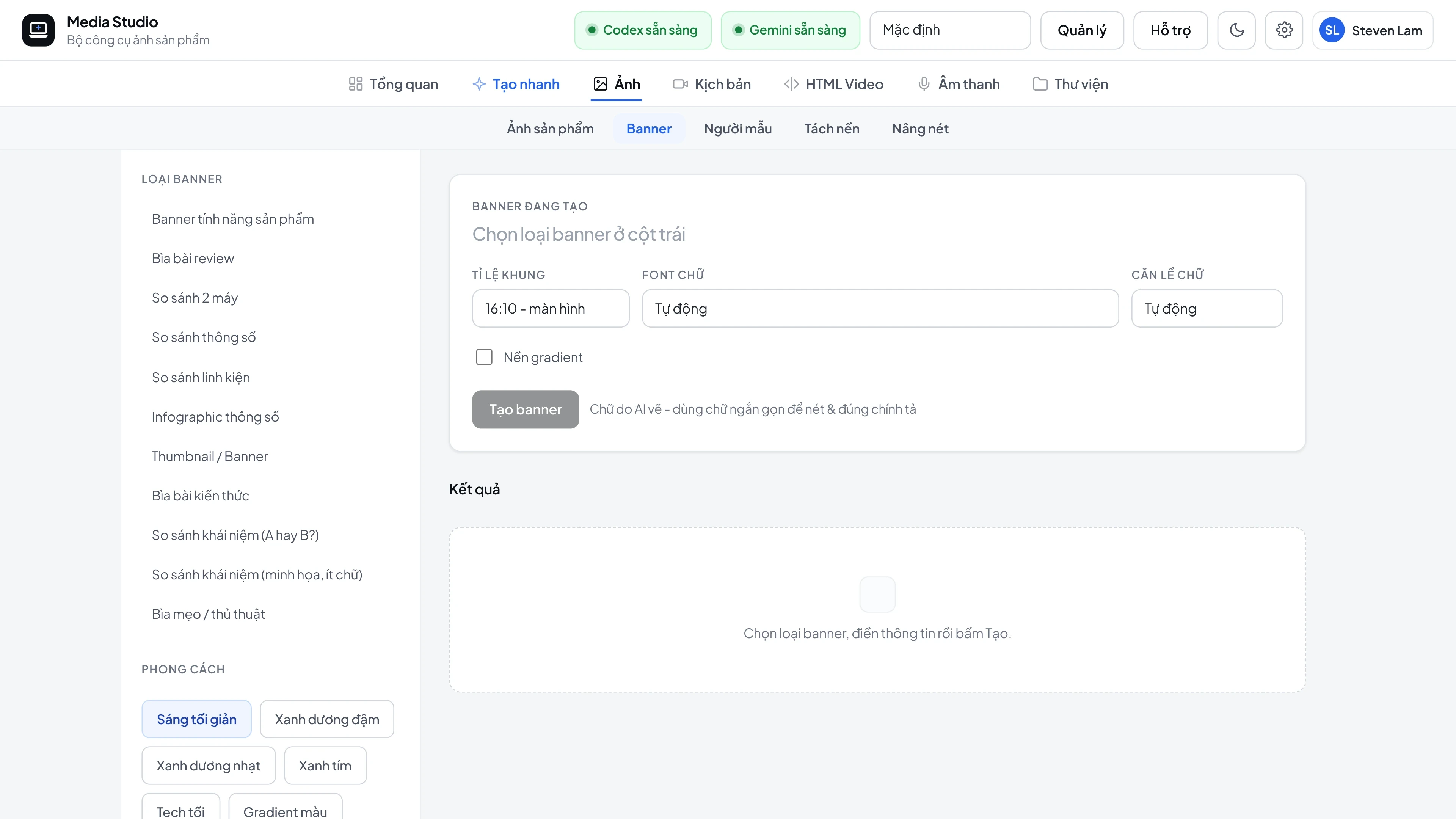
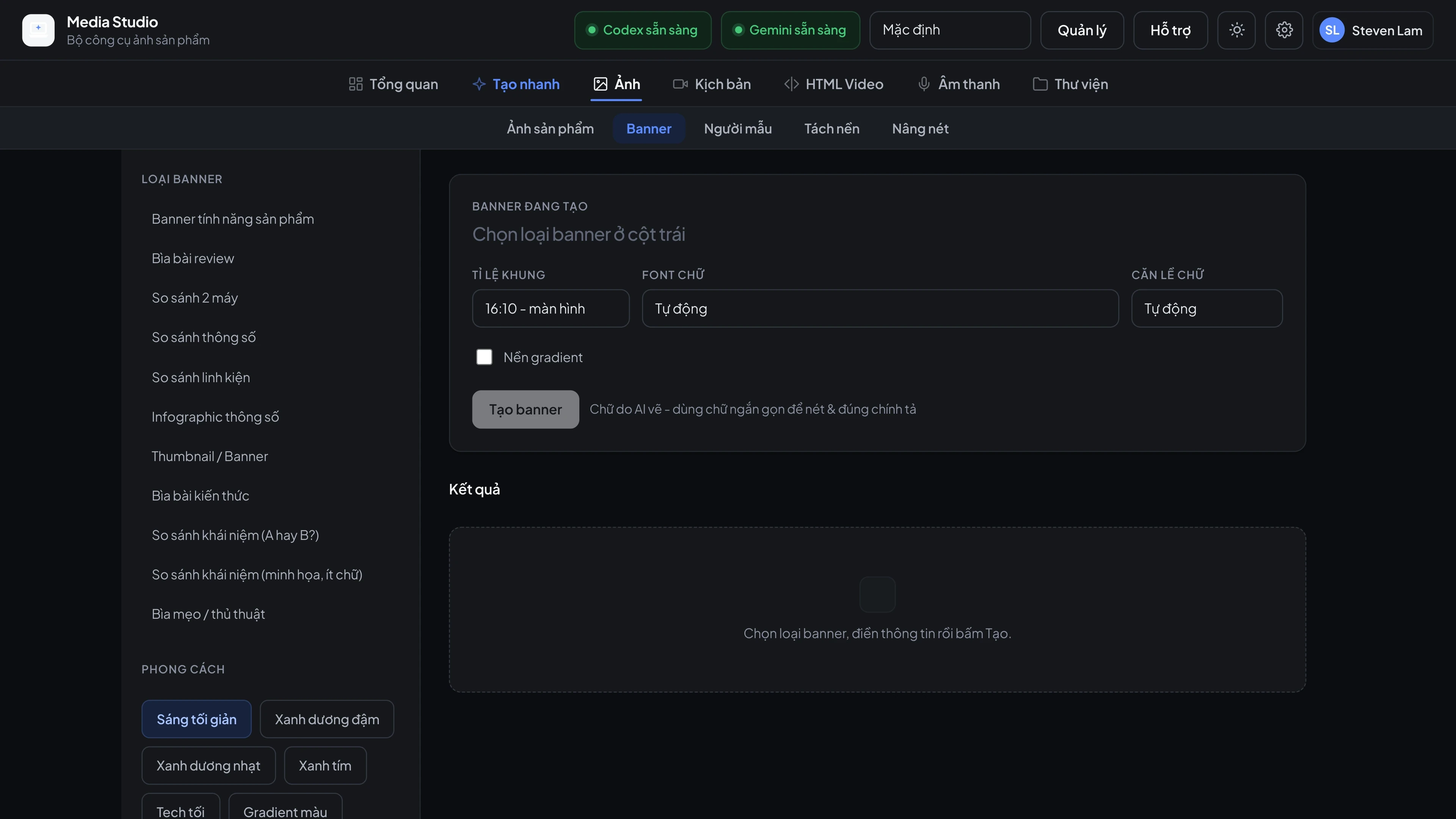
Review cover, two-laptop comparison, spec comparison, component comparison (CPU/GPU/RAM/SSD/display, in Laptop or PC form), infographic with 17 topics, thumbnail, knowledge cover, "A or B", tip cover, and the product feature banner (feature). Color presets favor the channel's signature blue tones.
Benchmark charts
POST /api/v1/chart draws charts from your data (column, horizontal, comparison) with the blue palettes navy / sky / indigo; axis labels always stay horizontal and wrap when long. CPU, GPU and game FPS data comes from the NotebookCheck database.
Stability
Rendering uses Chrome headless-shell (it works even when the Mac screen is off). Each render has a 75-second limit - if it hangs, Chrome is restarted and the render is retried once, so no request hangs indefinitely any more.
Screenshots