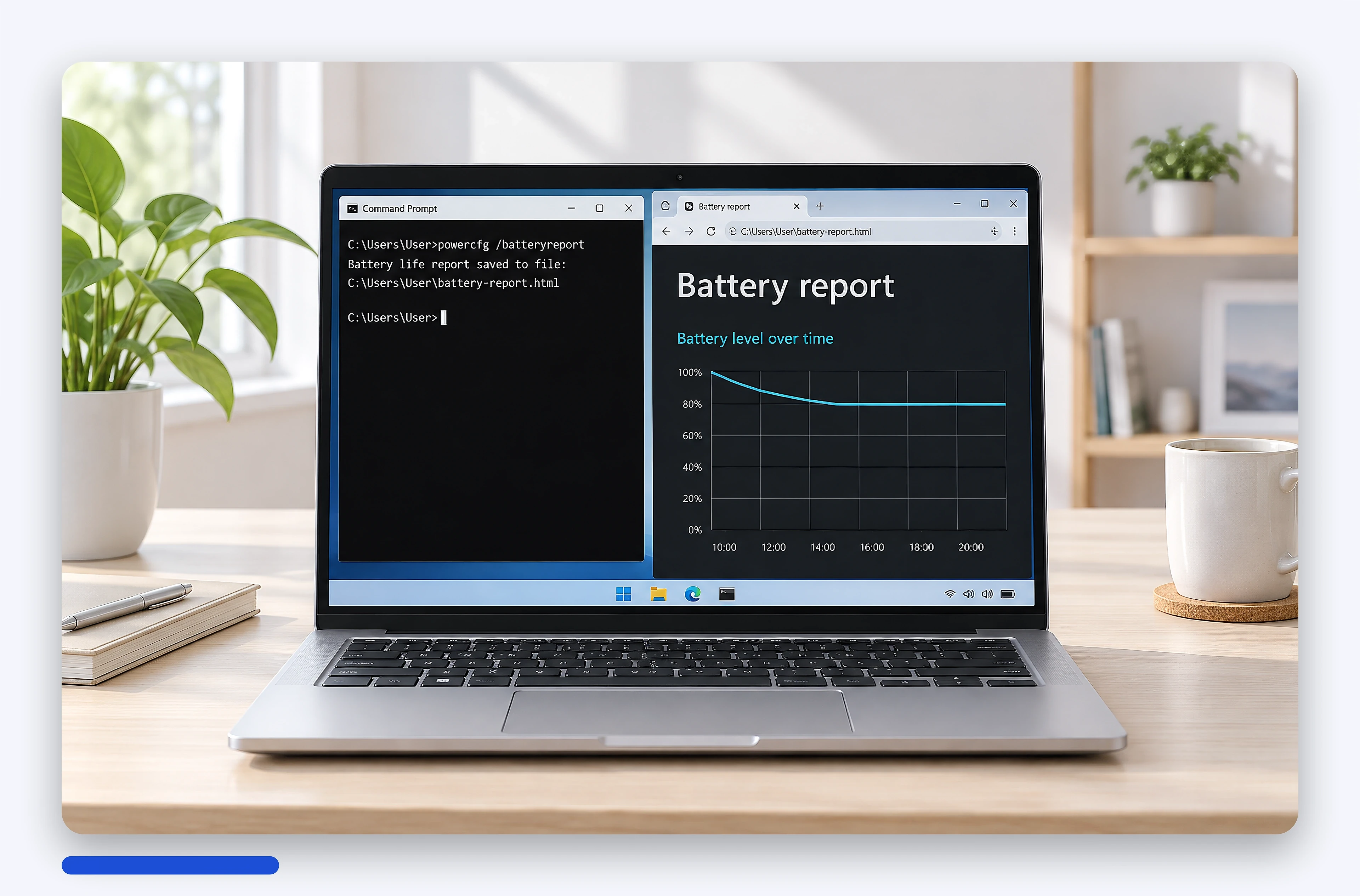
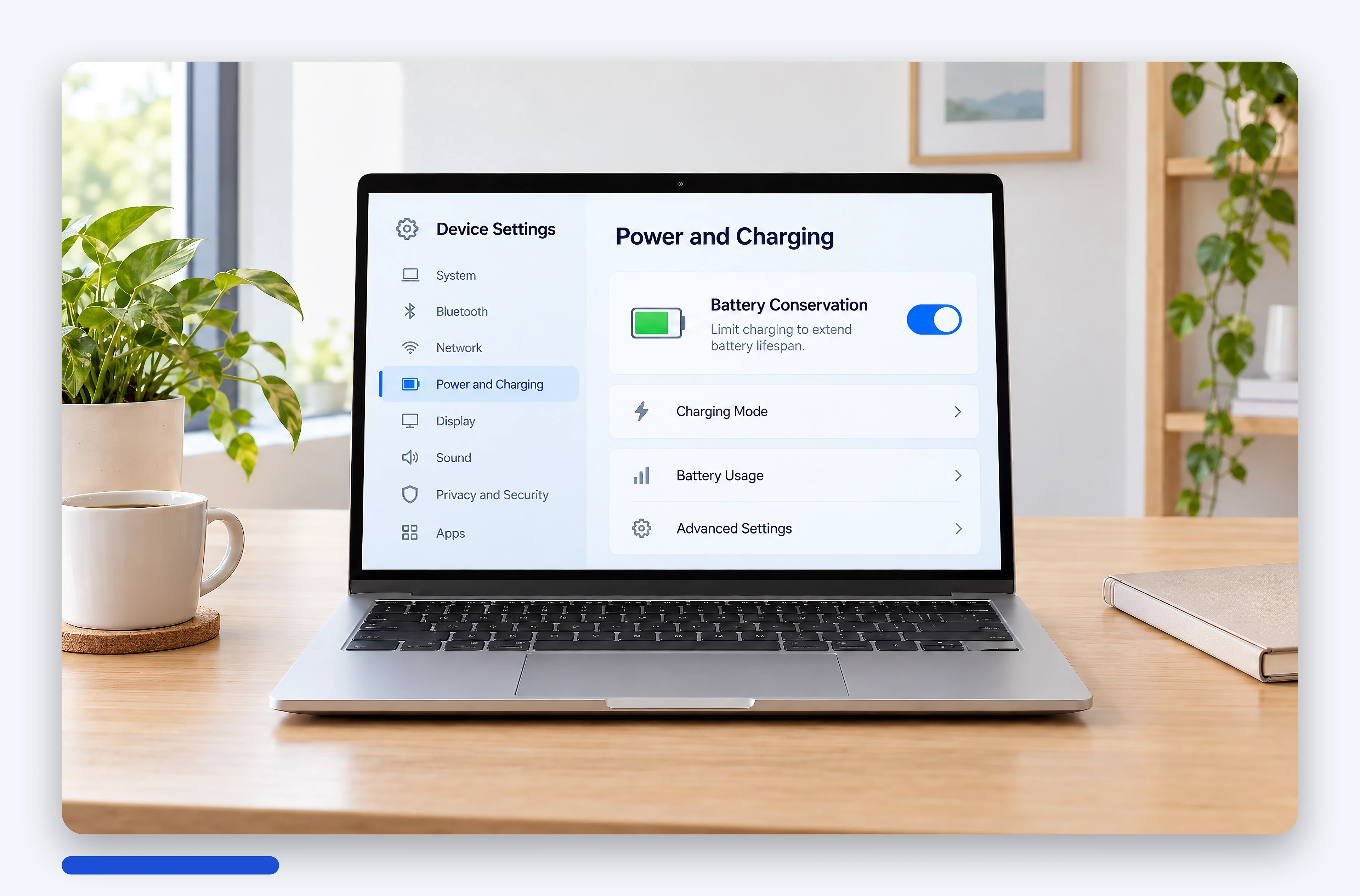
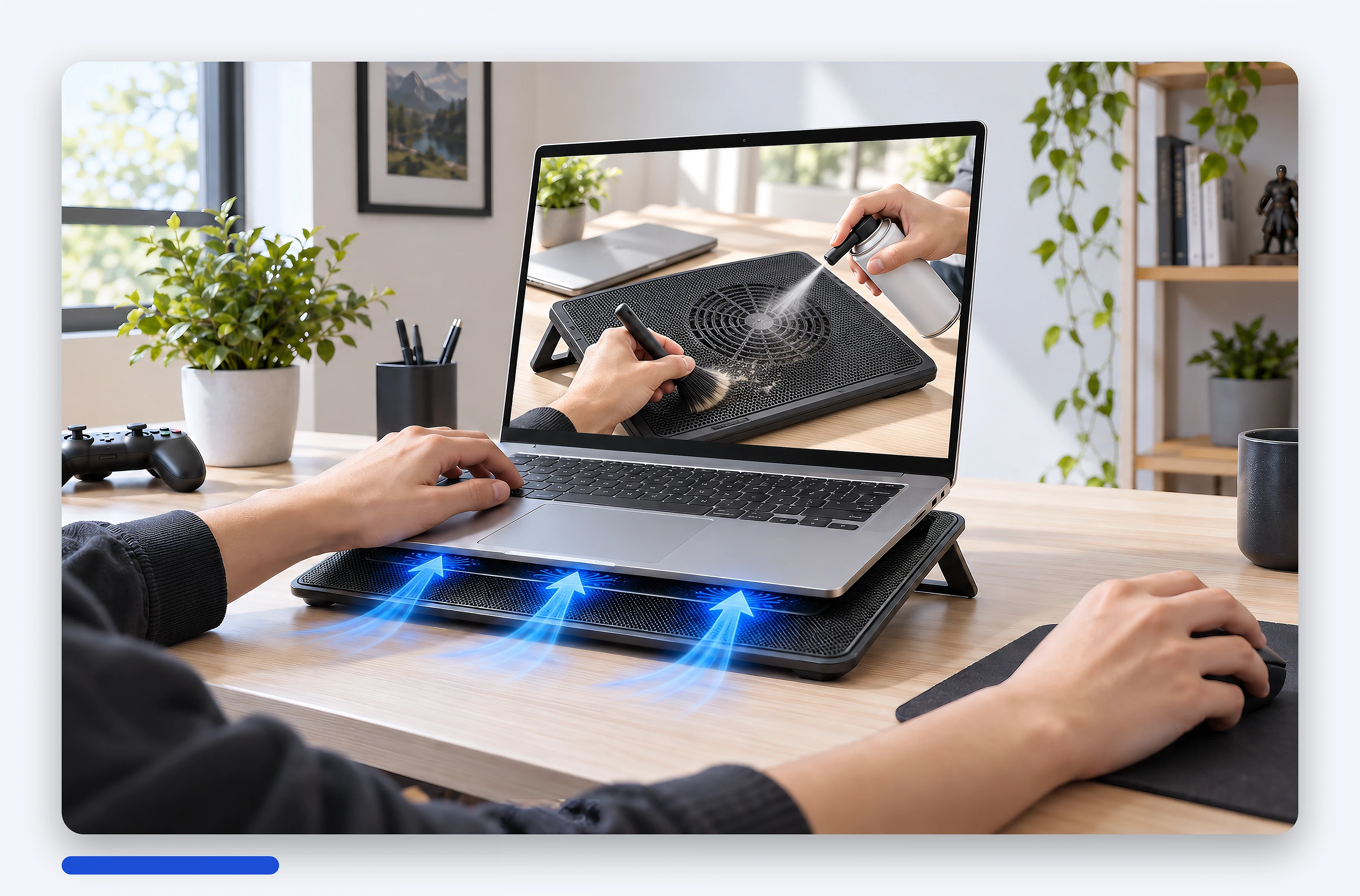
Create a laptop photo set that shares one setting from a few original manufacturer photos, keeping 100% of the laptop's details intact.
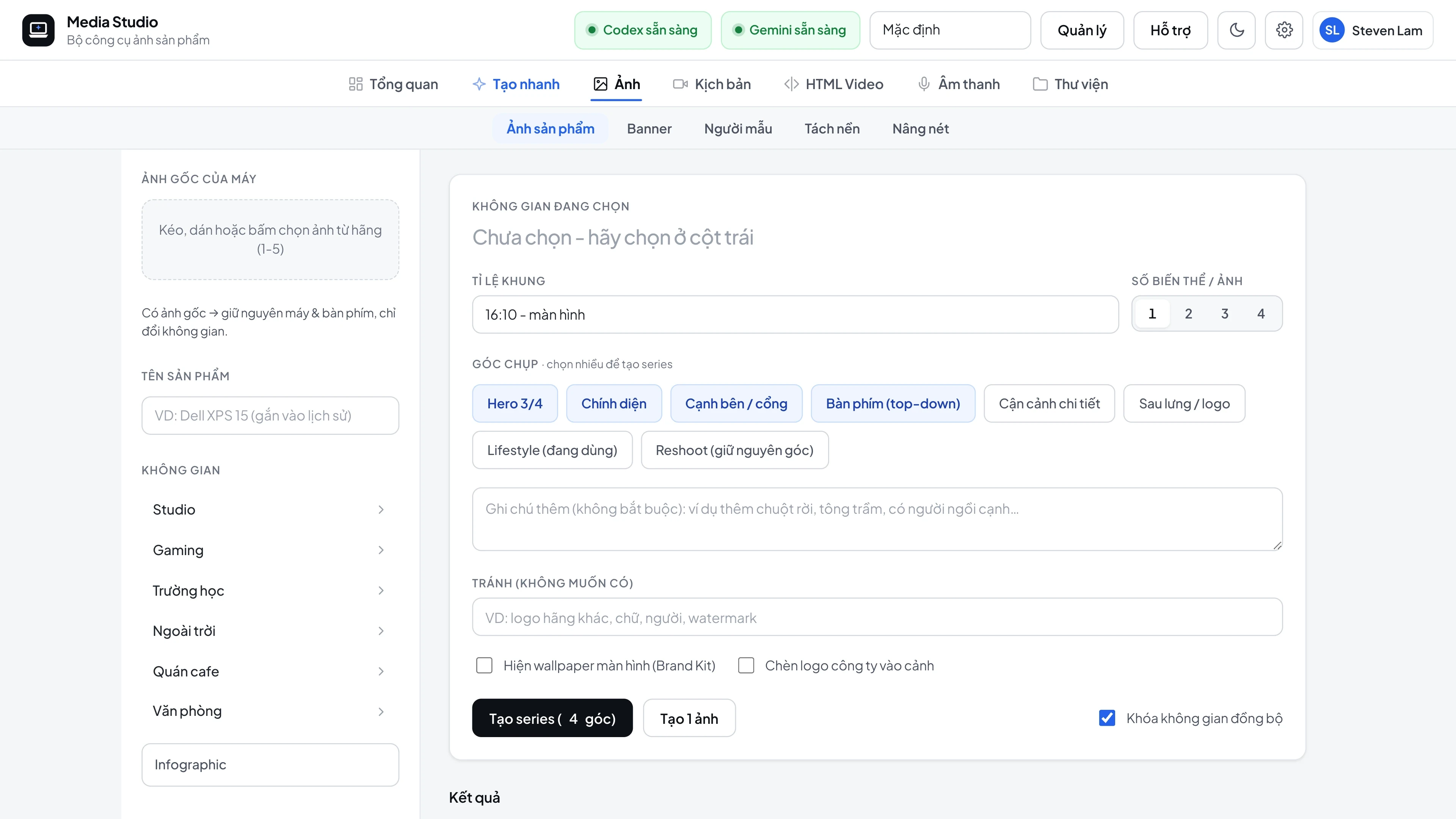
Basic workflow
- Drag 1-5 original photos of the laptop into the left column (or send
refUrlsthrough the API). - Choose a setting: Studio, Gaming, School, Outdoor, Cafe, Office - each setting has 4 variants.
- Choose the camera angles (Hero, Front, Side/ports, Keyboard, Close-up, Back, Lifestyle), then click Generate series.
- The first image becomes the setting reference for the whole set, so background, lighting and color tone match.
- Download each image in 2K / 4K, or the whole set as a
.zip, automatically compressed with TinyPNG.
Three rendering modes
| Mode | When to use | How it works |
|---|---|---|
| Reshoot (default) | Studio photos that need real-world physics | The AI "re-photographs" the whole scene while keeping the original camera angle; it first describes the source angle in words so it never rotates the wrong side of the laptop |
| BG-swap | You need the laptop's pixels kept exactly | Cuts out the original laptop, the AI analyzes the lighting and camera angle, then paints a matching background and adds a two-layer shadow that follows the laptop's shape |
| Knowledge-pack | Illustrations for knowledge articles | A set of illustrations with a consistent style and a finishing step (finisher) |
Automatic scoring and fixing (compare-ref)
- Each image is compared with the original: body, display, keycap legends, ports and logo, producing a match score from 0 to 100.
autoFixloops 2-4 rounds untilminMatchis reached (default 85) and keeps the highest-scoring version. In practice, studio images go from a match of 72 up to 89-92.- Built-in physics and lighting rules (hinge aligned with the body, base sitting flat, a single shadow direction, the laptop never "teetering on the table edge"), a clean display, and the correct hardware screen ratio whether the frame is 16:9 or 9:16.
Exact aspect ratios
Images come out in exactly the requested frame (16:10, 16:9, 9:16, 4:5 and so on; any width:height from 0.2 to 5 is accepted) using a real crop around the subject - no more blurred bands on the sides. Dimensions are rounded to whole multiples of the ratio, so 16:10 comes out as exactly 1.6000.
AI models and Brand Kit
- Models stay consistent by name, gender and appearance, with multiple poses and company uniforms that carry the logo.
- Brand Kit: multiple brands, each with its own logo, screen wallpaper and watermark. The brand logo is also used in videos.
Freeform images and banners (create)
POST /api/v1/create generates an image from a free-form description with 11 built-in frames and multiple reference images - use it for illustrations that don't fit any template.
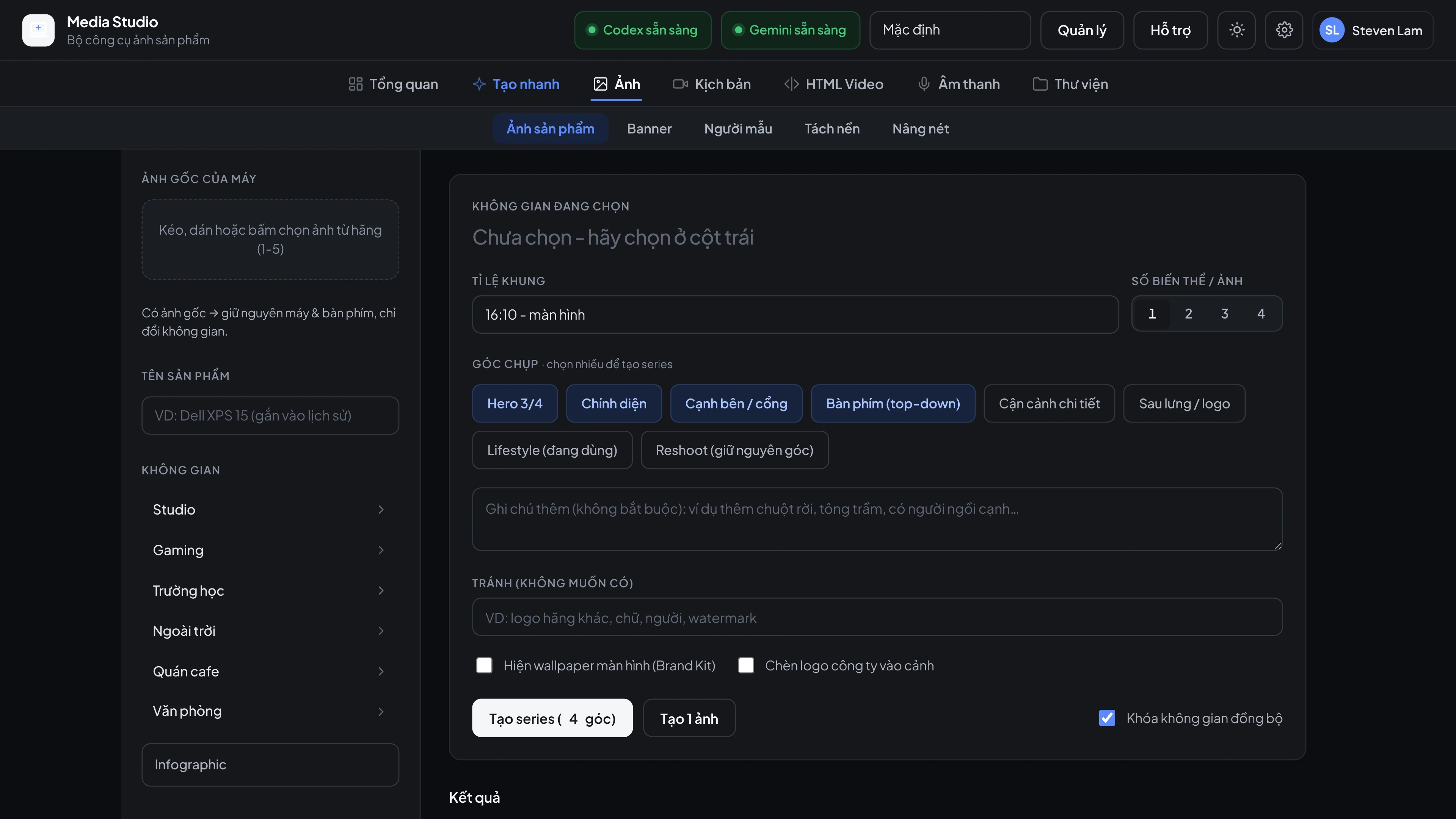
Screenshots