Product Q&A
Every product page has a Hỏi & Đáp (Q&A) tab where customers can ask questions about the laptop; questions are moderated before they are shown.
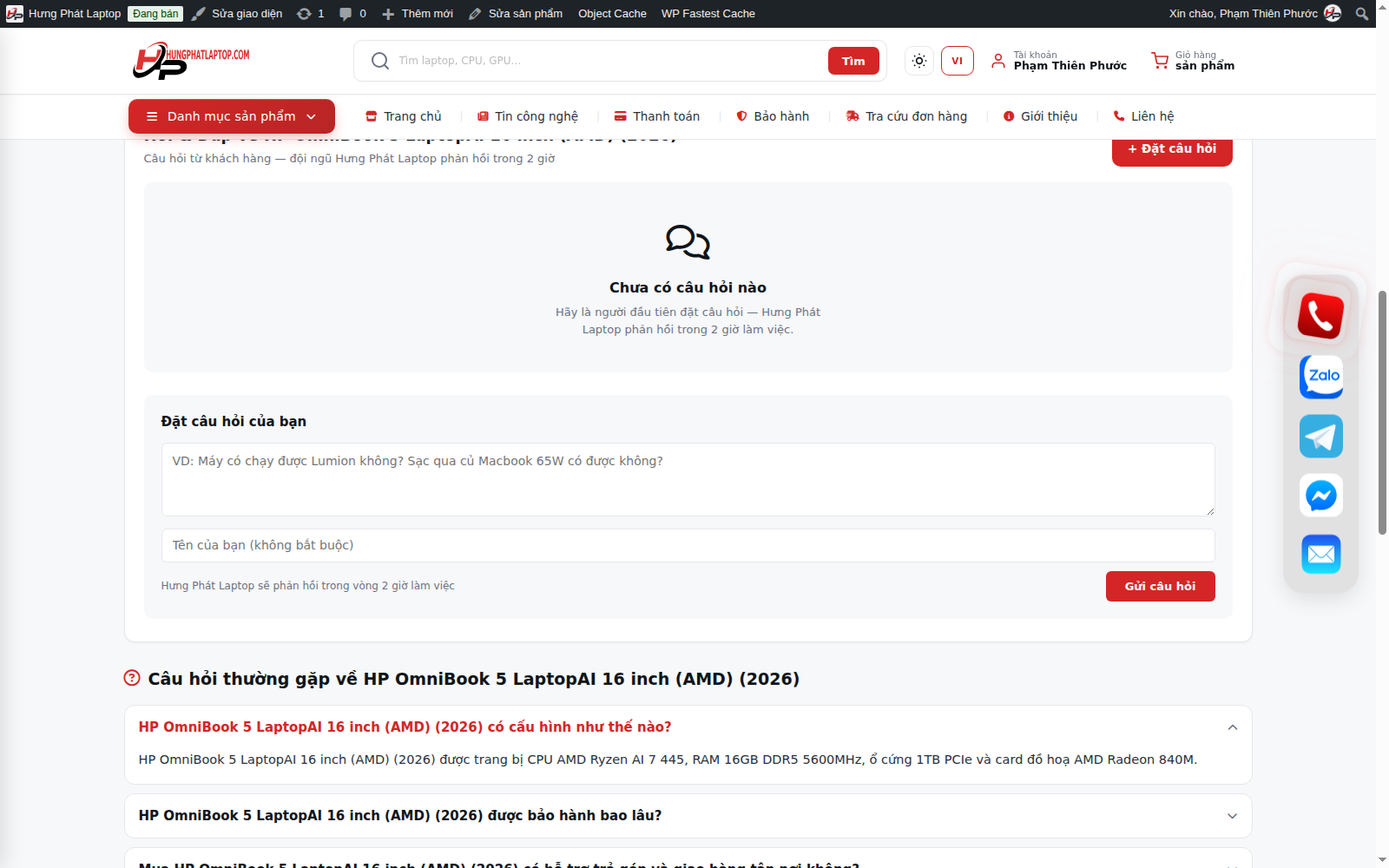
Customer side
- Open the Hỏi & Đáp (Q&A) tab on the product page.
- Type a question (with an optional name) → Gửi (Submit).
- The question is pending approval; once an admin approves it, it appears publicly together with the answer.
Admin side - moderate and answer
- When a new question arrives, the system sends an email to the administrator.
- Go to Comments (filter by the type Hỏi & Đáp / hp_qna) - or the Reviews page - to Approve and Reply right in the list.
- Once answered, the question and answer appear on the Q&A tab of that exact product.
There is spam protection (a honeypot + a limit on questions per IP). Answers for all questions are loaded efficiently (no page slowdown).