Automatic updates (Auto-update)
The theme supports self-hosted automatic updates: when a new version is available on phatdev.net, WordPress shows an update notice right in the admin - one click and you're done, with no manual file download.
Requirement: set a license key
This feature only works when the site has a license key. Open the site's wp-config.php file and add this line:
define( 'HP_UPDATE_LICENSE', 'HPLIC-xxxxxxxxxxxxxxxx' );
- The key is issued by Hưng Phát specifically for your domain name (one key per site).
- Place it above the line
/* That's all, stop editing! */. - Without a key, the feature switches itself off (safe, no errors).
Check and update
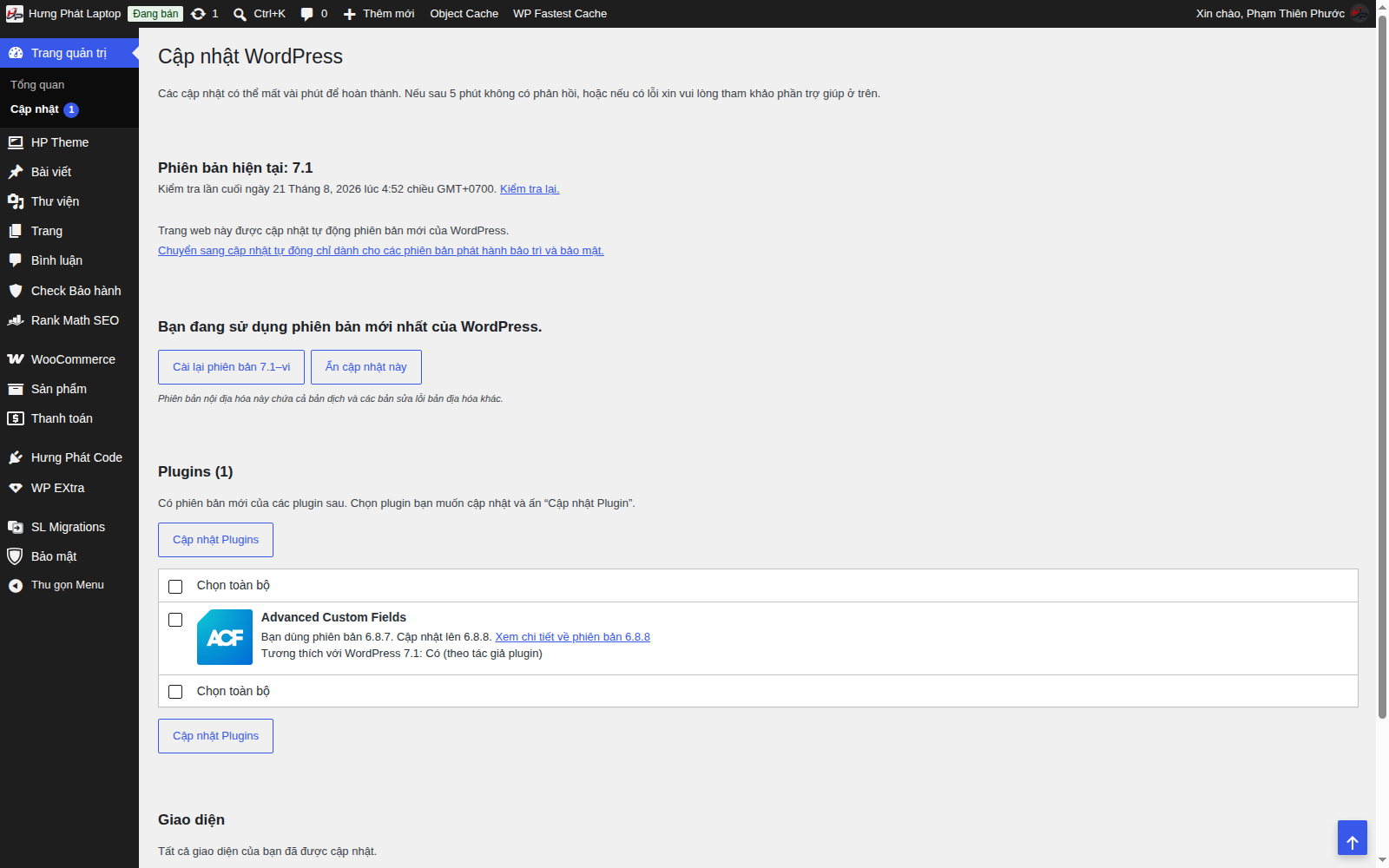
- Go to Dashboard → Updates, or Appearance → Themes.
- If a new version exists, WordPress shows "New version available".
- Click Update now - the system downloads the new version from phatdev.net (SHA-256 signed, license checked against the domain) and safely installs over the old one.
How it works (summary)
- WordPress asks phatdev.net "is there a new version?" (sending the key + domain). The server checks the license and returns the latest version + a download link.
- The information is cached for 6 hours, and refreshed automatically after an update completes.
- Your data and settings are not affected - only the source code is replaced.
Not seeing the update notice? Check that: (1)
HP_UPDATE_LICENSEis set correctly; (2) the key is still valid for the right domain; (3) wait for the 6-hour cache to expire, or go to Dashboard → Updates and click Check again. If it still doesn't work, update manually by following the Manual installation article.