Warranty Check
This module lets you manage warranty records by machine number / serial and lets customers look up their warranty period on the website themselves.
Open the Check Bảo hành (Warranty Check) menu (shield icon) in the left menu.
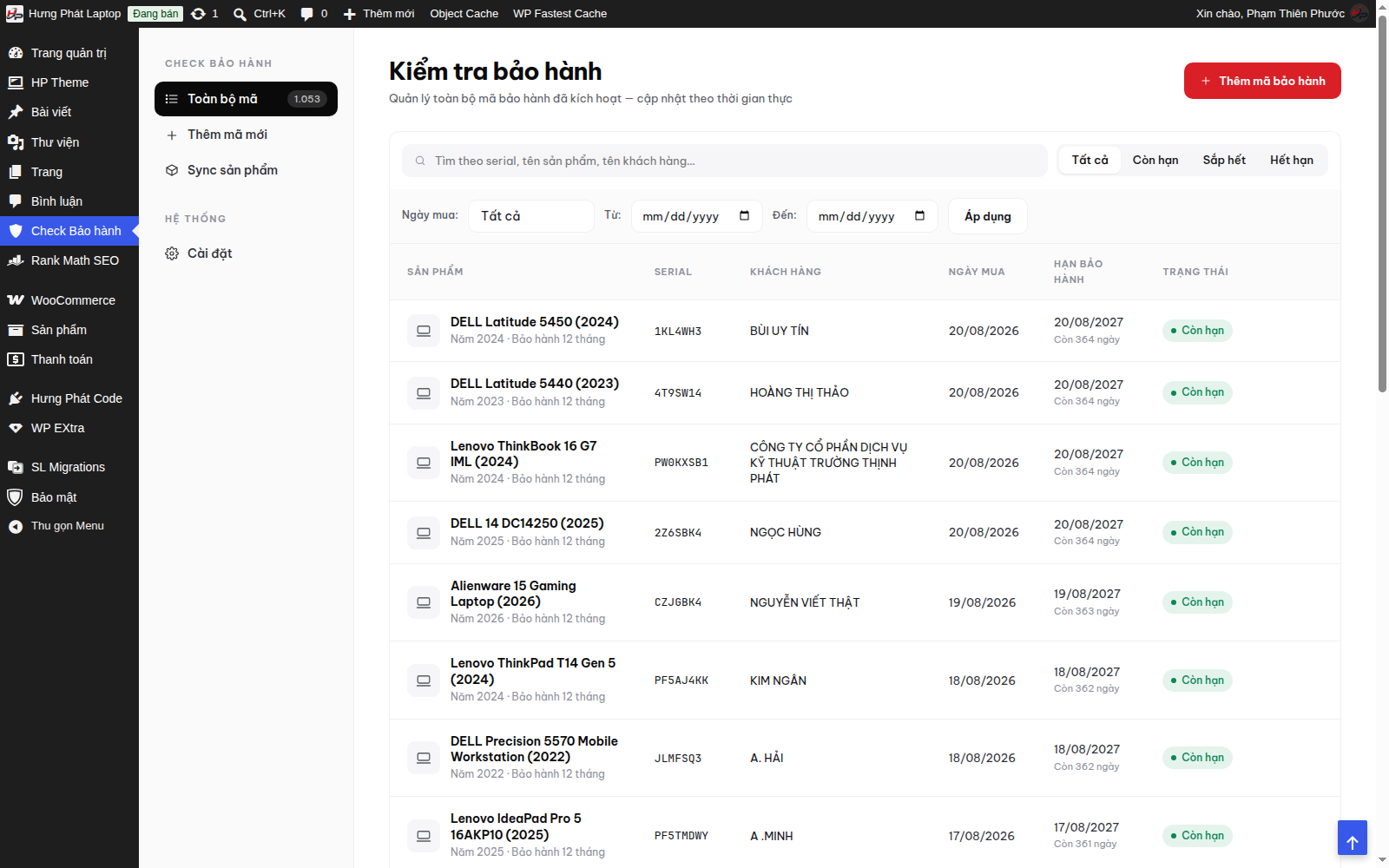
Admin
- View the list of warranty records that have been created (by machine number, activation date, term and so on).
- Add / edit a warranty record for each machine number.
Customer side
Customers enter the machine number / serial into the lookup box on the website → the system returns the status and warranty expiry date. (Place the lookup box on the "Kiểm tra bảo hành" (Warranty Check) page of your site.)
Combined with the theme: product pages show the warranty period per variation - see the theme documentation.