Beyond the percentage, AIUsage shows where the quota is going. The analysis reads the session logs of Claude Code and Codex right on your Mac and sends nothing anywhere.
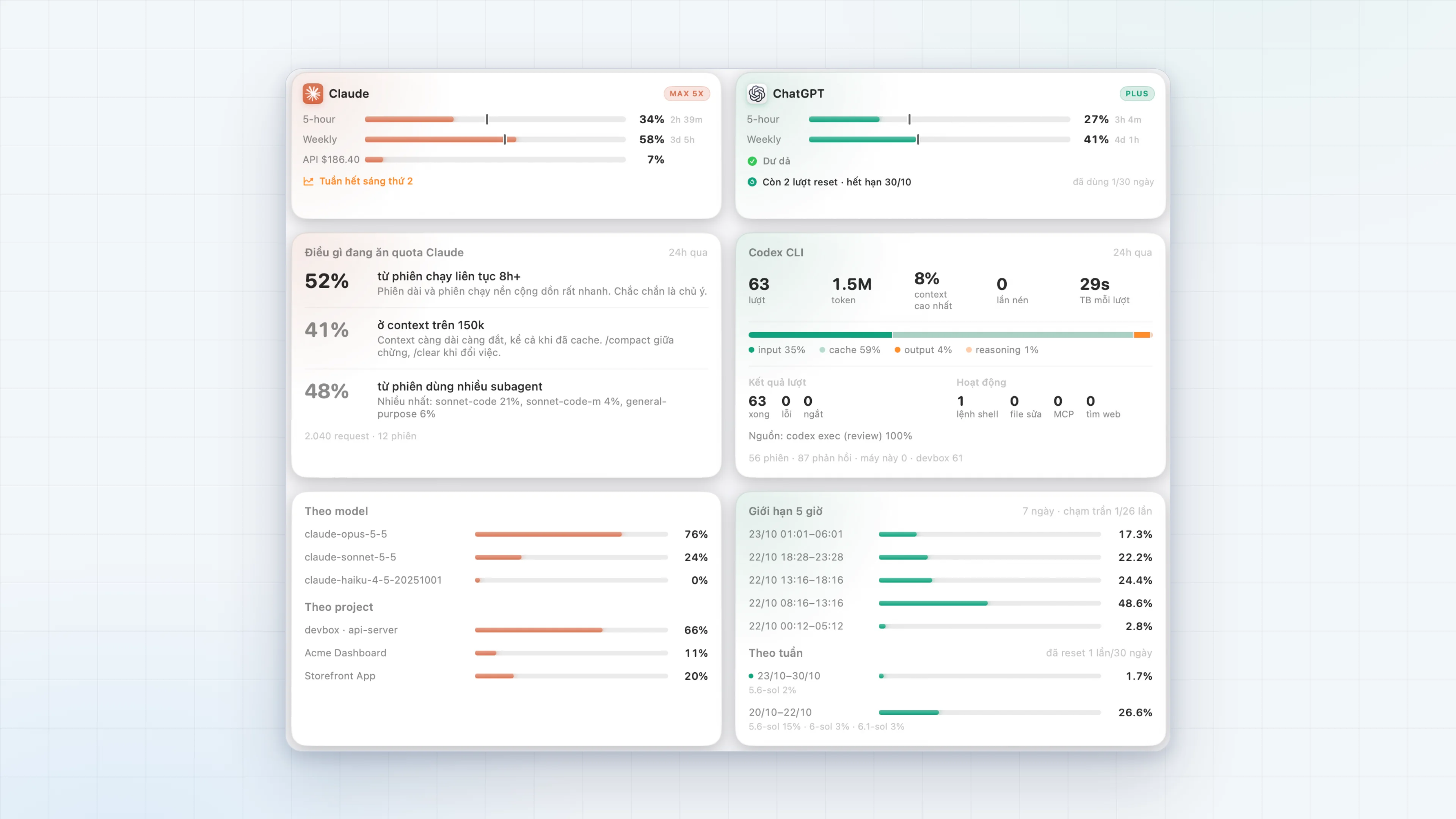
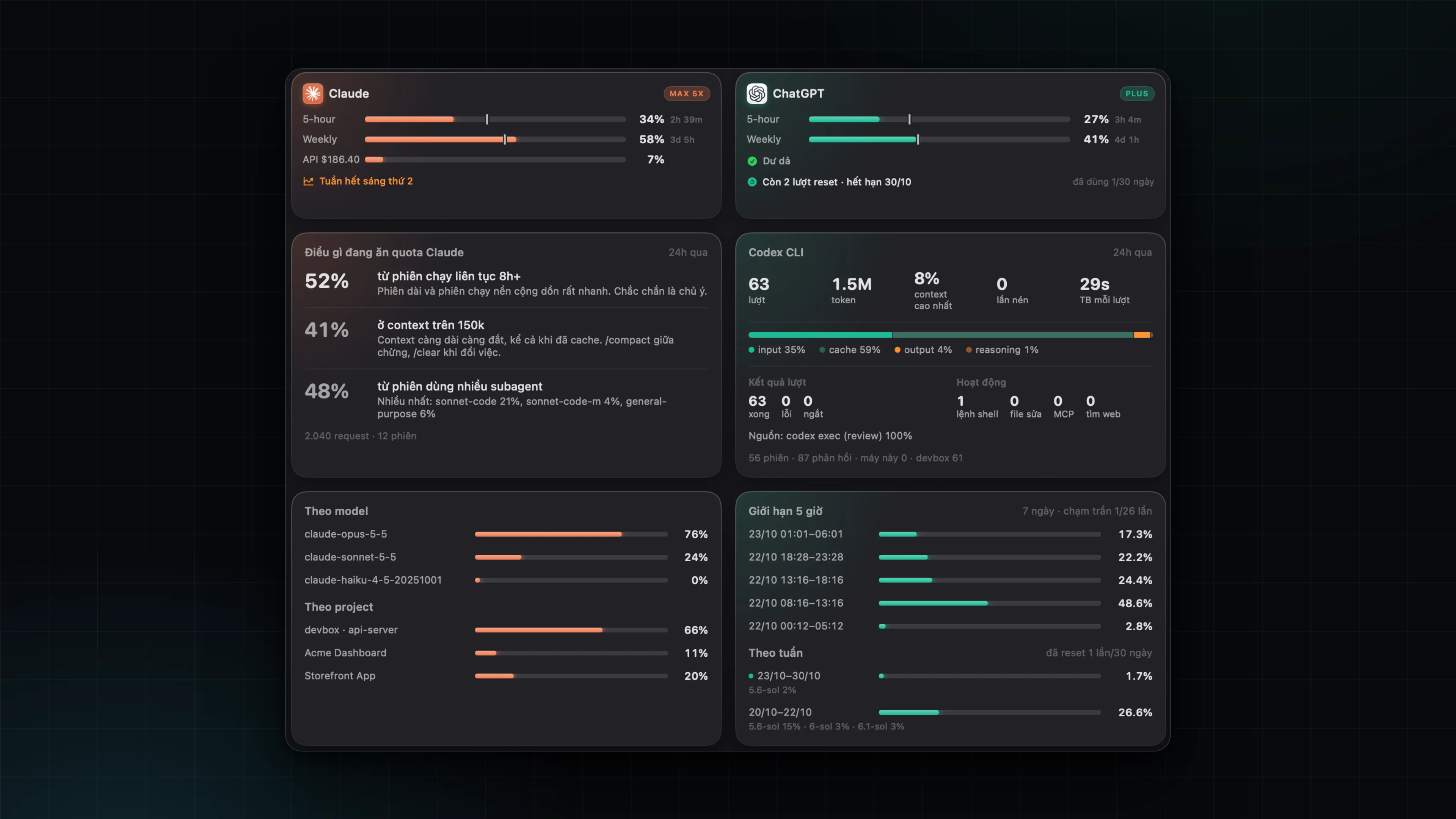
What is eating the Claude quota
This card measures the share of requests that fall into three quota-heavy patterns:
- Sessions running for more than 8 hours. Long and background sessions add up very quickly.
- Context above 150k. The longer the context, the more it costs, even when cached. Use
/compactmidway or/clearwhen switching tasks. - Sessions that lean on subagents. With a list of the most-used subagents.
Below it are tables by model and by project, and an hour-of-day chart.
Combining every place Claude runs
Your Claude Code may run in several places, and AIUsage combines all three:
- This Mac: Claude Code sessions in the terminal and in VS Code.
- Cowork: sessions of the Claude Desktop app, read from its session logs.
- A remote host: sessions that run in VS Code Remote-SSH live on the server, not on the Mac.
remote_insights.pyruns on that machine, reads incrementally (a few seconds the first time, under a second afterwards) and returns compressed JSON. If the connection drops, the previous result is used and the footer says "(stale)".
The analysis does not include conversations on claude.ai, because those leave no session log on the machine.
Detailed Codex
The Codex CLI card shows, for each period:
- Turns and tokens: a token bar split into input, cache, output and reasoning; peak context; number of compactions.
- Turn outcomes: completed, failed, interrupted.
- Activity: shell commands, file edits, MCP calls, web searches.
- Source and place: split by tool (VS Code,
codex exec), by model, folder and machine.
The app also reads Codex's SQLite store to count real turns, and distinguishes "no turns in this period" from "Codex not found".
OpenAI server data
Using the same API as the Analytics tab of the Codex app, so other devices are included:
- 5-hour limit: every window of the last 7 days with the share by model and source. A window that hit the cap is red and the title says "cap reached N/M times".
- By week: the weekly cycles and how many resets were used.
- Codex by day and model: a grid of the most-used models over 7 days.
- Limit reset credits: Codex grants reset credits (for both the weekly and the 5-hour limit) that expire after 30 days. The ChatGPT card shows "N resets left, expiring ..." with the number used in the last 30 days.