CreditMate imports data from four sources: PDF statements, balance-change notifications, bank app screenshots and CIC credit reports. All four follow the same principle: what is read is only a draft, and nothing is posted until you review and confirm.
The draft principle
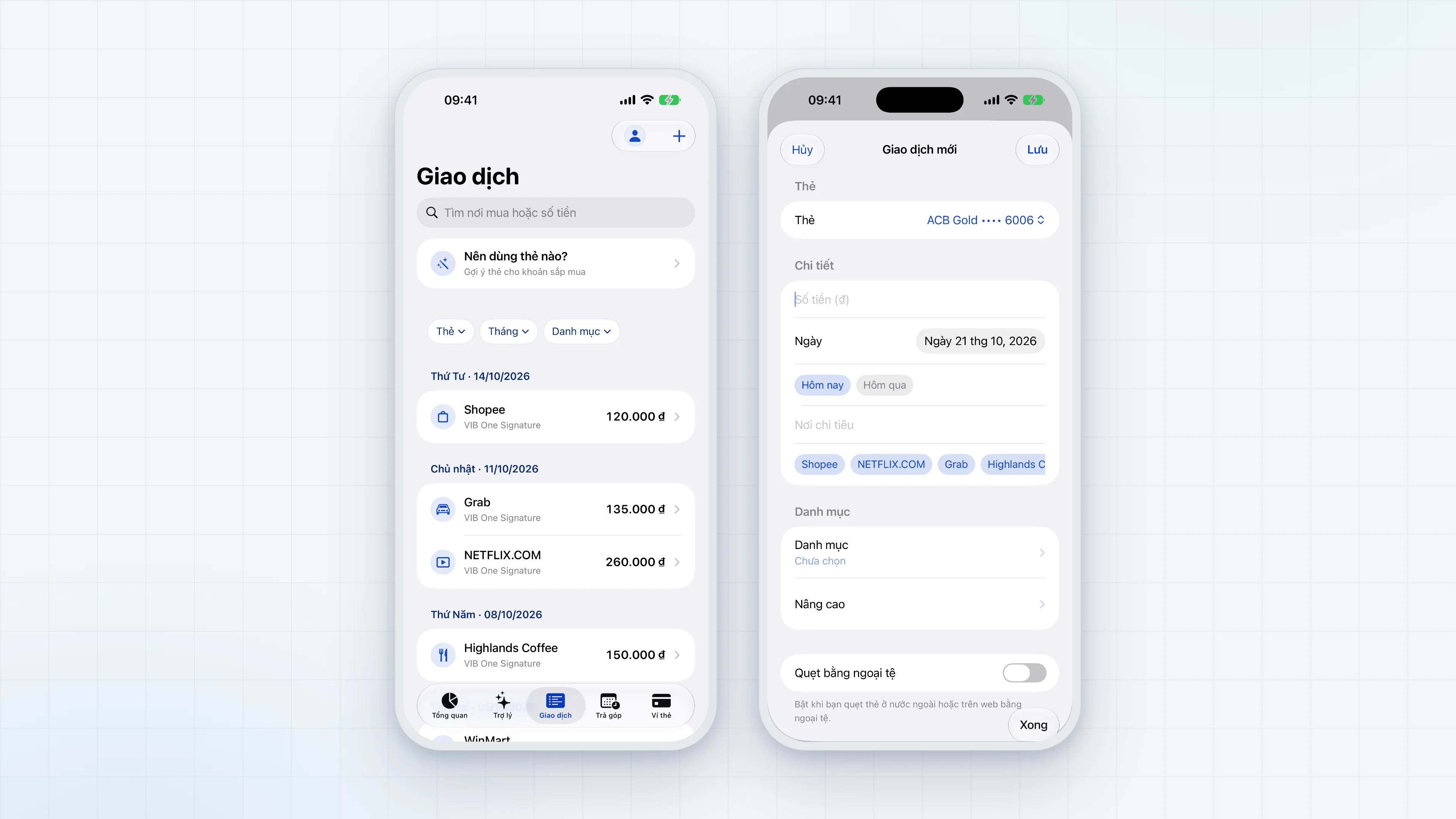
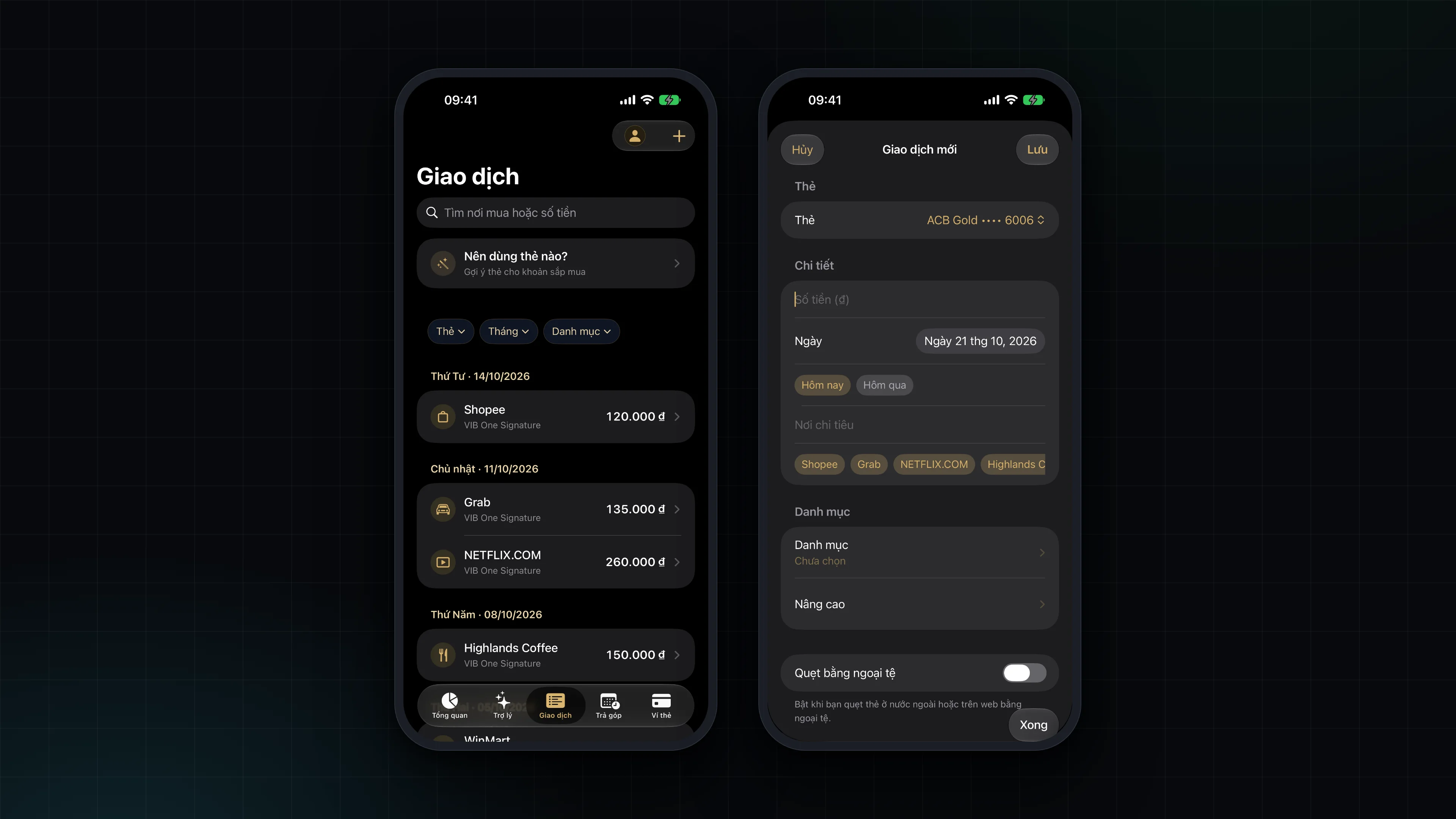
No import source writes directly to the ledger, not even a suggestion from the AI assistant. Each draft shows what was read; a field that could not be read says "not readable" rather than 0, and a "Needs review" warning appears when data is missing or blurry. When you confirm, posting goes through a service layer with a guard against double posting: importing the same statement or the same message twice does not create duplicate transactions.
PDF statements
The app reads PDF statements from VIB, OCB, Sacombank and ACB entirely on the device. The reader works by position on the page, then reconciles the balance, installments and foreign-currency transactions. The card's own currency is used for transactions, not a fixed VND.
For a password-protected statement, the PDF password is used once to open the file and is never stored. The file never leaves the device.
Balance-change notifications
You can paste many bank messages at once. The supported format is NCB, with a generic low-confidence reader for other formats. A pasted block can mix several kinds of message, and the reader classifies them:
- spending transactions (negative amounts) and refunds (positive amounts);
- card activation or lock messages, recorded as a card status;
- one-time-password (OTP) messages.
OTP messages are only counted. Their content and codes are never read or stored. A refund message is matched to the original spending transaction. Cards are matched by their last 4 digits. The original message text is not stored, and when no newer figure exists, the card's available limit is updated from the message.
Bank app screenshots
Under "Update from a screenshot", you choose screenshots of a bank app (ACB, OCB, Sacombank, VIB) or of a SPayLater bill. The app reads the available limit, the balance per bank app, the credit limit, installments and paid periods, together with the time shown on the image.
A VIB or OCB screenshot titled "Transaction history" is joined into one list of draft transactions. Other images chosen at the same time are still read as limit and balance.
Images are read on the device, not stored and not sent anywhere.
CIC credit reports
The app reads CIC reports in the K11 and K11.1 formats. The identity section is discarded completely as soon as the report is read. Balances and debt classification are turned into concrete advice, each item with its reason and figures.
Transactions and MCC
The merchant category code (MCC, ISO 18245) is taken from statements, the app remembers the MCC per merchant and categorizes spending. A verified MCC is kept apart from a guessed one, so card advice never rests on a hidden assumption. Continue with Card advice, offers and annual fees.