CreditMate is designed so that your financial data does not leave your device. There is no account and no CreditMate server, and the most sensitive information is protected by its own encryption layer instead of relying on the iPhone passcode.
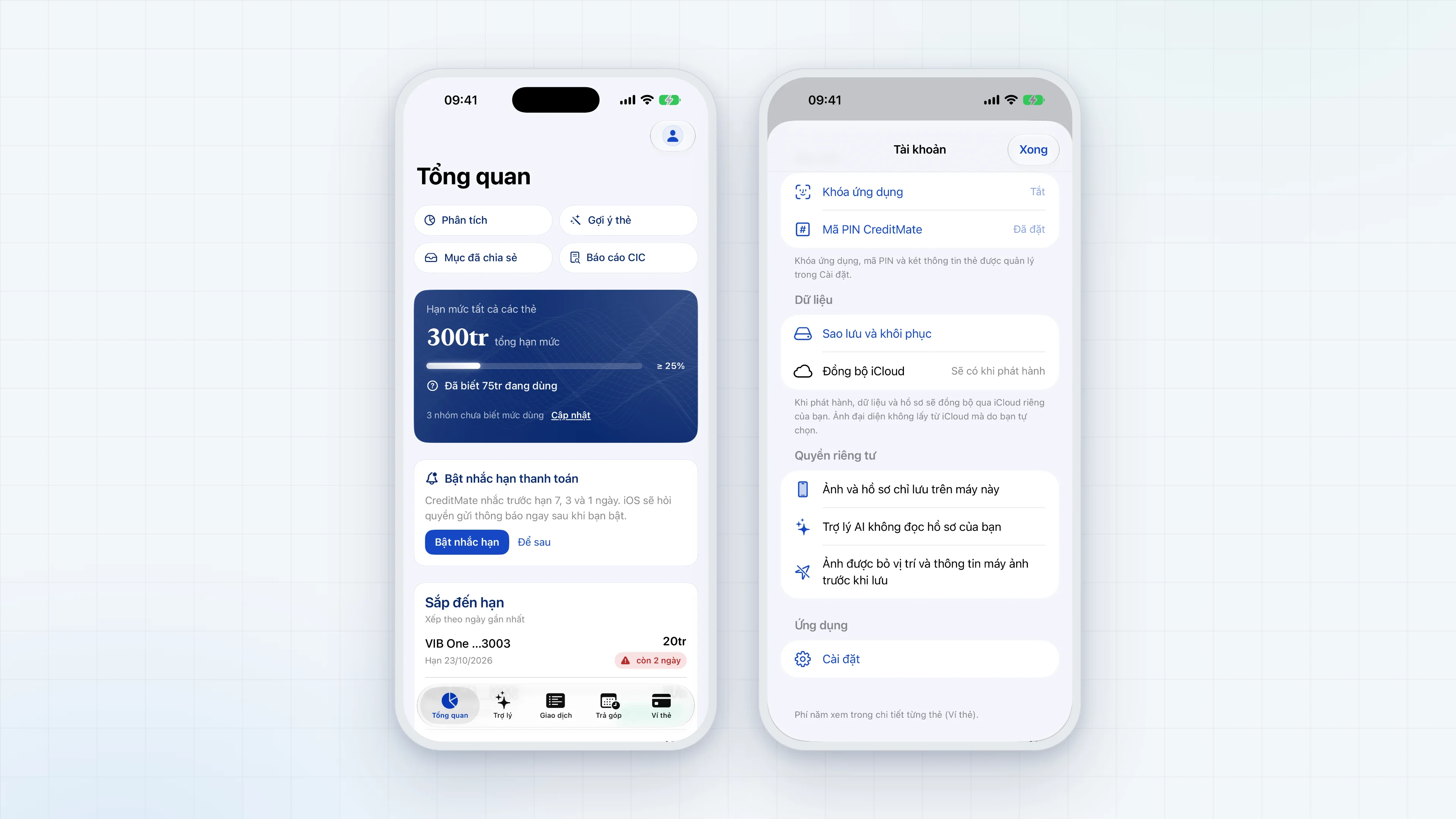
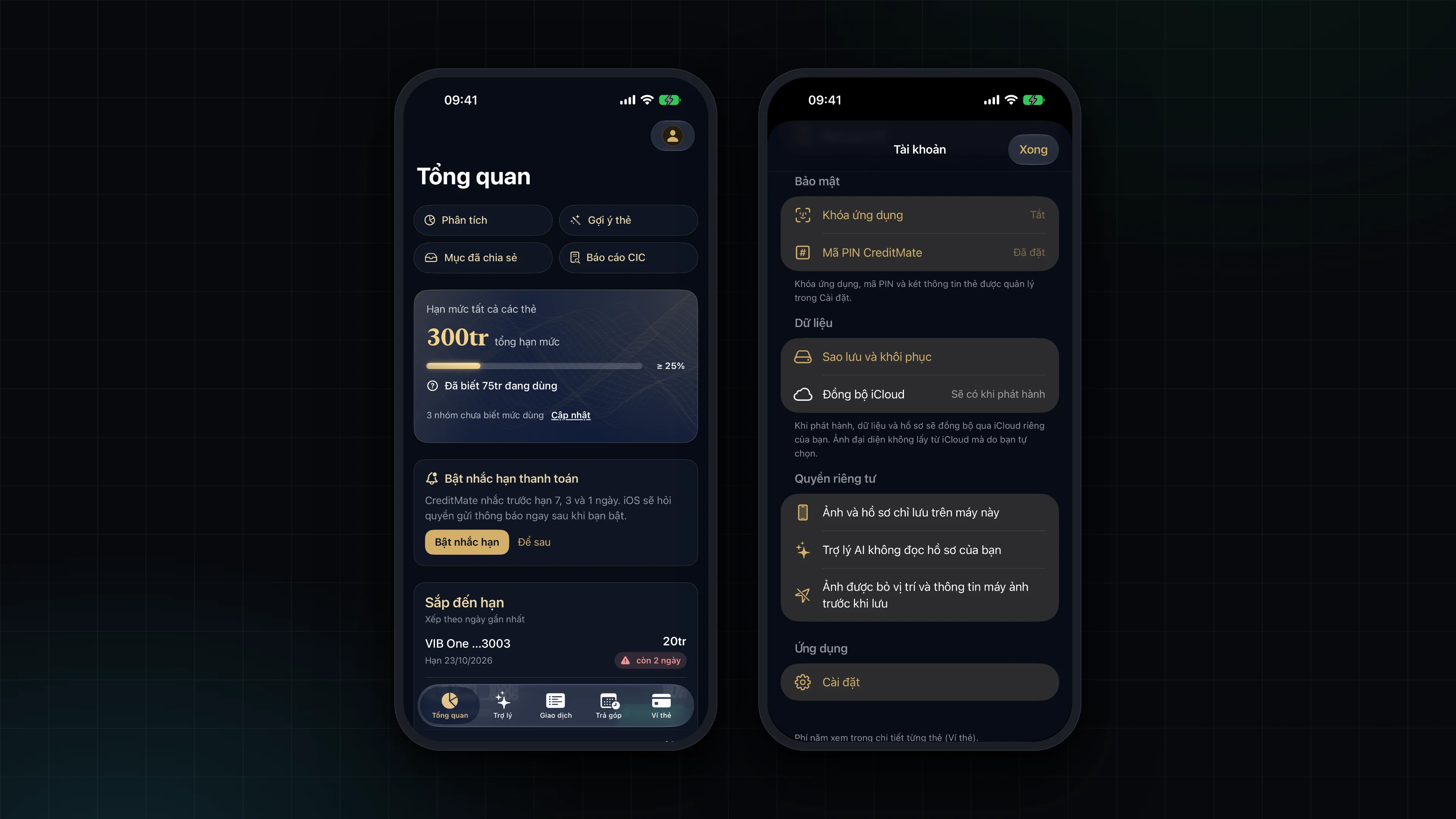
Data stays on the device
The ledger, cards and loans are stored locally with SwiftData. iCloud sync does not exist yet: that entry in the app says "Available at release". When it arrives, the payment-details vault will still not be synced.
App lock
You lock the app with Face ID or with the CreditMate PIN, a 6-digit code that belongs to the app alone. The iPhone passcode cannot open the app or the vault. The reason: someone who knows your iPhone passcode should not automatically be able to see your card numbers. When you switch to another app, the screen is covered so content does not appear in the app switcher.
The payment-details vault
Full card number, CVV, name on card, expiry date and billing address, if you choose to save them, live only in an encrypted vault in the Keychain:
- encrypted with AES-GCM using a random key;
- that key is wrapped twice: once with Face ID (valid only for the currently enrolled face) and once with a key derived from the PIN through PBKDF2 with at least 600,000 iterations;
- marked ThisDeviceOnly: not synced through iCloud and not transferable to another device.
The vault locks itself after a period of inactivity; typing in a vault form resets the timer. Fields such as name on card, address and notes have Writing Tools turned off so card data does not pass through the system writing tools. Card numbers, CVV and vault contents never appear in SwiftData, backups, CSV exports, logs, the AI assistant, notifications, the Share Extension or ordinary files. Outside the vault the app keeps only the last 4 digits and a nickname.
A forgotten PIN cannot be recovered. The app does not store the PIN, only a salt and the wrapped key. The only option is to reset the vault, which deletes the payment details inside it.
Encrypted backup
A backup is encrypted with a key derived from your password through PBKDF2, with AES-GCM protecting the content. A backup does not contain the vault. You can share a backup right after creating it, and restore from older backup formats.
What is never stored
- OTP codes: OTP messages are only counted, their content is not read.
- Bank passwords.
- PDF passwords: used once to open the file.
- The CreditMate PIN.
- The original text of pasted bank messages.
- Bank app screenshots: read on the device, then discarded.
- The identity section of CIC reports.
Privacy with AI
Your question is sent out only when you choose a cloud AI source and consent, and the API key travels in request headers. The Apple on-device source and local AI do not send data beyond machines you control. The assistant never receives a full card number or anything from the vault.