At some point you suspect the key that signs your logins has leaked, or it is simply due for a change. The quickest way is to swap in a new key and restart the server. The next morning every logged-in user is thrown out, because every old ticket no longer matches the key. For a shop in the middle of a promotion, that is a very long morning. You can change the key without anyone noticing, as long as you do it in the right order.

Why use a key pair
The previous post (A Shared JWT Login Token for Node.js, PHP, Python and C#) used one shared secret: the service that issues tickets and the one that checks them hold the same key. That is fine when small. Once several services need to check tickets, say an API gateway, a reporting service and a payment service, all three hold that secret. If any one leaks, anyone can mint fake tickets.
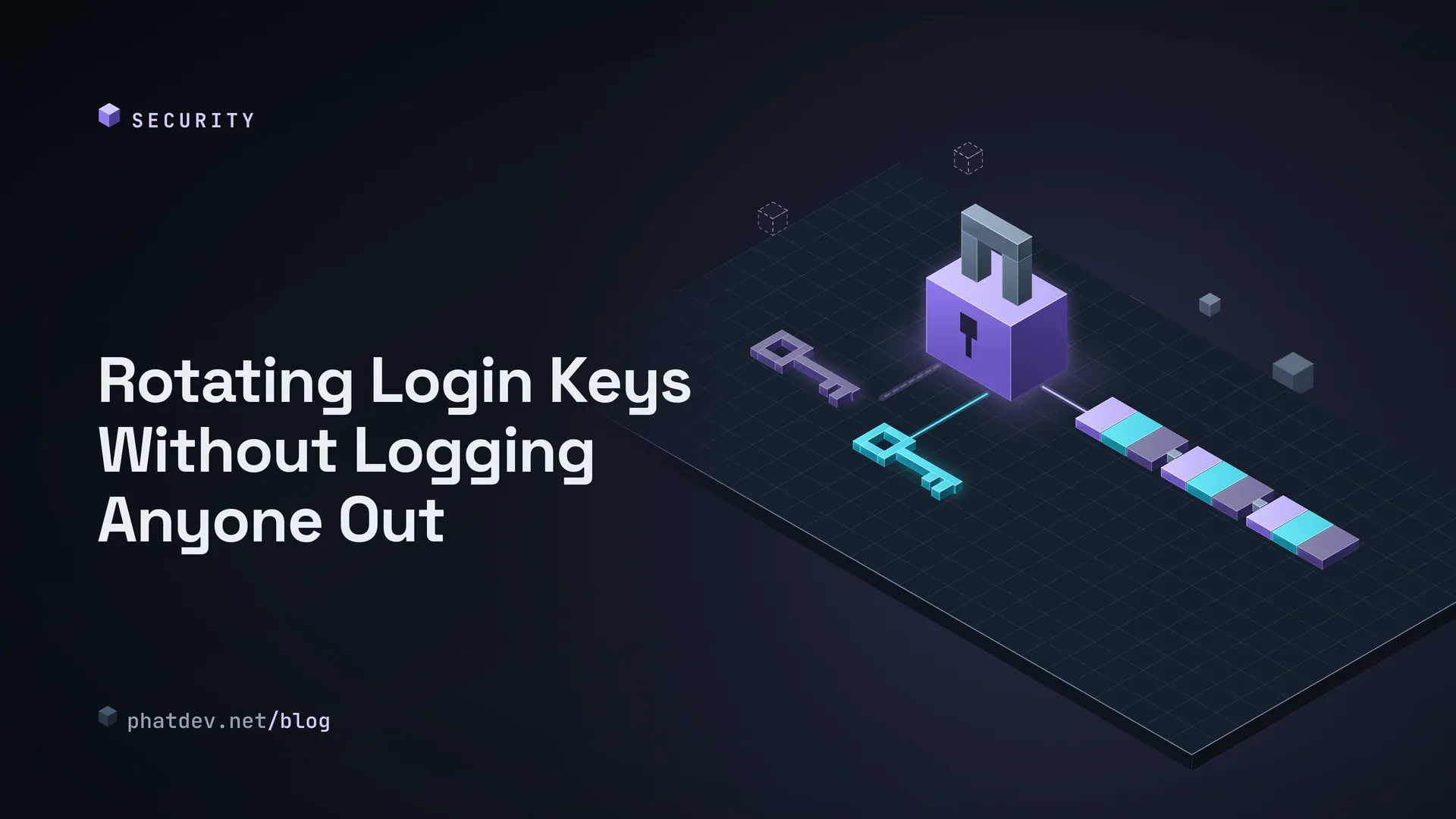
A key pair is neater. Think of a company stamp. The private key is the real stamp, kept only where tickets are issued (call it server A). The public key is a sample impression pinned at the front desk: anyone can fetch it to compare, but it cannot stamp anything. Server B holds only the public key, so it can check tickets and can never forge one. The two common choices are RS256 (RSA keys) and ES256 (elliptic curve). RS256 works everywhere, while ES256 gives shorter tickets. With the same content I measured 570 characters for RS256 and 313 for ES256.

The key notice board and the key label
Emailing public key files to each service by hand means you will forget one someday. The standard way is for server A to publish a public address (usually /.well-known/jwks.json) listing the public keys in use. That list is called a JWKS. Every key has a label (called kid), and every ticket records the label of the key that signed it. Server B reads the label on the ticket, looks it up on the board and picks the right key. The library handles fetching the board, caching it, and fetching again when it meets an unknown label.
The board can hold several keys at once. That is the whole trick behind a smooth rotation.
How to do it: rotation in four steps
- Create the new key (call it k2) and add it to the board, but do not sign with it yet. Wait until every server B has fetched the new board, at least as long as their cache lasts.
- Switch server A to sign with k2. Old tickets signed with k1 still verify, because k1 is still on the board.
- Wait for the last ticket signed with k1 to expire. That wait is the longest ticket lifetime (say 15 minutes) plus the cache time.
- Remove k1 from the board and destroy k1's private key.
I built a server A that publishes the board over HTTP and a server B that only knows the board's address, then ran exactly this process. The real output:
1) Only k1                           OK token k1
2) Publish k2, still sign with k1    OK token k1
3) Switch to signing with k2         OK token k1 (old), OK token k2 (new)
4) Remove k1 from the board          OK token k2, REJECT token k1
5) Wrong order: sign with k3 before publishing it
                                     REJECT token k3
   After publishing and waiting out the cooldown   OK token k3
Line 5 is the mistake I see most: switching to the new key before the board has spread. New tickets are refused until B reloads the board. The short rule is publish first, sign second.
For those who write code
To experiment, generate keys with openssl. In production the private key belongs in your cloud's key management service or a secrets store, never in the repo.
openssl genpkey -algorithm RSA -pkeyopt rsa_keygen_bits:2048 -out rsa-private.pem
openssl pkey -in rsa-private.pem -pubout -out rsa-public.pem
chmod 600 rsa-private.pem
Server A signs and writes the key label into the ticket header (Node.js with jose):
import { readFileSync } from 'node:fs';
import { importPKCS8, SignJWT } from 'jose';
const priv = await importPKCS8(readFileSync('rsa-private.pem', 'utf8'), 'RS256');
const token = await new SignJWT({ role: 'editor' })
  .setProtectedHeader({ alg: 'RS256', kid: 'k2' })
  .setSubject('user-42').setIssuer('https://auth.example.test')
  .setAudience('https://api.example.test').setIssuedAt().setExpirationTime('15m')
  .sign(priv);
Server B only knows the board's address. createRemoteJWKSet caches for 10 minutes, and on an unknown label it fetches again, but no more often than every 30 seconds, so someone sending junk tickets cannot flood B with requests:
import { createRemoteJWKSet, jwtVerify } from 'jose';
const jwks = createRemoteJWKSet(new URL('https://auth.example.test/.well-known/jwks.json'));
await jwtVerify(token, jwks, { algorithms: ['RS256'], issuer: ISS, audience: AUD });
Python and PHP verify the same ticket from the same board address and pick the right key by label: PyJWKClient(url).get_signing_key_from_jwt(token) followed by jwt.decode(...), and JWK::parseKeySet(json, 'RS256') followed by JWT::decode(...). I ran both RS256 and ES256 across languages, signing in Node and verifying in Node, Python and PHP with only the public key: 3 out of 3 accepted for both.
For .NET I have not run anything (no runtime on my machine). The Microsoft.IdentityModel.JsonWebTokens package signs with an RsaSecurityKey that has a KeyId, and the checking side resolves the key by kid from a JsonWebKeySet. If you use ASP.NET Core AddJwtBearer with an Authority, the middleware fetches and refreshes the board itself, and you only tune the refresh interval to match your rotation schedule.
Common mistakes
There is a classic trick I re-tested: an attacker takes the public key (everyone has it) and uses it as an HS256 secret to sign a fake ticket, hoping B uses one key for both styles. Node, PyJWT and firebase/php-jwt all refused, as long as you pass a fixed list of allowed algorithms on the checking side. If a library lets the ticket choose its own algorithm, change how you call it.
The remaining mistakes are closer to everyday life. Two different keys sharing a label makes B pick the wrong one, so include the creation date in the label. Removing the old key too early throws out users who still hold a live ticket. A board that accidentally includes a private key is a total loss, so publish only the public part. And never take the key address from the ticket itself (the jku and jwk fields): the board's address must be hard-coded on the checking side.
What to do next
If you share one HS256 secret across several services today, schedule the move to a key pair, then practise one rotation on a test environment so you have the routine before you need it in a hurry. Write down your longest ticket lifetime and your cache time, since those two numbers decide how long you wait in steps 1 and 3. To protect the data sitting in your database, see Encrypting Sensitive Data the Right Way with AES-GCM.