Your shop's customer table holds phone numbers, delivery addresses and a few internal notes. The database backup sits on another machine, or a former developer still has read access. If someone copies that file, you want them to see nothing but noise. That means encrypting the data before you store it, and doing it correctly. Done wrong, the data still looks like random characters, yet someone with a little knowledge can pull it apart.

Think of a locked box with a seal
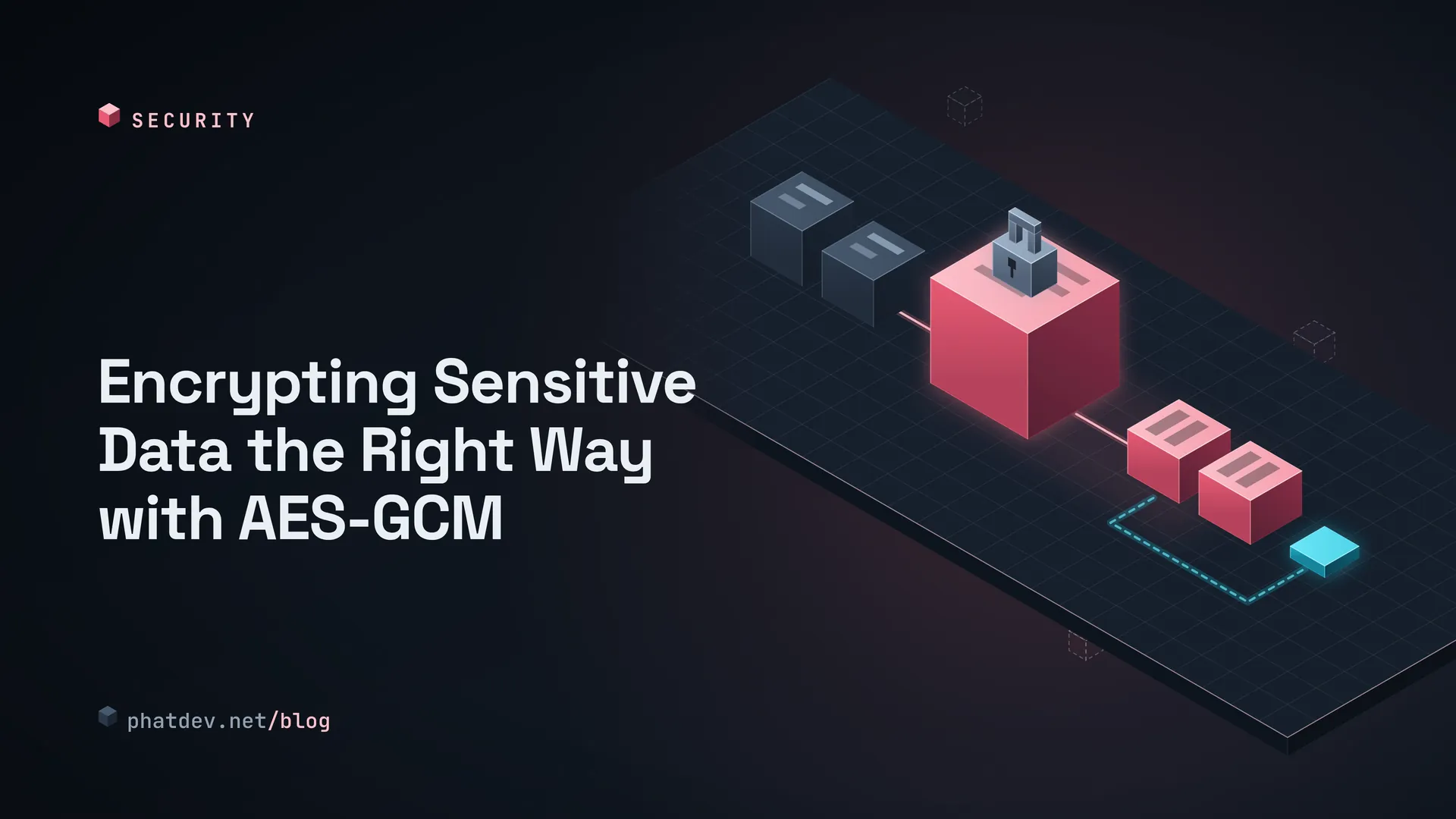
AES-GCM is an encryption method that nearly every programming language ships with. Picture a box with a lock and a tamper seal. You put the data in, lock it, and stick the seal on. If the seal is torn when someone opens it, you know the box was touched. There are four parts to know.
The key is 32 random bytes that you keep secret. The one-time number (called a nonce) is 12 bytes. It is not secret, but every time you lock the box you need a new one. The note attached to the box (called AAD) is a label written on the outside, such as "this belongs to customer 42". It is not hidden, but if anyone edits the label the seal counts as broken. Last comes the seal itself (called the tag), 16 bytes, which the machine creates for you.
When you open the box and the key is wrong, a single bit of the content was changed, or the outside label was altered, opening fails completely. You never get "almost right" data back.
How to do it
The process is short.
- Generate a 32-byte random key from the operating system's random source. Store it in a secrets manager (an environment variable, or your cloud provider's vault). Keep it out of source code and log files.
- Generate a fresh random 12-byte nonce for every encryption.
- Attach a label that matches the context. For the balance of account 7, the label is
acct-7. - Store the whole package: a version number, the nonce, the encrypted data, the seal. The one-byte version number lets you change the algorithm or the key later and still read old data.
- When decrypting, always check the result. If it fails, refuse. Do not carry on.
Reusing a nonce is the worst mistake you can make with AES-GCM. I encrypted two different sentences with the same key and the same nonce. XOR-ing the two ciphertexts gave exactly what XOR-ing the two original texts gives, so an outsider learns about the content without any key. A random 12-byte nonce is safe up to about 4 billion encryptions under one key (2^32, per NIST SP 800-38D), where the chance of a repeat is around 1 in 8.6 billion. I also generated 1,000,000 nonces and found no duplicates. If your volume is higher, rotate keys regularly, or switch to XChaCha20-Poly1305, whose 24-byte nonce can safely be random (PHP has it built in through sodium).
If the key comes from a user's password, never use the password directly, and never hash it once with SHA-256. Passwords have few variations, so they get guessed fast. Run it through a function that is deliberately slow and memory-hungry, such as Argon2id or scrypt, with a random 16-byte salt stored next to the data. When one master key serves several purposes, split off a separate sub-key for each with HKDF. I checked these functions give byte-identical results across languages: HKDF in Node, Python and PHP; scrypt in Node and Python; Argon2id in Python and PHP. The parameters here are examples for testing. Compare them with the latest OWASP Password Storage Cheat Sheet.
For those who write code
With the same package format, you can encrypt in one language and decrypt in another. I encrypted an accented Vietnamese sentence in each language and decrypted it in all three: 9 out of 9 came back exactly right. Below is the core, run for real.

// Node.js
import { createCipheriv, createDecipheriv, randomBytes } from 'node:crypto';

export function encrypt(key, text, aad = '') {
  const nonce = randomBytes(12);
  const c = createCipheriv('aes-256-gcm', key, nonce, { authTagLength: 16 });
  c.setAAD(Buffer.from(aad));
  const ct = Buffer.concat([c.update(text, 'utf8'), c.final()]);
  return Buffer.concat([Buffer.from([1]), nonce, ct, c.getAuthTag()]).toString('base64');
}

export function decrypt(key, b64, aad = '') {
  const raw = Buffer.from(b64, 'base64');
  if (raw.length < 29 || raw[0] !== 1) throw new Error('bad format');
  const d = createDecipheriv('aes-256-gcm', key, raw.subarray(1, 13), { authTagLength: 16 });
  d.setAAD(Buffer.from(aad));
  d.setAuthTag(raw.subarray(raw.length - 16));
  return Buffer.concat([d.update(raw.subarray(13, raw.length - 16)), d.final()]).toString('utf8');
}
# Python (cryptography package)
import base64, os
from cryptography.hazmat.primitives.ciphers.aead import AESGCM

def encrypt(key, text, aad=''):
    nonce = os.urandom(12)
    ct = AESGCM(key).encrypt(nonce, text.encode(), aad.encode())   # the seal is already at the end
    return base64.b64encode(b'\x01' + nonce + ct).decode()

def decrypt(key, b64, aad=''):
    raw = base64.b64decode(b64)
    if len(raw) < 29 or raw[0] != 1:
        raise ValueError('bad format')
    return AESGCM(key).decrypt(raw[1:13], raw[13:], aad.encode()).decode()
// PHP (openssl)
function enc(string $key, string $plain, string $aad = ''): string {
    $nonce = random_bytes(12);
    $ct = openssl_encrypt($plain, 'aes-256-gcm', $key, OPENSSL_RAW_DATA, $nonce, $tag, $aad, 16);
    return base64_encode("\x01" . $nonce . $ct . $tag);
}
function dec(string $key, string $b64, string $aad = ''): string {
    $raw = base64_decode($b64, true);
    if ($raw === false || strlen($raw) < 29 || $raw[0] !== "\x01") throw new RuntimeException('bad format');
    $plain = openssl_decrypt(substr($raw, 13, -16), 'aes-256-gcm', $key, OPENSSL_RAW_DATA,
                             substr($raw, 1, 12), substr($raw, -16), $aad);
    if ($plain === false) throw new RuntimeException('tag mismatch');
    return $plain;
}
Two spots are easy to trip on. In PHP, openssl_decrypt returns false when the seal is wrong instead of throwing, so if you skip the check your app carries on with empty data. In Node, if createDecipheriv has no authTagLength: 16, I tested and saw a tag cut down to 4 bytes still accepted. Declare the length and the short tag is rejected.
I also tried three ways to break it: changing the label (from user-42|v1 to user-43|v1), flipping one bit in the data, and using the wrong key. All three languages refused every time.
Mistakes I keep seeing
One mistake shows up again and again: people hard-code the nonce "so it can't be forgotten", or count up from 0 and the counter restarts at 0 whenever the process restarts. Both reuse nonces. Another is picking AES in ECB or CBC mode with no authentication seal, then bolting on an HMAC by hand and getting a small detail wrong. A third is skipping the attached label, so anyone with write access to the database can copy one customer's package onto another customer's row and it still opens. Finally, there is the key sitting right in the repo, or an environment variable printed into the log when the app crashes.
What to do next
If you run the business, ask your developer two things: is our sensitive data encrypted with an authenticated seal, and where is the key kept? If you are the developer, check three places: a new nonce on every encryption, a label tied to each record, and real error handling when decryption fails. To review the whole cryptography layer of your app against a standard list, item A04 in Self-Check Your Website's Security with the OWASP Top 10 (2025) is the place to start. If what you need is to sign something rather than hide it, see A Shared JWT Login Token for Node.js, PHP, Python and C#.