---
title: "Introduction and what's new"
url: https://phatdev.net/en/docs/media-studio/tong-quan
lang: en
updated: 2026-10-20
alternate:
vi: https://phatdev.net/docs/media-studio/tong-quan
markdown: https://phatdev.net/en/docs/media-studio/tong-quan.md
---
# Introduction and what's new
Part of the doc set: [Media Studio](https://phatdev.net/en/docs/media-studio.md)
> What Media Studio is, its key points, the major changes from Aug to Oct 2026, and the documentation index.
**Media Studio** is an AI toolkit that produces **complete laptop review content** for the Phát Lâm / Hưng Phát Laptop channel: a consistent set of product photos, banners and thumbnails, benchmark charts, AI models, Vietnamese voice-over and podcasts, and **review videos built automatically from a single product link**. Every feature can be called through the **REST API `/api/v1`**, so your article pipeline can run fully unattended.
> **Current version: v1.13.14** (2026-10-18) · Live: [media.phatdev.net](https://media.phatdev.net) (account required) · See the [Changelog](https://phatdev.net/en/docs/media-studio/changelog).
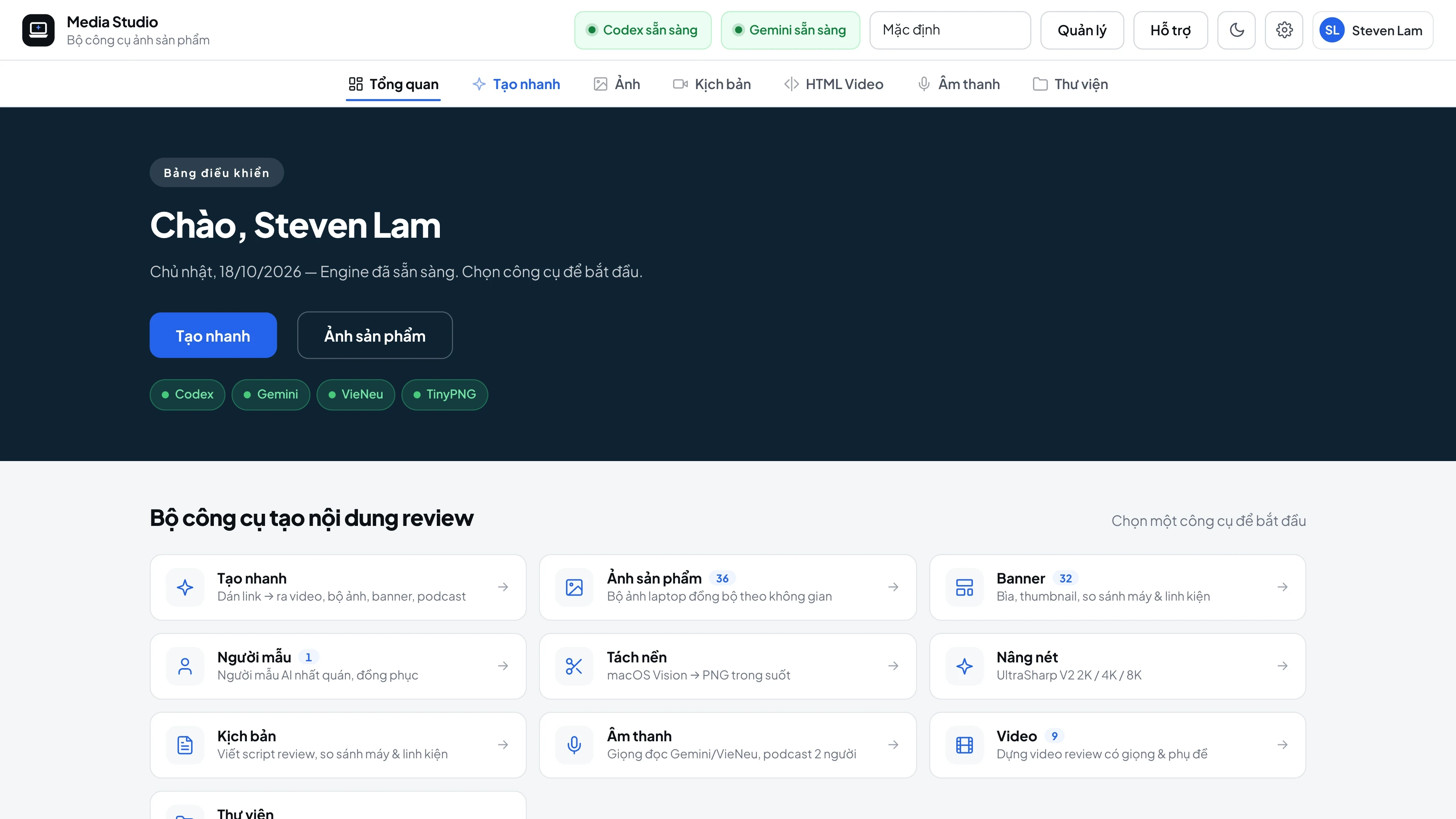
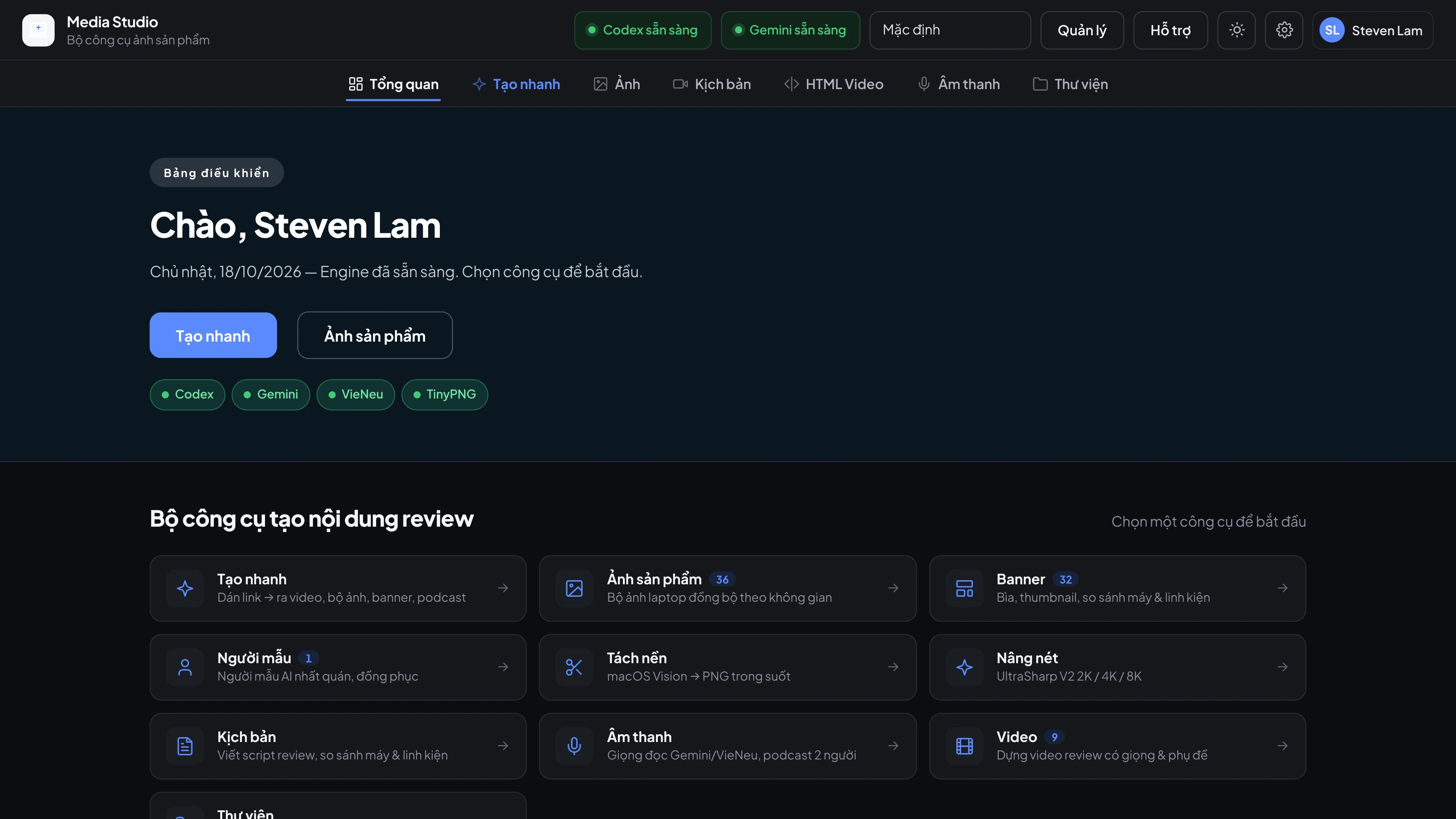
Dashboard: code review and Gemini status, shortcuts to every tool
## Key points
- **The real laptop stays untouched.** Product photos keep the exact body, keyboard and ports - the AI only changes the setting, lighting and camera angle. Every image is **automatically scored against the original photo** and regenerated until it passes.
- **From link to video.** Paste a product link and the app reads the specs, looks up real benchmarks, writes the script, records the voice-over and renders a 1080p Remotion video with 3D motion.
- **Free to run.** Images are generated with **GPT Image 2** (no separate API key needed); when the usage limit runs out it **switches automatically to Nano Banana (Gemini)**. Upscaling, background removal and speech recognition all run locally.
- **Ready for automation.** The API uses key authentication, background jobs (`async`), duplicate-generation protection on retries, and reports which engine produced each image.
## What's new (Aug to Oct 2026)
| Area | Major changes |
|---|---|
| **Video** | Built with **Remotion** (11 React templates) instead of HyperFrames · the **"pro"** motion set (3D camera, flipping text) · text and cards **appear exactly when the voice mentions them** · CPU/GPU/Blender/game/office benchmark scenes with a plain-language "What this means" line · **hook-style** opening lines |
| **Banner** | Fully rebuilt as **separate layers**: AI background + original laptop + text · AI-drawn Featured images including the text, with an **OCR spelling check** before acceptance |
| **AI engines** | Images by **GPT Image 2** · automatic fallback to **Nano Banana** when the usage limit runs out · text and image-reading tasks moved to **Gemini** · **Grok removed** |
| **Image processing** | Default upscaler **UltraSharpV2** (beat Real-ESRGAN on 10 of 10 images) · video background removal now has a **quality check** and 3 fallback engines |
| **Operations** | **30-day storage** (old files move to private storage and are pulled back when reopened) · fail-closed API with duplicate-generation protection · detailed API error logs · banner rendering no longer hangs |
## Documentation index
**Getting started**
- [Architecture and AI engines](https://phatdev.net/en/docs/media-studio/kien-truc) - the engines and how they back each other up.
**Features**
- [Product photos](https://phatdev.net/en/docs/media-studio/anh-san-pham) - reshoot, background swap, automatic scoring, models, Brand Kit.
- [Banners, thumbnails and charts](https://phatdev.net/en/docs/media-studio/banner-thumbnail) - layered rendering, Featured images, benchmark charts.
- [Automatic review videos](https://phatdev.net/en/docs/media-studio/video-review) - Remotion, benchmark scenes, voice sync.
- [Voice-over and podcasts](https://phatdev.net/en/docs/media-studio/giong-doc-podcast) - Gemini TTS, VieNeu, transcription.
- [Background removal and upscaling](https://phatdev.net/en/docs/media-studio/tach-nen-nang-net) - rembg / macOS Vision / Photoshop, UltraSharpV2.
**Integration**
- [The /api/v1 API for pipelines](https://phatdev.net/en/docs/media-studio/api-v1) - authentication, background jobs, main endpoints.
- [Operations and security](https://phatdev.net/en/docs/media-studio/van-hanh) - background running, remote access, self-cleaning storage, testing.
**Reference**
- [Changelog](https://phatdev.net/en/docs/media-studio/changelog)
## Screenshots
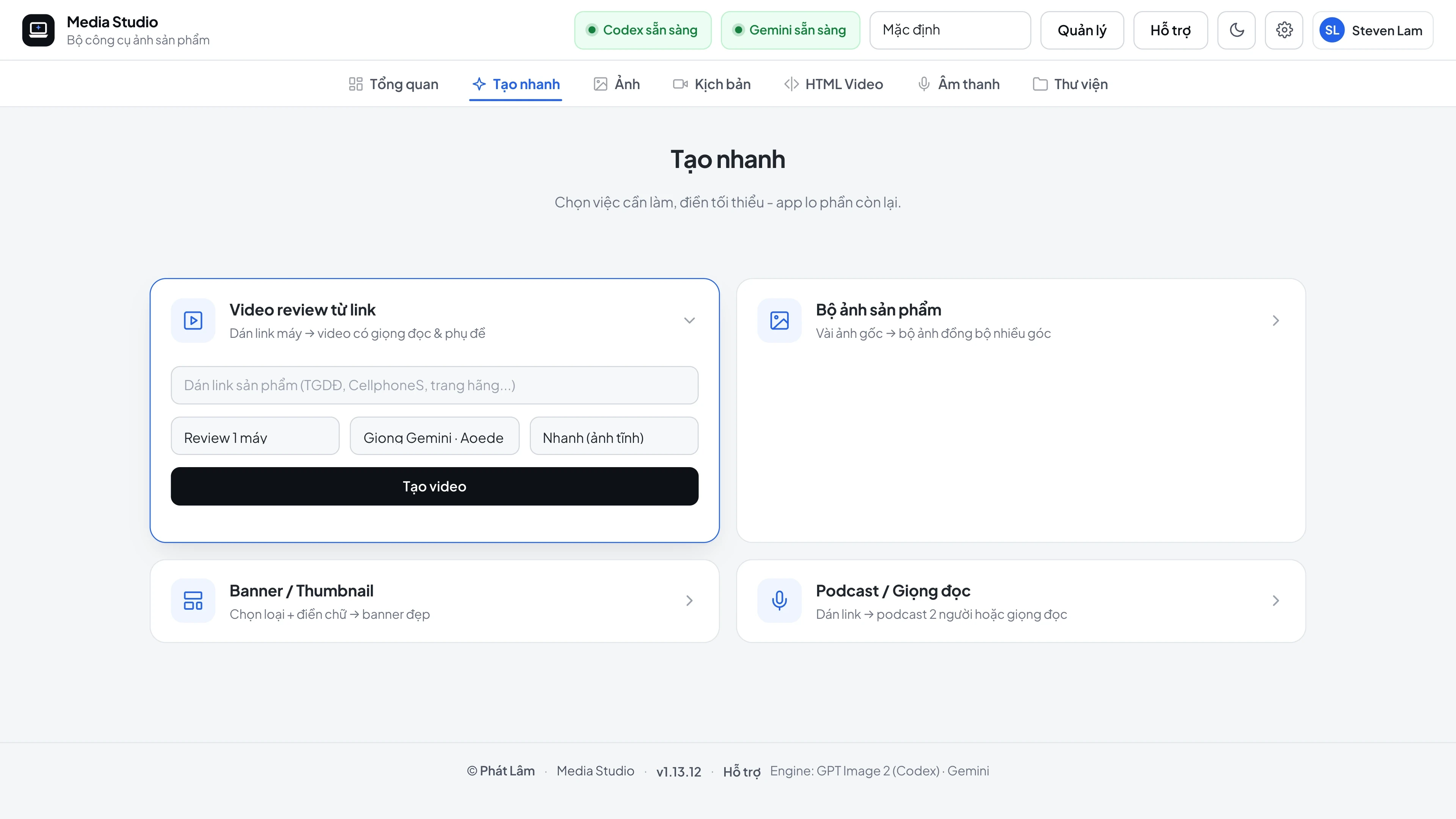
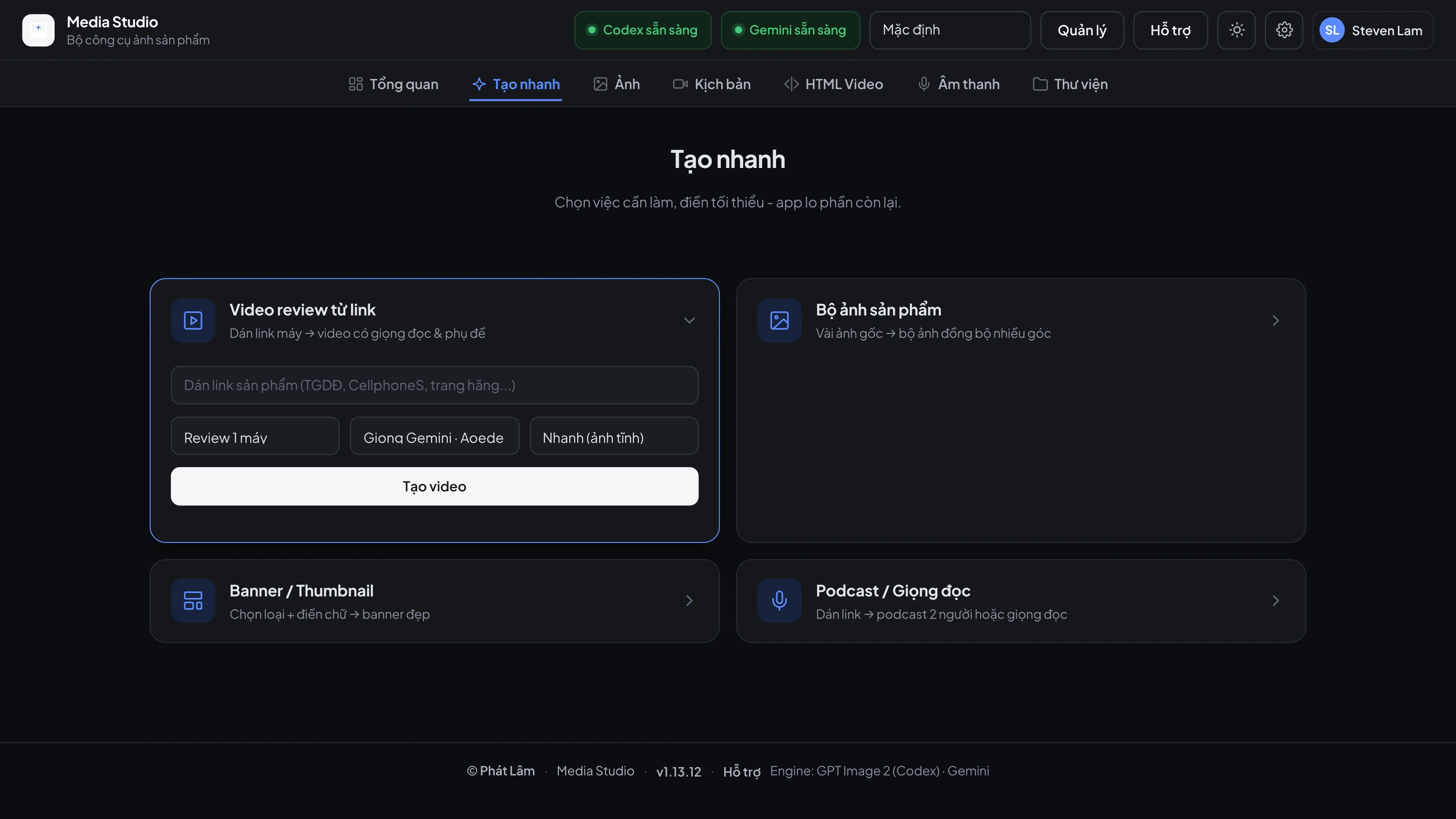
Quick create: 4 wizards - video from a link, photo set, banner, podcast