---
title: "Product photos"
url: https://phatdev.net/en/docs/media-studio/anh-san-pham
lang: en
updated: 2026-10-20
alternate:
  vi: https://phatdev.net/docs/media-studio/anh-san-pham
markdown: https://phatdev.net/en/docs/media-studio/anh-san-pham.md
---

# Product photos

Part of the doc set: [Media Studio](https://phatdev.net/en/docs/media-studio.md)

> A photo set consistent in one setting: reshoot, background swap, automatic compare-ref scoring, AI models, Brand Kit.

Create a laptop photo set that **shares one setting** from a few original manufacturer photos, keeping 100% of the laptop's details intact.


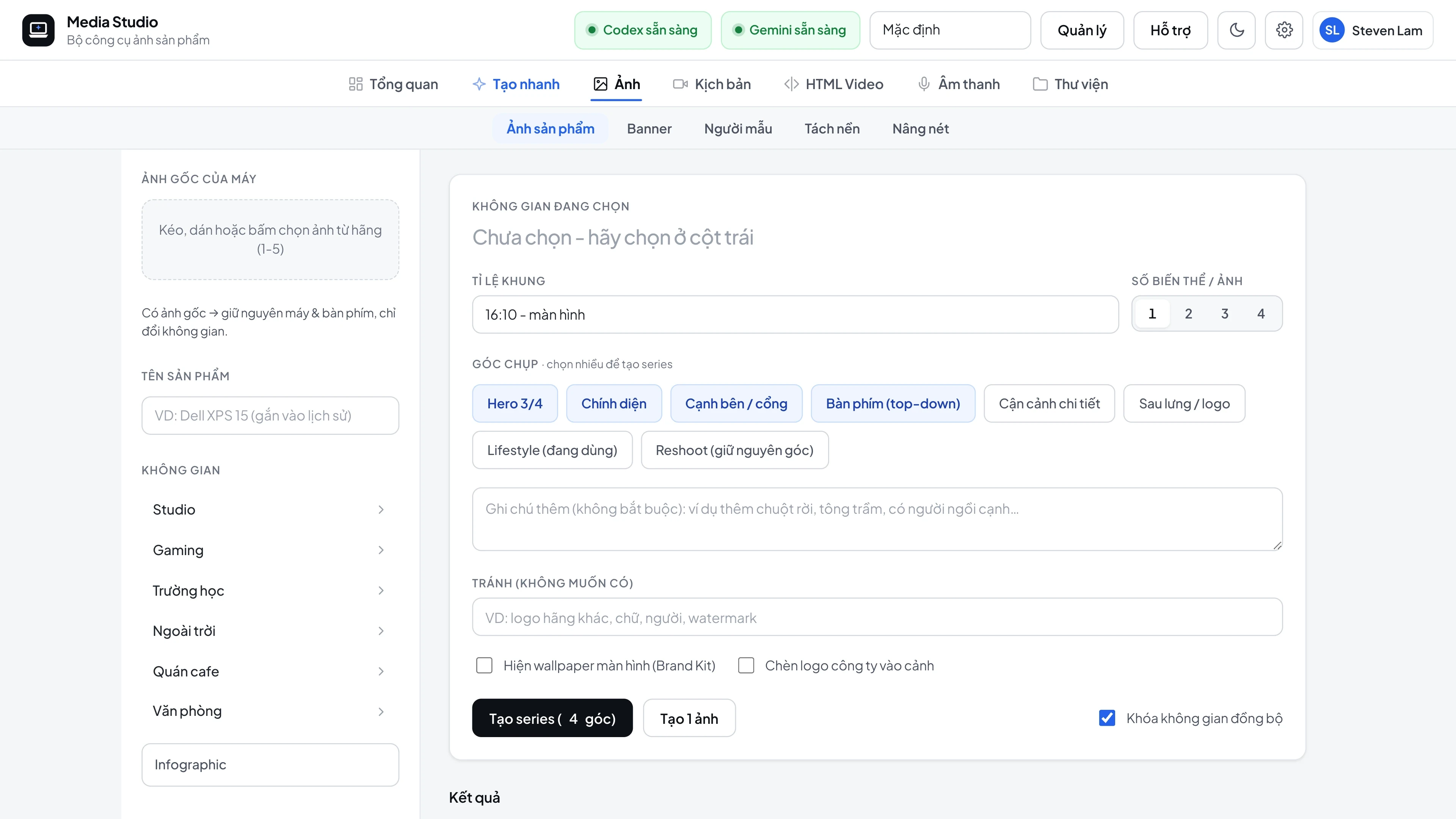
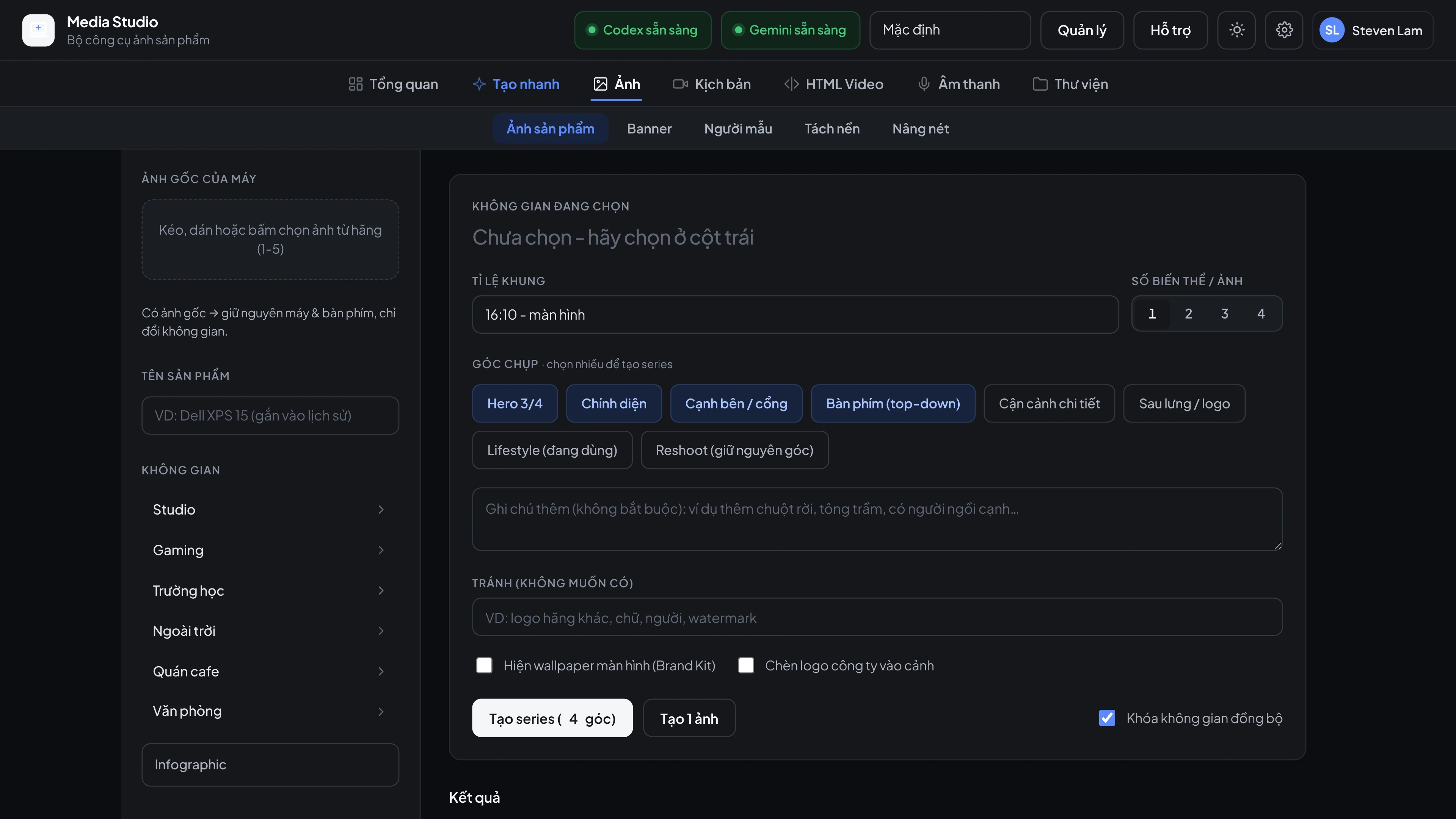
<div style="margin:1.6em 0"><figure style="margin:0"><a href="https://phatdev.net/uploads/p/media-studio/ui-product-photos-vi-light-3840.webp" target="_blank" rel="noopener" class="pd-th-light" style="display:block;border:0" aria-label="Product photos: choose a setting and camera angles, then generate a consistent series (4K)"><img src="https://phatdev.net/uploads/p/media-studio/ui-product-photos-vi-light-1920.webp" srcset="/uploads/p/media-studio/ui-product-photos-vi-light-960.webp 960w, /uploads/p/media-studio/ui-product-photos-vi-light-1920.webp 1920w, /uploads/p/media-studio/ui-product-photos-vi-light-3840.webp 3840w" sizes="(max-width: 900px) 100vw, 760px" width="3840" height="2160" alt="Product photos: choose a setting and camera angles, then generate a consistent series" loading="lazy" decoding="async" style="width:100%;height:auto;display:block;border:1px solid var(--line);border-radius:12px"></a><a href="https://phatdev.net/uploads/p/media-studio/ui-product-photos-vi-dark-3840.webp" target="_blank" rel="noopener" class="pd-th-dark" style="display:block;border:0" aria-label="Product photos: choose a setting and camera angles, then generate a consistent series (4K)"><img src="https://phatdev.net/uploads/p/media-studio/ui-product-photos-vi-dark-1920.webp" srcset="/uploads/p/media-studio/ui-product-photos-vi-dark-960.webp 960w, /uploads/p/media-studio/ui-product-photos-vi-dark-1920.webp 1920w, /uploads/p/media-studio/ui-product-photos-vi-dark-3840.webp 3840w" sizes="(max-width: 900px) 100vw, 760px" width="3840" height="2160" alt="Product photos: choose a setting and camera angles, then generate a consistent series" loading="lazy" decoding="async" style="width:100%;height:auto;display:block;border:1px solid var(--line);border-radius:12px"></a><figcaption style="margin-top:8px;font-size:13px;line-height:1.5;color:var(--muted);text-align:center">Product photos: choose a setting and camera angles, then generate a consistent series</figcaption></figure></div>

## Basic workflow

1. Drag 1-5 **original photos of the laptop** into the left column (or send `refUrls` through the API).
2. Choose a **setting**: Studio, Gaming, School, Outdoor, Cafe, Office - each setting has 4 variants.
3. Choose the **camera angles** (Hero, Front, Side/ports, Keyboard, Close-up, Back, Lifestyle), then click **Generate series**.
4. The first image becomes the **setting reference** for the whole set, so background, lighting and color tone match.
5. Download each image in **2K / 4K**, or the whole set as a `.zip`, automatically compressed with TinyPNG.

## Three rendering modes

| Mode | When to use | How it works |
|---|---|---|
| **Reshoot** *(default)* | Studio photos that need real-world physics | The AI "re-photographs" the whole scene while **keeping the original camera angle**; it first describes the source angle in words so it never rotates the wrong side of the laptop |
| **BG-swap** | You need the laptop's pixels kept exactly | Cuts out the original laptop, the AI analyzes the lighting and camera angle, then paints a matching background and adds a two-layer shadow that follows the laptop's shape |
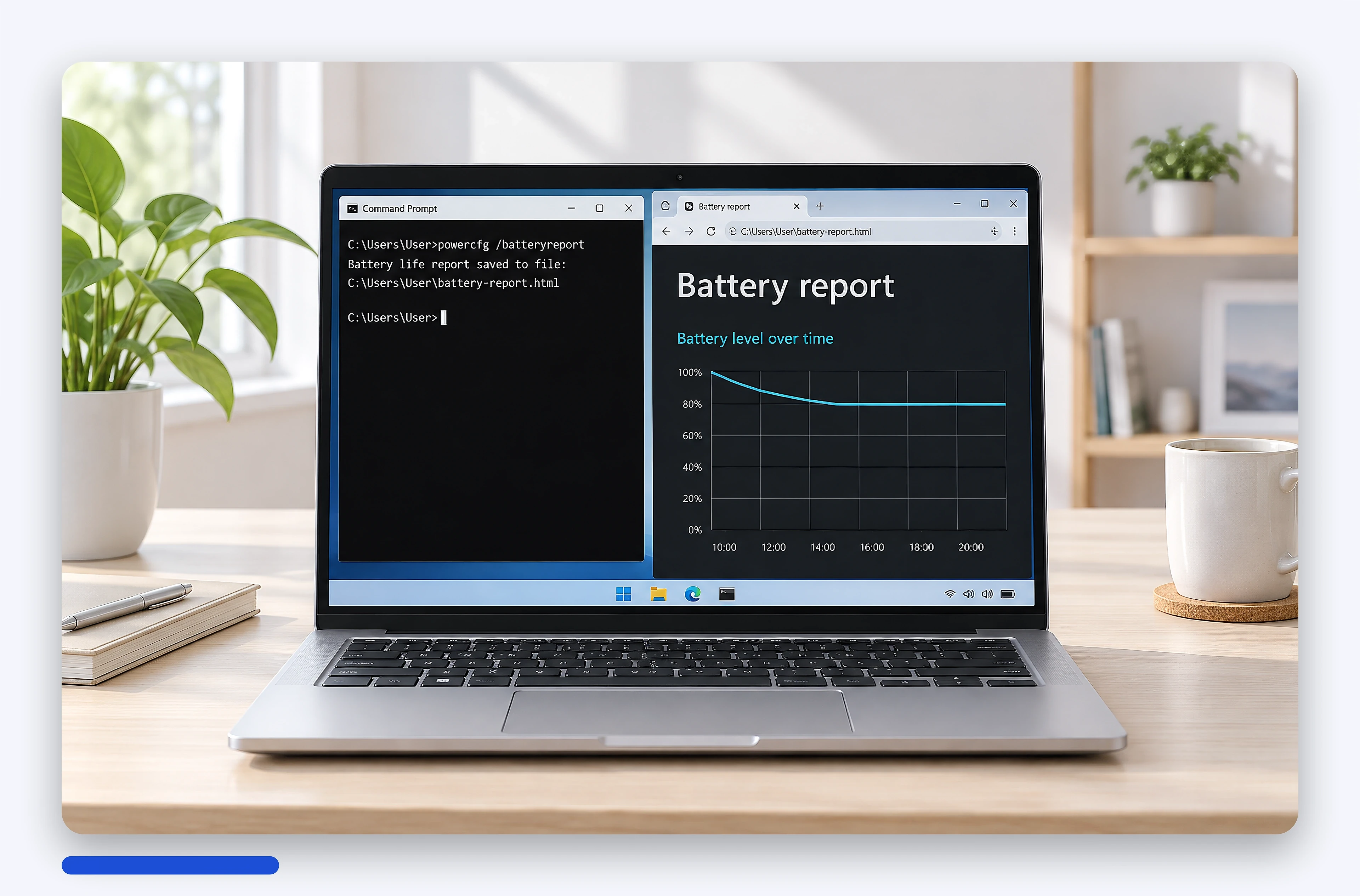
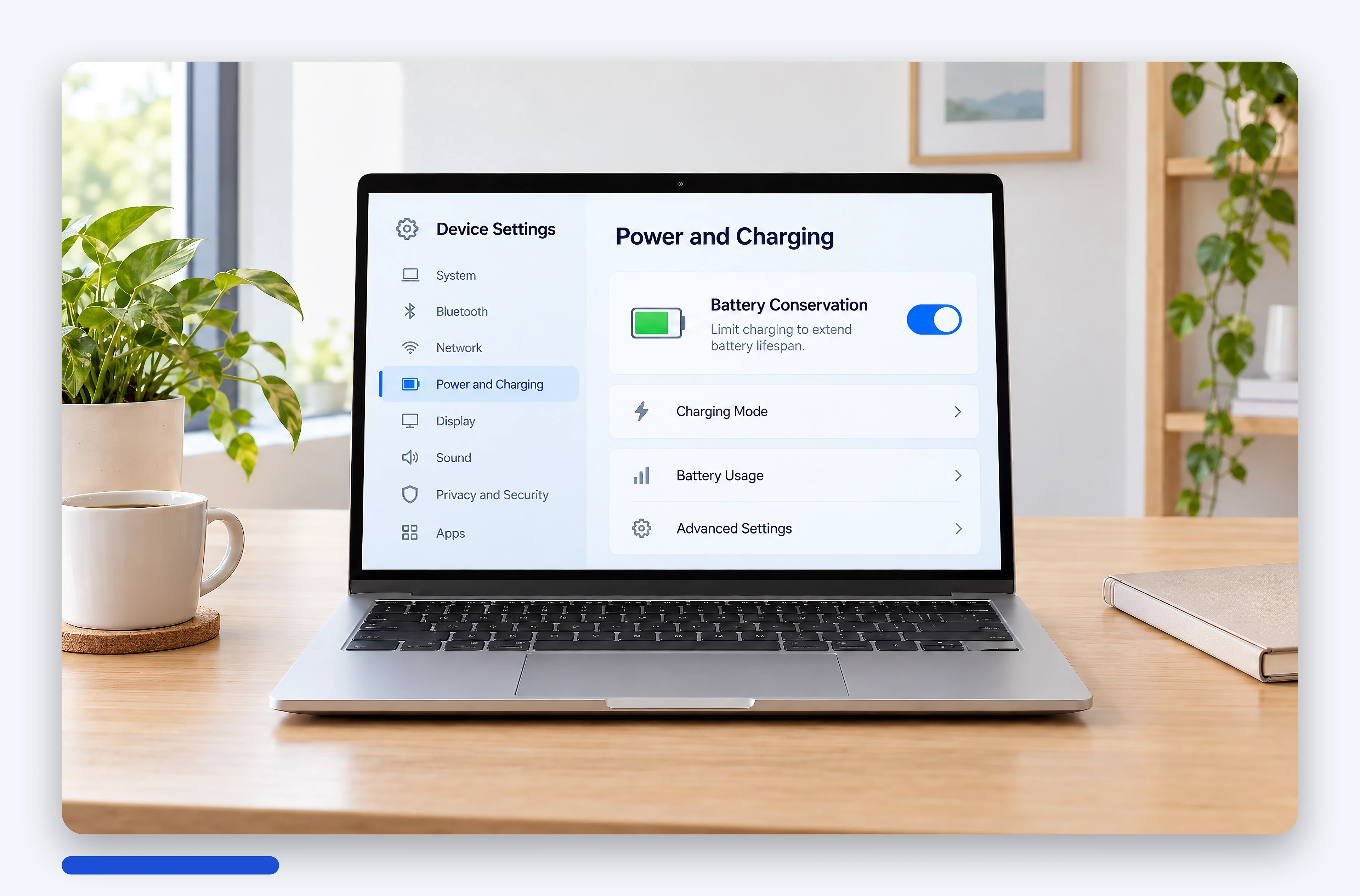
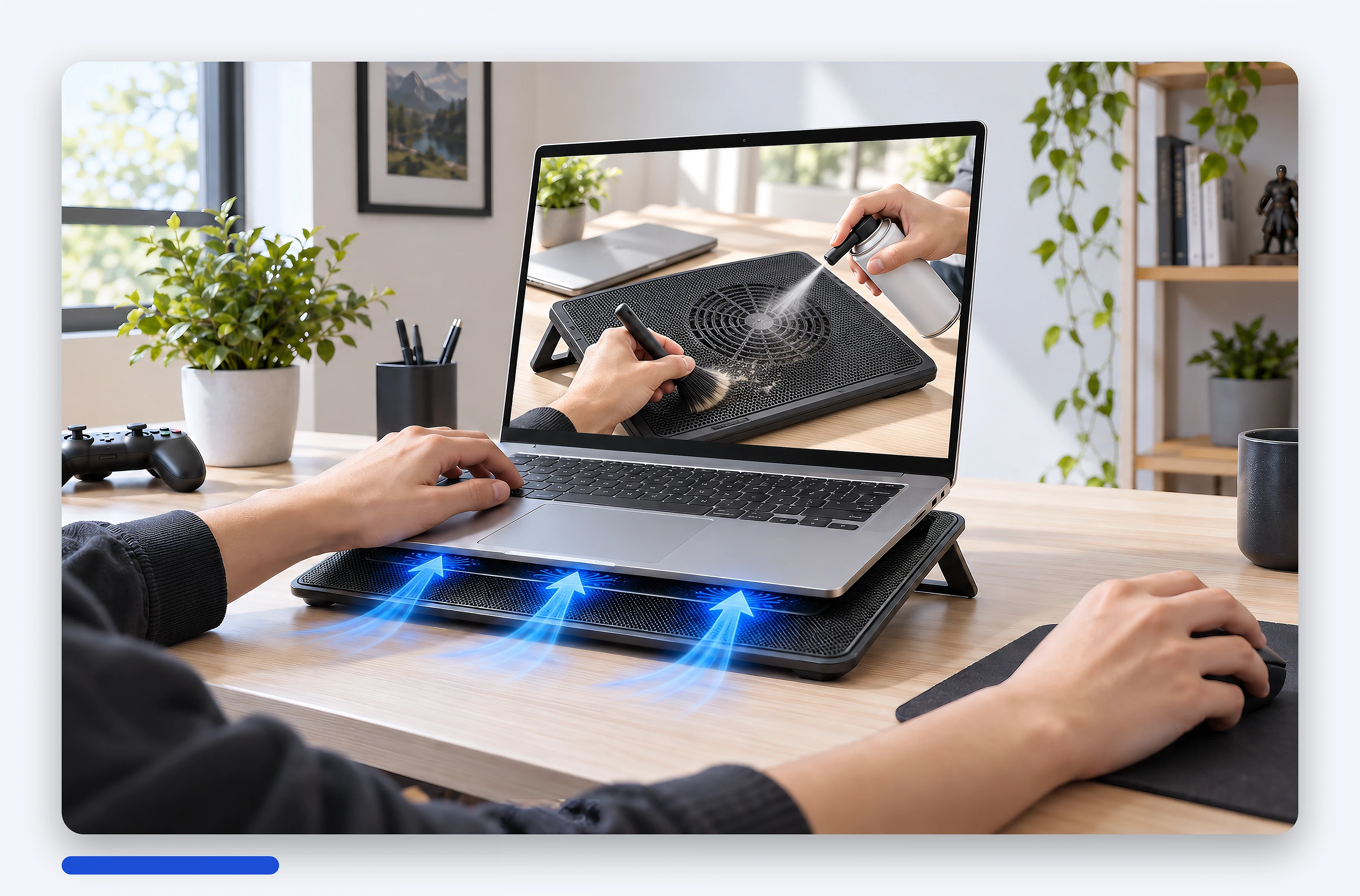
| **Knowledge-pack** | Illustrations for knowledge articles | A set of illustrations with a consistent style and a finishing step (finisher) |

## Automatic scoring and fixing (compare-ref)

- Each image is compared with the original: body, display, **keycap legends**, ports and logo, producing a **match score from 0 to 100**.
- `autoFix` loops **2-4 rounds** until `minMatch` is reached (default 85) and keeps the highest-scoring version. In practice, studio images go **from a match of 72 up to 89-92**.
- Built-in **physics and lighting** rules (hinge aligned with the body, base sitting flat, a single shadow direction, the laptop never "teetering on the table edge"), a clean display, and **the correct hardware screen ratio** whether the frame is 16:9 or 9:16.

## Exact aspect ratios

Images come out in exactly the requested frame (16:10, 16:9, 9:16, 4:5 and so on; any `width:height` from 0.2 to 5 is accepted) using a **real crop** around the subject - no more blurred bands on the sides. Dimensions are rounded to whole multiples of the ratio, so 16:10 comes out as exactly 1.6000.

## AI models and Brand Kit

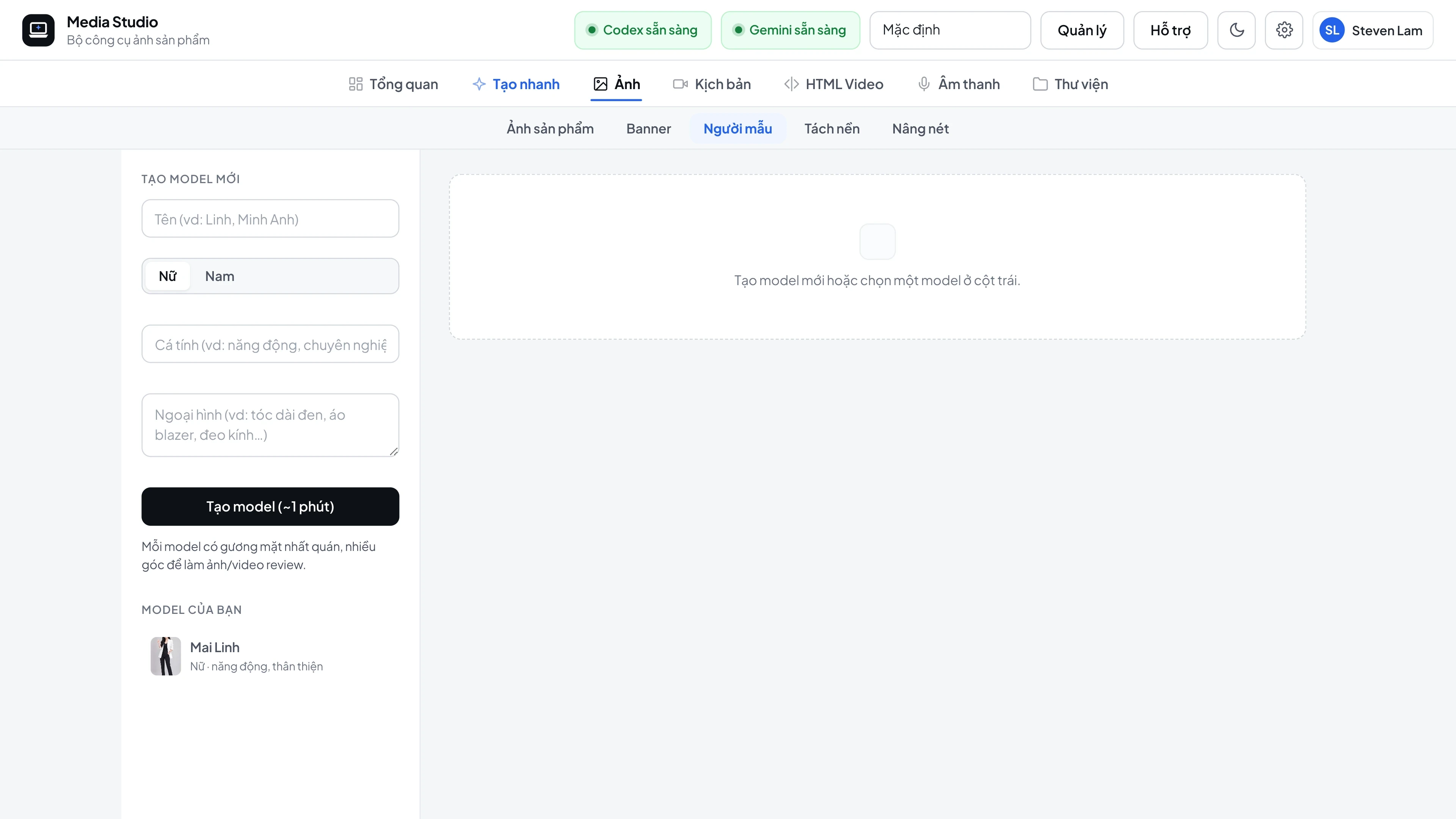
- **Models** stay consistent by name, gender and appearance, with multiple poses and **company uniforms that carry the logo**.
- **Brand Kit**: multiple brands, each with its own logo, screen wallpaper and watermark. The brand logo is also used in videos.

## Freeform images and banners (create)

`POST /api/v1/create` generates an image from a free-form description with **11 built-in frames** and multiple reference images - use it for illustrations that don't fit any template.

## Screenshots

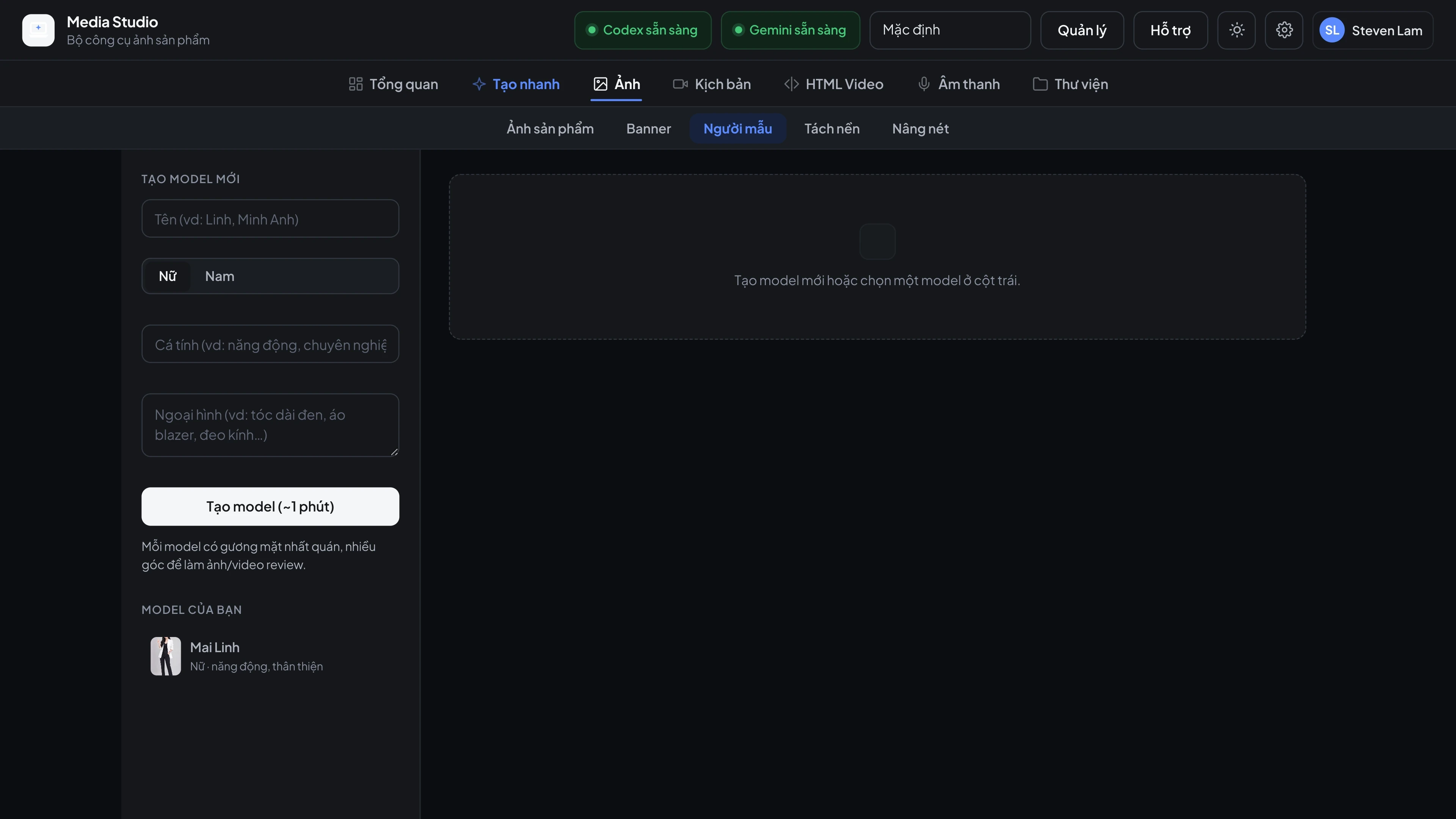
<div style="display:grid;grid-template-columns:repeat(auto-fill,minmax(280px,1fr));gap:20px 16px;margin-top:1em"><figure style="margin:0"><a href="https://phatdev.net/uploads/p/media-studio/ui-model-vi-light-3840.webp" target="_blank" rel="noopener" class="pd-th-light" style="display:block;border:0" aria-label="Consistent AI model, multiple poses, uniform with logo (4K)"><img src="https://phatdev.net/uploads/p/media-studio/ui-model-vi-light-1920.webp" srcset="/uploads/p/media-studio/ui-model-vi-light-960.webp 960w, /uploads/p/media-studio/ui-model-vi-light-1920.webp 1920w, /uploads/p/media-studio/ui-model-vi-light-3840.webp 3840w" sizes="(max-width: 900px) 100vw, 380px" width="3840" height="2160" alt="Consistent AI model, multiple poses, uniform with logo" loading="lazy" decoding="async" style="width:100%;height:auto;display:block;border:1px solid var(--line);border-radius:12px"></a><a href="https://phatdev.net/uploads/p/media-studio/ui-model-vi-dark-3840.webp" target="_blank" rel="noopener" class="pd-th-dark" style="display:block;border:0" aria-label="Consistent AI model, multiple poses, uniform with logo (4K)"><img src="https://phatdev.net/uploads/p/media-studio/ui-model-vi-dark-1920.webp" srcset="/uploads/p/media-studio/ui-model-vi-dark-960.webp 960w, /uploads/p/media-studio/ui-model-vi-dark-1920.webp 1920w, /uploads/p/media-studio/ui-model-vi-dark-3840.webp 3840w" sizes="(max-width: 900px) 100vw, 380px" width="3840" height="2160" alt="Consistent AI model, multiple poses, uniform with logo" loading="lazy" decoding="async" style="width:100%;height:auto;display:block;border:1px solid var(--line);border-radius:12px"></a><figcaption style="margin-top:8px;font-size:13px;line-height:1.5;color:var(--muted);text-align:center">Consistent AI model, multiple poses, uniform with logo</figcaption></figure><figure style="margin:0"><a href="https://phatdev.net/uploads/p/media-studio/kp-battery-report-vi-light-3840.webp" target="_blank" rel="noopener" class="" style="display:block;border:0" aria-label="Illustration: "Check battery health with CMD" (4K)"><img src="https://phatdev.net/uploads/p/media-studio/kp-battery-report-vi-light-1920.webp" srcset="/uploads/p/media-studio/kp-battery-report-vi-light-960.webp 960w, /uploads/p/media-studio/kp-battery-report-vi-light-1920.webp 1920w, /uploads/p/media-studio/kp-battery-report-vi-light-3840.webp 3840w" sizes="(max-width: 900px) 100vw, 380px" width="3840" height="2531" alt="Illustration: "Check battery health with CMD"" loading="lazy" decoding="async" style="width:100%;height:auto;display:block;border:1px solid var(--line);border-radius:12px"></a><figcaption style="margin-top:8px;font-size:13px;line-height:1.5;color:var(--muted);text-align:center">Illustration: "Check battery health with CMD"</figcaption></figure><figure style="margin:0"><a href="https://phatdev.net/uploads/p/media-studio/kp-battery-mode-vi-light-3840.webp" target="_blank" rel="noopener" class="" style="display:block;border:0" aria-label="Illustration: battery-saving charge mode (4K)"><img src="https://phatdev.net/uploads/p/media-studio/kp-battery-mode-vi-light-1920.webp" srcset="/uploads/p/media-studio/kp-battery-mode-vi-light-960.webp 960w, /uploads/p/media-studio/kp-battery-mode-vi-light-1920.webp 1920w, /uploads/p/media-studio/kp-battery-mode-vi-light-3840.webp 3840w" sizes="(max-width: 900px) 100vw, 380px" width="3840" height="2531" alt="Illustration: battery-saving charge mode" loading="lazy" decoding="async" style="width:100%;height:auto;display:block;border:1px solid var(--line);border-radius:12px"></a><figcaption style="margin-top:8px;font-size:13px;line-height:1.5;color:var(--muted);text-align:center">Illustration: battery-saving charge mode</figcaption></figure><figure style="margin:0"><a href="https://phatdev.net/uploads/p/media-studio/kp-cooling-pad-vi-light-3840.webp" target="_blank" rel="noopener" class="" style="display:block;border:0" aria-label="Illustration: laptop cooling pad (4K)"><img src="https://phatdev.net/uploads/p/media-studio/kp-cooling-pad-vi-light-1920.webp" srcset="/uploads/p/media-studio/kp-cooling-pad-vi-light-960.webp 960w, /uploads/p/media-studio/kp-cooling-pad-vi-light-1920.webp 1920w, /uploads/p/media-studio/kp-cooling-pad-vi-light-3840.webp 3840w" sizes="(max-width: 900px) 100vw, 380px" width="3840" height="2531" alt="Illustration: laptop cooling pad" loading="lazy" decoding="async" style="width:100%;height:auto;display:block;border:1px solid var(--line);border-radius:12px"></a><figcaption style="margin-top:8px;font-size:13px;line-height:1.5;color:var(--muted);text-align:center">Illustration: laptop cooling pad</figcaption></figure></div>