I was editing a site with next dev, which reloads the page every time you save a file. After a few dozen saves, MySQL started answering Too many connections and the whole site froze. Nothing in my code was wrong. Each save simply opened a fresh set of database connections and never closed the old set.
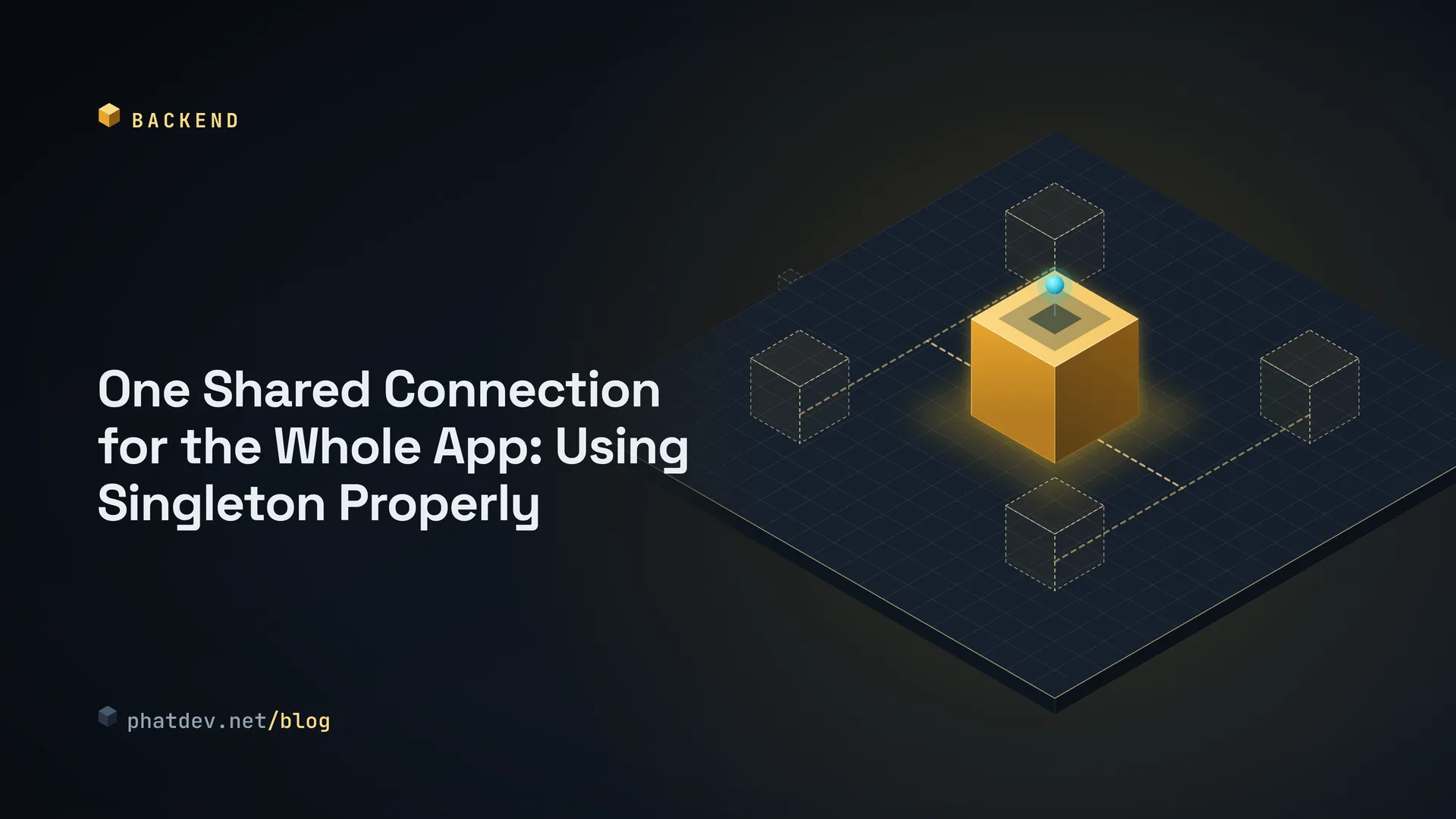
The missing idea has a name: Singleton. It means one thing that the whole app shares, instead of many copies that each do their own thing.

What a Singleton is, in plain words
Picture the front desk of an office building. The whole building uses one desk. If every room built its own, you would pay thirty receptionists, and each would know only part of what is going on.
Code works the same way. Some things are expensive to create, or should exist only once: the group of connections to your database (a connection pool), a config reader, a logger. A Singleton means you build exactly one and every part of the code gets that same one back.
Without it you get two kinds of trouble. The first is waste: each pool opens 10 connections, 30 files each make their own pool, and the database refuses at 300. The second is split knowledge: two loggers keep two different notebooks, and two caches never see each other's data.
When to use it and when not to
A Singleton fits infrastructure, the things with no business rules in them: a database connection, a logger, a client for an outside API.
It does not fit anything that changes per person or per visit, such as "the signed-in user" or "the shopping cart". Imagine that front desk holding every visitor's cart: one person sees another person's items. On a long-running server like Node.js this is both a design bug and a security bug.
The other weakness is that anyone can reach in and grab it. If placeOrder() calls Settings::get() inside, you cannot tell from the function's name that it needs settings. In tests, a shared Singleton remembers what the previous test left behind, so tests pass or fail depending on the order they run in. The fix is still to share one copy, but to hand it to the function as an argument rather than letting the function fetch it. The code section below shows how.
How to do it
For a Next.js or Node.js project, this is my routine:
- Find the thing that is expensive or must be unique. Usually that is the database pool, the Redis client, or the logger.
- Create it at the top level of a file (a module). Node.js remembers the result of each file it loads, so every later
importreceives the same object. No fancy class needed. - If you run
next dev, also store it onglobalThis, a global shelf that survives when the file is reloaded. This step fixes the story at the top. - In business functions, pass the logger or connection in as an argument.
- Do the arithmetic: connections per pool times the number of running processes, compared with the database limit.
Step 5 is the one people forget. A Singleton is one copy per process. Run PM2 with 4 processes and you have 4 pools. PHP is different again: every request starts with empty memory, so a PHP Singleton lives for exactly one request. It saves you from rebuilding an object many times within that request, but it keeps nothing between two requests. For that you need Redis or APCu.

For readers who write code
I reran everything below on Node 20 (through tsx) and PHP 8.2.
The shortest TypeScript version exports the finished object, not the class:
// logger.ts
export interface Logger { log(msg: string): void; count(): number }

class MemoryLogger implements Logger {
  private lines: string[] = [];
  log(msg: string) { this.lines.push(msg); }
  count() { return this.lines.length; }
}

// Export the instance only, not the class: nobody can make a second one
export const logger: Logger = new MemoryLogger();
Importing logger from two different files and comparing with === gives true.
Here is the database pool that survives next dev reloading the file:
// lib/db.ts
import mysql, { type Pool } from "mysql2/promise";

const globalForDb = globalThis as unknown as { __appPool?: Pool };

function createPool(): Pool {
  return mysql.createPool({
    host: process.env.DB_HOST ?? "127.0.0.1",
    user: process.env.DB_USER ?? "app",
    password: process.env.DB_PASSWORD ?? "",
    database: process.env.DB_NAME ?? "app",
    connectionLimit: 10,
  });
}

export const pool: Pool = globalForDb.__appPool ?? createPool();
if (process.env.NODE_ENV !== "production") globalForDb.__appPool = pool;
I simulated the reload by clearing the file from Node's memory and loading it three times. The version without globalThis ended with 3 pools, the one above with exactly 1. The final if is deliberate: in production the file loads once, so there is no need to leave it on the global shelf.
In production code, anything that logs receives logger as an argument, so a test can hand in a fake:
export class OrderService {
  constructor(private readonly logger: Logger) {}
  place(id: number): void { this.logger.log(`order ${id} placed`); }
}
My tests (run with node:test) pass: two places receive the same instance, and OrderService runs with a fake logger without touching the real one.
The PHP version, with all three guards:
final class Settings
{
    private static ?Settings $instance = null;
    private array $values;

    private function __construct()
    {
        $this->values = ['env' => getenv('APP_ENV') ?: 'dev'];
    }

    public static function get(): self
    {
        return self::$instance ??= new self();
    }

    public function read(string $key): ?string
    {
        return $this->values[$key] ?? null;
    }

    private function __clone() {}

    public function __wakeup(): void
    {
        throw new LogicException('Không được unserialize singleton');
    }
}
The private constructor blocks new, the private __clone blocks clone, and __wakeup throws so unserialize cannot produce a second copy. On PHP 8.2, Settings::get() === Settings::get() is true, and both new and clone are rejected with a clear error.
Mistakes I keep seeing
The most common one is the story at the top: forgetting globalThis for something expensive under next dev. The sign is that the number of database connections climbs every time you save a file.
The second is reading "one copy" as "one copy for the whole system". Two processes means two copies. If you need something to run in exactly one place, such as a scheduled job, you need a shared lock like one in Redis, not a Singleton.
A quieter one: creating the object with an asynchronous step inside the getter. Two calls at the same moment can both see "nothing yet" and both create one. Store the Promise of the first attempt instead of its result.
And do not export both the class and the finished object. Someone will call new in a corner of the code, and you will lose an afternoon finding it.
What to do next
Open the file that creates your database connection and check two things. Does it sit on globalThis under next dev? And does connections-per-pool times number-of-processes fit under the database limit? Both checks take ten minutes and save you a frozen morning.
If your Redis client needs to be shared too, Make Your API Faster With Redis: Save Answers So the Database Gets a Break uses exactly this pattern, and Next.js 14 App Router: Where It Bites in Production (Server Actions, Cache, Deploys) says more about how files live and reload on a Next.js server.