I once handed an AI assistant a whole admin-panel rebuild. It did the first half well. Then it forgot what I'd told it, and reported "all done" with a dozen spots still untouched. People who work too long on one big job do the same thing.
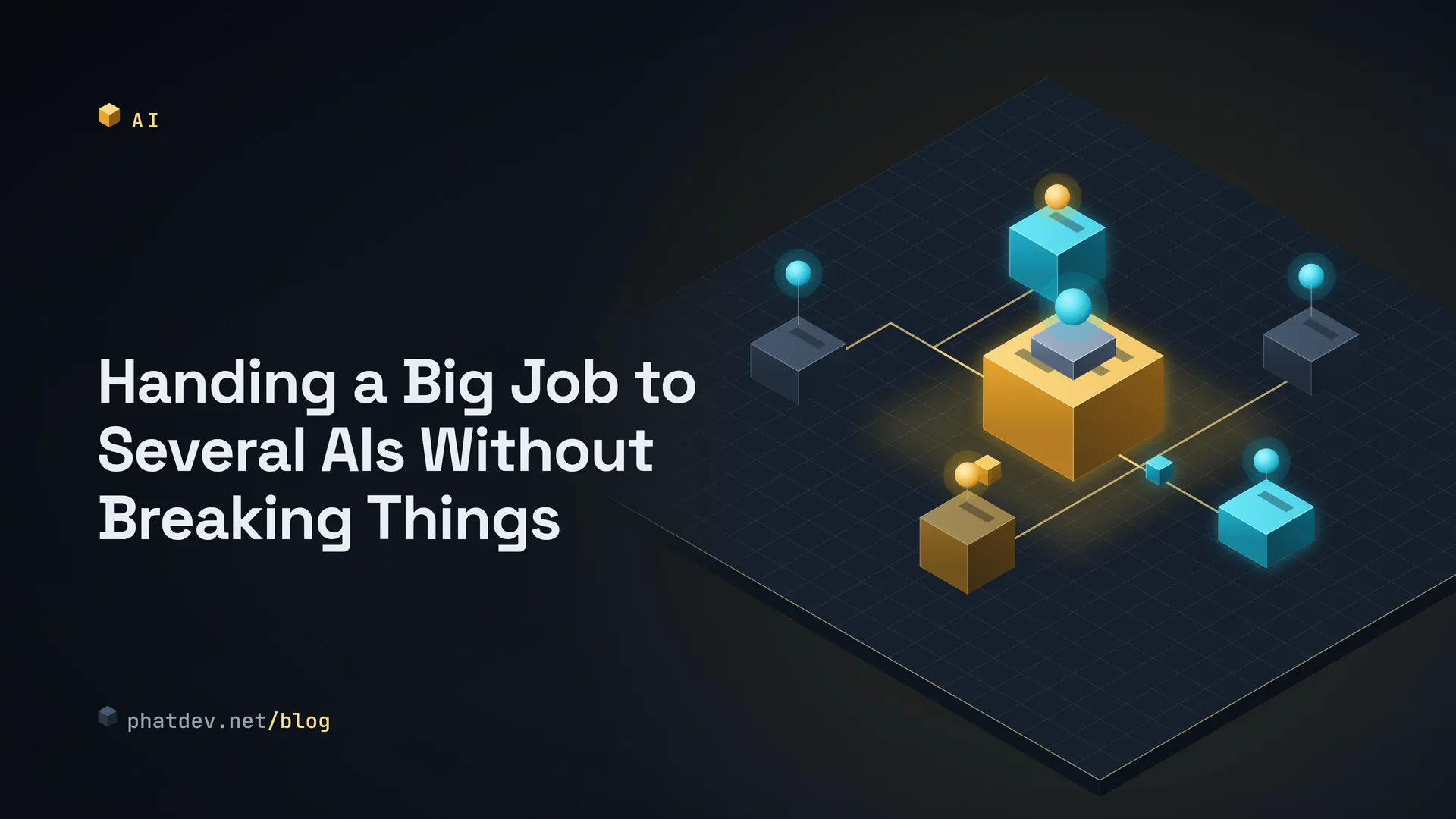
So I stopped asking one AI to do everything. I split the job across several small AIs with one coordinator in the middle. This post shows how I split the work, and what you need so that a mistake can be undone.
Think of a building site
An "agent" is an AI that has been given tools (read files, run commands, open a browser) and works step by step until its task is finished. Picture it as one worker.
Give one worker a whole house and it takes forever and things get missed. On a real site there is a contractor. The contractor doesn't swing the hammer. They split the work, hand pieces to workers, check each piece, and only then allow the next step. In AI circles that person is called an orchestrator, and each worker is a sub-agent.
A worker with a small task can remember everything it was told, so it drifts less.

How to do it
I follow four rules. Each is simple, and skipping any of them will cost you eventually.
Split the work into small batches and say which files each may touch. For the admin rebuild I never said "make it look better". I split it into frame and menu, list pages, forms, then charts. Every batch got a list of files it could edit, a finish condition I could measure (the build passes, the page opens), and a place to go back to. Two batches must not edit the same file at the same time, so the orchestrator sorts them into rounds where no two jobs in a round share a file.
Expensive things go to one user at a time. If four AIs open a browser for screenshots at once, the machine runs out of memory and the measurements get noisy. I treat the browser, the graphics card or the test port like a single key on a hook. Whoever grabs it uses it, and the others wait. On Linux a lock file does this (the flock command).
Don't believe "done", measure it. "Fixed, build passes" is only a statement. I've seen two kinds of false reports: success claimed but the file never changed, and success claimed while another file got broken. So I write a separate check in advance: find the exact line in the file, rebuild, open the page address. A job counts as finished only when the AI says it's fine and my own measurement agrees.

Keep a log and always keep a way back. The log is an append-only file with one event per line: started, done, rolled back. When something goes wrong you can read who did what and when. A way back means a backup before the work starts, and the restore runs automatically instead of relying on "I think I remember how". If you've never tested going back, you don't have a way back.
When you go live
The riskiest moment is putting the new version on the real site (deploying). My approach: build the new version in its own folder, leave the running folder alone, then swap the two folder names. A rename is nearly instant. If the new version misbehaves, renaming back returns you to where you were.
Going live should be done by the orchestrator or by you, not by a sub-agent.
For those who write code
The small orchestrator I used for testing is about 110 lines of Python, standard library only. Here is the core. Each Task declares the files it may touch, the command that does the work, a separate check command, and the resources it needs to hold.
@contextmanager
def exclusive(resource: str):
    """One holder at a time, across threads AND processes."""
    with open(ROOT / f"{resource}.lock", "w") as fh:
        fcntl.flock(fh, fcntl.LOCK_EX)
        try:
            yield
        finally:
            fcntl.flock(fh, fcntl.LOCK_UN)

def execute(task: Task) -> bool:
    dest = backup(task)                              # 1. copy the files first
    log("start", task=task.name, backup=str(dest))
    ctx = [exclusive(r) for r in sorted(task.needs)] # sorted order avoids deadlock
    for c in ctx: c.__enter__()
    try:
        r = subprocess.run(task.run, cwd=ROOT / "site", capture_output=True, text=True, timeout=60)
        v = subprocess.run(task.verify, cwd=ROOT / "site", capture_output=True, text=True, timeout=60)
    finally:
        for c in reversed(ctx): c.__exit__(None, None, None)
    if r.returncode == 0 and v.returncode == 0:      # agent claims AND we measured
        log("done", task=task.name)
        return True
    restore(task, dest)                              # 2. otherwise go back
    log("rolled_back", task=task.name, claimed_ok=r.returncode == 0, verified=v.returncode == 0)
    return False
The round-building part and the folder swap for deploys:
def waves(tasks):
    """Group tasks so no two in the same wave touch the same file."""
    out = []
    for t in tasks:
        for w in out:
            if all(not (t.files & o.files) for o in w):
                w.append(t); break
        else:
            out.append([t])
    return out
mv build "build-old-$STAMP"   # keep the live build: this is the way back
mv build-new build            # near-instant swap
if ! "$@"; then               # health check from the caller
  mv build "build-bad-$STAMP"; mv "build-old-$STAMP" build; exit 1
fi
I re-ran both on 21 Oct 2026 with five simulated jobs: two needing the "browser", one agent that lies (reports success but writes the wrong content), one agent that crashes midway, and one job sharing a file with the first. Result: round one held four jobs and the file-sharing job was pushed to round two. The two browser jobs ran one after the other, with at most one lock holder at any moment. The liar and the crash were both caught and their files returned to the original state. The log showed 5 starts, 3 dones and 2 rollbacks. The folder-swap script was also tried on dummy folders: a good build kept the old one for rollback, a broken build put the old one back by itself. The agents here were fake shell commands, so no real AI was called in this test.
Common mistakes
The most common one is a vague assignment. "Make this page nicer" produces something you have no way to check. Write the finish condition as a command that can run.
The second is adding more AIs when what's missing is a key. If the machine is jammed by browsers or the database, more workers only jam it harder. And the most painful one: letting a sub-agent deploy on its own. If a lying agent slips through unmeasured, you find out when customers see the broken page.
What to do next
Next time you hand a big job to an AI, try three things first: split it into batches with file lists, write the check command for each batch, and take a backup and test restoring it once. None of this is special. It is ordinary software practice, and it decides whether you dare let an AI do big work.
How to write the instructions for each sub-agent is covered in How to Ask an AI So It Gets It Right and Stops Making Things Up. If you want to build the tool-calling loop yourself in code, see Using the Claude API in Your Product: Tool Calls, Live Text and Lower Bills.